Simulation projects rarely fail because of bad engineering — they stall because of process gaps. I’ve spent the last seven years at Hawk Ridge Systems in roles ranging from application engineer to simulation specialist, and today I scope and deliver simulation projects on our services team. In my recent webinar, I shared the framework that separates simulations that drive real design decisions from those that produce results nobody can act on.
Whether your team runs finite element analysis (FEA) and computational fluid dynamics (CFD) in-house, partners with simulation consultants, or is still weighing the options, this playbook applies to you — and you can watch the complete webinar right here.
Why Companies Launch Simulation Projects
Every simulation project starts with a trigger. Here are the ones I see most often:
- Design verification. The most frequent driver — confirming a design performs as expected before committing to production or shipping to a customer.
- Product failure investigation. Something broke in the field or failed a test, and you need the root cause before you can fix it.
- Design optimization. The design works, but you know it can be lighter, stronger, or more thermally efficient.
- Early-stage validation. Catching problems before you spend money on physical prototypes.
- Regulatory compliance. Aerospace, medical, and automotive requirements drive significant simulation work — tailoring designs to MIL standards with random vibration analysis or shock analysis is one of the most common projects I deliver.
- Cost and time reduction. Physical testing is expensive and slow. Simulation lets you run dozens of scenarios in the time it takes to build and test one prototype.
Three Ways to Tackle a Simulation Project
Once you’ve decided to simulate, the next question is how. There are three paths — and I want to be clear that none is inherently better than the others. It depends entirely on where your team is right now.
1. Do It Yourself
Your team owns the process end to end. This works well when you have the software, hands-on experience, and a recurring need.
2. Mentoring and Guided Learning
An expert coaches your team through the project while you drive. You build internal capability and still get expert oversight — the best of both worlds for teams investing in long-term simulation skills.
3. Done-for-You Simulation Services
Hand the project to a provider who handles everything from geometry cleanup to the final report. This is the right call when the project is urgent, outside your team’s current capability, or a one-time need.
A quick self-assessment helps you choose: Do you have a trained team? Is the timeline fixed or urgent? Is this recurring or one-time? Is the goal fast results or building capability? How involved does your team want to be? At Hawk Ridge Systems, we support all three paths.
The Six Most Common Simulation Project Types
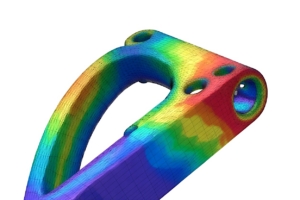
- Static stress analysis. To me, the most common question in FEA: Will this part hold up under load?
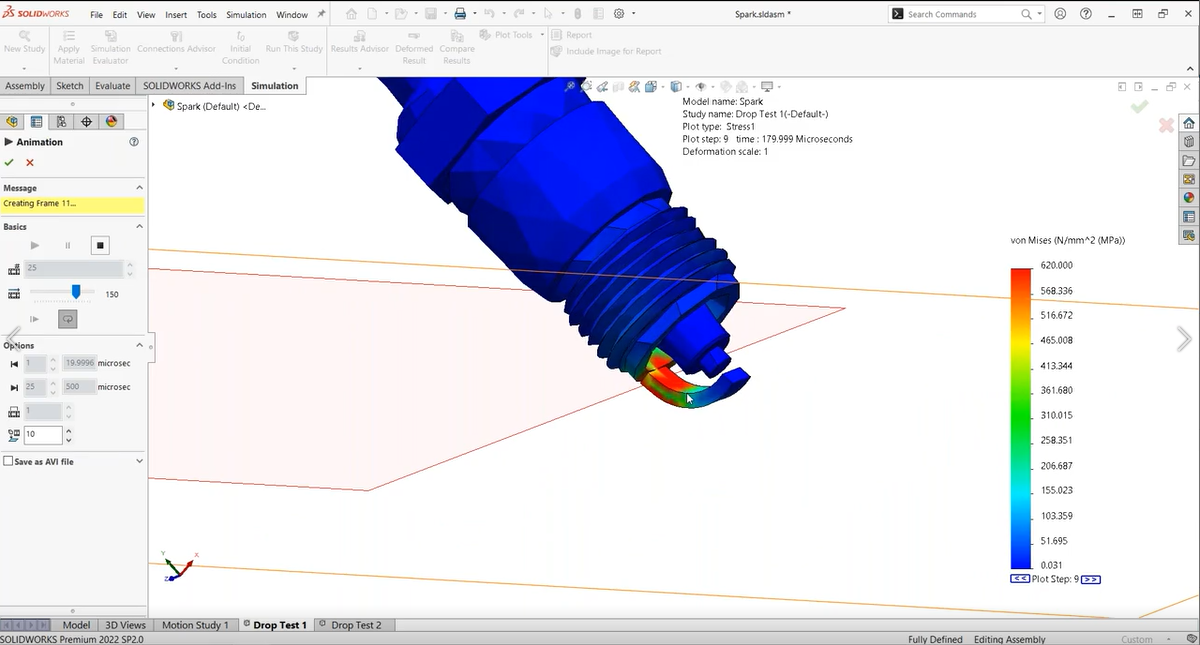
- Dynamics and impact. Drop tests, shock loads, collision events, and random vibration analysis — essential for MIL standard compliance.
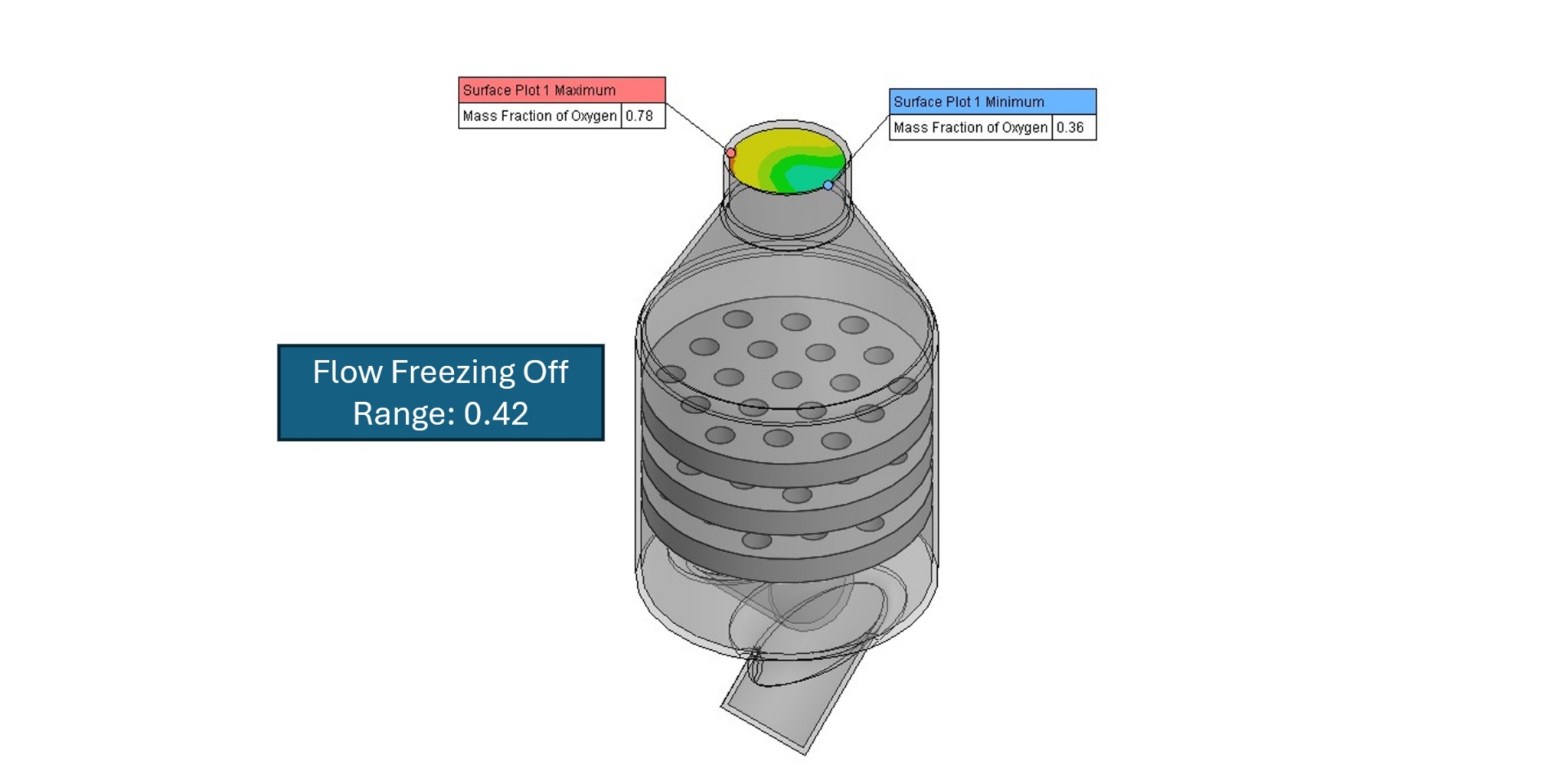
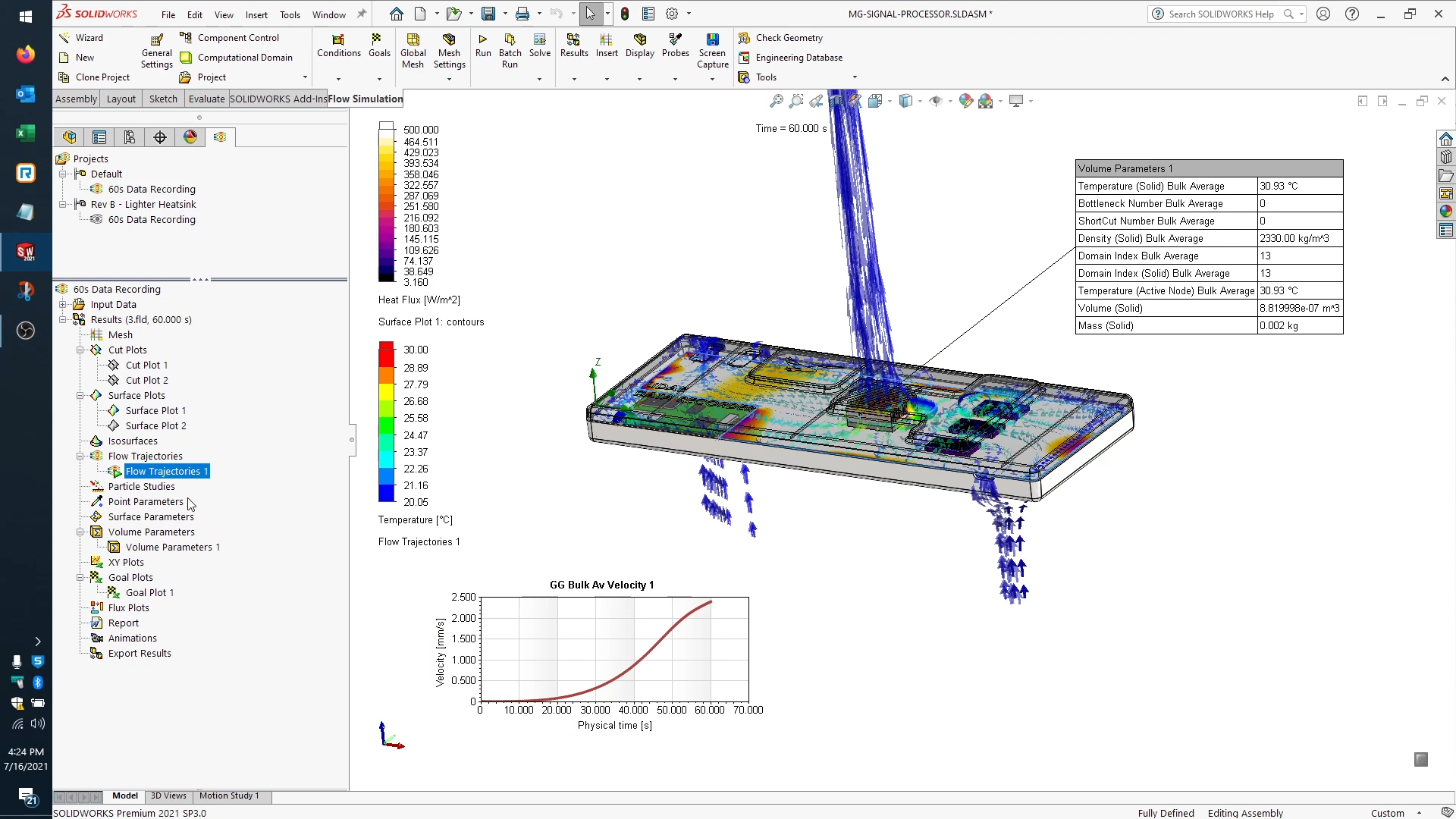
- Thermal and CFD analysis. Are temperatures staying within spec? Is airflow adequate? Think assemblies with multiple PCBs and hundreds of chips approaching maximum temperature.
- Fluid flow and pressure drop. How does fluid behave through a manifold or valve?
- Fatigue analysis. How long will a part last under repeated loading? Notoriously difficult to test physically — and a perfect fit for virtual simulation.
- Assembly and contact studies. How do mating parts behave together under load? A word of caution from experience: CAD mates don’t carry over as simulation contacts, so defining the right component interactions is critical — I see new users get over-ambitious here more than anywhere else.
Six Things to Prepare Before You Start
Regardless of who runs the analysis, have these ready — or at least know their status:
- Clean geometry. Cosmetic features, logos, and small fillets that don’t affect structural behavior make meshing painful. Strip them out first — I’ve seen geometry simplification consume hours of a project when it isn’t done up front.
- Material properties. Yield strength, modulus, thermal conductivity — whatever your analysis needs. If you don’t know them, flag it early so assumptions are documented.
- Objectives. What decision does the simulation support?
- Boundary conditions. Loads, pressures, temperatures, constraints. Even rough estimates beat nothing — document what’s known and what’s assumed.
- Timeline. When do you need results? Design reviews and launch dates drive the schedule.
- Budget. A rough range helps scope the work and prevents misaligned expectations.
The Secret to Actionable Results: Define a Goal You Can Work With
To me, this is the most important lesson in the entire webinar. The number one reason simulation projects produce results nobody can act on is a goal that sounds clear but isn’t. “Run a stress analysis on this part” tells me nothing — what load, what failure mode, what pass/fail criterion? Compare that to “verify the bracket won’t yield under 500 pounds at the mounting point.” That’s a goal I can work with.
A strong simulation goal answers three questions:
- What is the physical scenario being tested?
- What are the pass/fail criteria?
- What decision will the simulation inform?
Don’t open the software until you can answer all three — whether you’re briefing a partner or setting up the analysis yourself. And if you’re engaging a simulation partner, interview them right back: What do you need from me? How will you validate the setup? What will I receive at the end? Clear, confident answers are a signal worth paying attention to.
Common Pitfalls That Stall Simulation Projects
- Dirty geometry. Manufacturing models aren’t simulation-ready. Clean them up before you start.
- Vague goals. If you can’t define success before opening the software, your results won’t help you decide anything.
- Scope creep. It starts with one innocent mid-project ask, and suddenly you’re running three extra load cases. Define scope in writing up front and treat anything outside it as a new conversation.
- Missing data. Material properties or load values nobody confirmed before kickoff.
- Silent assumptions. Assumptions are inevitable in simulation — the problem is when they go undocumented.
- Communication gaps. A quick midpoint check-in catches late-stage surprises before they become expensive. In my experience, waiting days for critical inputs is one of the most common reasons “urgent” projects stall.
What a Smooth Simulation Project Looks Like
When the process is followed, every project moves through six steps:
- Define goals — before anything else.
- Plan and scope — agree on deliverables, assumptions, timelines, and resources; planning your simulation study up front pays for itself. For critical projects, my recommendation is to map two or three alternate paths to mitigate risk.
- Prepare data — geometry, materials, and boundary conditions in order.
- Run the simulation — with a midpoint review for projects longer than a few days.
- Review results — interpret findings against your pass/fail criteria.
- Apply and decide — the step most often skipped. Connect the output back to the decision that started the project in the first place.
How Hawk Ridge Systems Can Help
Everything above is how my team approaches every engagement. If you want to hand off a project entirely, our full simulation services cover everything from geometry prep to final report. If you want to build your team’s capability, our mentoring hours put our engineers alongside yours. Not sure where to start? We’ll help you scope it before any work begins.
And if you need the software itself, we have deep expertise across SOLIDWORKS Simulation for FEA, SOLIDWORKS Flow Simulation for CFD, SOLIDWORKS Plastics for injection molding analysis, plus SIMULIA Abaqus for advanced structural and nonlinear work, SIMULIA CST for electromagnetic simulation, and XFlow for complex fluid problems — available on desktop and the 3DEXPERIENCE platform.
If anything here resonated, I’m happy to have a conversation. Contact Hawk Ridge Systems to talk through your next simulation project, or watch the full webinar above for the complete framework. And if you want to keep building your simulation knowledge, here are more resources from our library, from introductory to advanced:
- SOLIDWORKS Simulation Overview [Video] — a quick introduction to what FEA inside SOLIDWORKS can do.
- 3 Golden Rules for SOLIDWORKS FEA Simulation Analysis — foundational habits for trustworthy results.
- SOLIDWORKS Simulation Fixtures 101: Understanding Fixtures — getting boundary conditions right.
- Ins and Outs on Meshing Elements for SOLIDWORKS Simulation — a deeper look at the mesh behind every study.
- How to Use CFD Results as FEA Inputs for Multiphysics Analysis — advanced workflows that combine fluid and structural simulation.
- SIMULIA Abaqus — where to go when your projects outgrow linear analysis: complex materials, contact, and nonlinear FEA.