SOLIDWORKS 2027 rewards the teams that prepare. The upgrade itself is rarely the hard part — the disruptions come from skipped backups, license servers upgraded in the wrong order, and PDM environments left out of the plan. Here’s the IT-prep checklist Hawk Ridge Systems walks customers through for a clean cutover to SOLIDWORKS 2027.
Before you touch servers and installers, skim Dassault Systèmes’ official What’s New in SOLIDWORKS 2027 — the authoritative list for SOLIDWORKS 2027 across Design, PDM, Simulation, Electrical, and 2D CAD. A short set of reasons the IT work is worth doing:
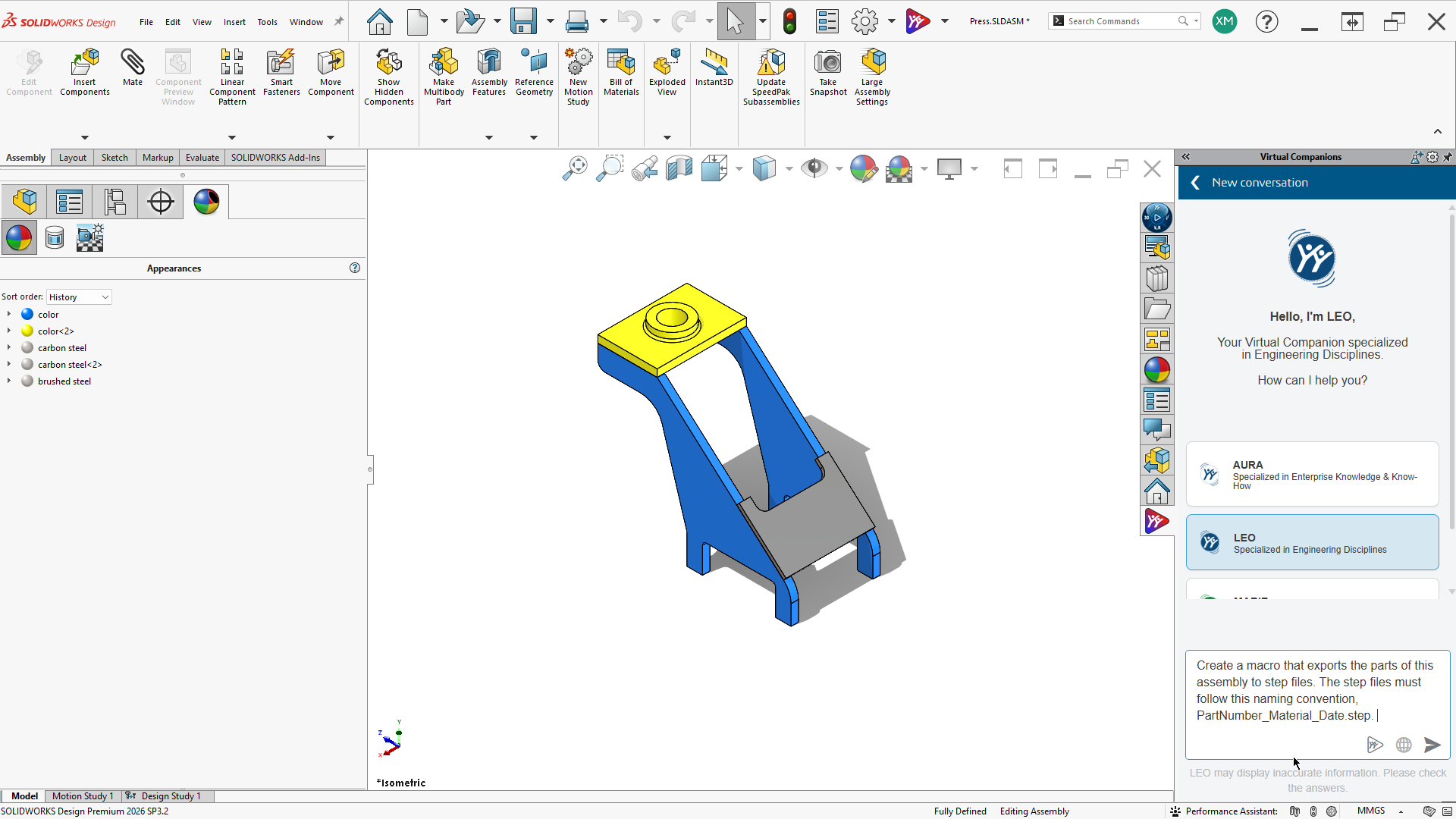
- Design and AI: Turn prompts, images, and legacy drawings into SOLIDWORKS geometry and production-ready documentation, with improved sheet metal and fillet modeling. FAQ highlights from Dassault also call out In Context Design and Performance Assistants, sheet metal bend editing and stamping, AI automated assembly instructions, AI natural-language macro generation, and AI BREP-to-parametric conversion.
- PDM: Single sign-on, distributed task processing for uninterrupted PDF and file generation, and smarter file replication that synchronizes only active project data.
- Simulation, Electrical, and 2D CAD: Portfolio cards on the same What’s New page cover greater control across Structural, Plastics, and Flow studies; native wire and harness management with bidirectional 2D–3D navigation; and faster documentation workflows in 2D CAD (including STEP export and PLM metadata access).
None of that pays off if licensing, backups, hardware, or PDM are out of order. Use the checklist below to keep the SOLIDWORKS 2027 cutover quiet.
Start with Your Licensing Model
How you upgrade depends on how you’re licensed. SOLIDWORKS has two major licensing methods, and they behave differently during a version change. For a deeper comparison, see our guide to SOLIDWORKS licensing options.
A quick scope note: this checklist covers classic standalone and SolidNetWork (SNL) upgrades, plus PDM and Electrical coordination. 3DEXPERIENCE SOLIDWORKS Named User seats follow a different upgrade path and have their own cutover considerations — if that’s your licensing model, contact Hawk Ridge Systems and we’ll map out the right plan with you.
Standalone (machine) licensing ties an activated license to a particular workstation. You can install SOLIDWORKS on more than one PC with a single license, but it can only be activated on one machine at a time — switching computers means deactivating from the Help menu on the old PC and activating on the new one. There’s no limit on transfers. Only the initial activation typically requires internet access; air-gapped machines can activate through a multi-step offline process where the license request file travels by USB drive to an internet-connected PC and back.
Network licensing (SNL) uses the SolidNetWork License Manager on a server to hand out licenses from a pool. Clients check out a license when they launch SOLIDWORKS or load an add-in, and return it on close. Users heading off-network can borrow a license for up to 30 days. A quick identification tip: network serial numbers generally start with 9010, standalone with 9000.
One licensing rule dominates upgrade planning: the SNL is backwards compatible, but it cannot serve licenses to versions of SOLIDWORKS newer than itself. Documentation from Hawk Ridge Systems and other SOLIDWORKS resellers still describes a current license manager serving clients as far back as SOLIDWORKS 2004 — but the load-bearing rule for your upgrade is simpler: the SNL must be at least as new as every client it serves. It must be upgraded with every release, which means the license server is the first thing you upgrade for SOLIDWORKS 2027, every time. The good news: it’s normally about a 20-minute task, and once it’s done, users on the previous version keep working without interruption while you test SOLIDWORKS 2027 on a few client machines.
While you’re on the server, confirm the basics covered in our IT considerations for SOLIDWORKS network licensing: a small disk footprint (the SNL installation typically uses under 1 GB) and open firewall ports (defaults are 25734 inbound and 25735 outbound). Remote users connect over VPN, though high latency can slow file opens, saves, and add-in loads. For the server operating system, don’t rely on last year’s checklist — supported Windows versions change by release year, so check the current SOLIDWORKS system requirements under SOLIDWORKS Server Products before you upgrade.
Back Up Before You Touch Anything
At minimum, back up anything stored in the default SOLIDWORKS install directories — templates, weldment profiles, material libraries. These can be lost when uninstalling the previous version. Back up your SOLIDWORKS settings with the SOLIDWORKS Settings Wizard (called Copy Settings Wizard in SOLIDWORKS 2022 and older), found in the SOLIDWORKS folder of the Windows Start Menu. Our support team’s guide to saving, restoring, or resetting SOLIDWORKS settings walks through it.
Backing up your CAD files themselves before opening them in SOLIDWORKS 2027 is also good practice. Upgrade-related file issues are very rare, but a backup copy of critical company IP is never a bad idea — and it matters because file compatibility primarily flows one way. Once a file is saved in the new version’s format, older versions can’t edit it in the usual way. (Since SOLIDWORKS 2024, you can save back to the last two releases, with a warning if a newer feature can’t be preserved.) Before anyone upgrades, talk to your design community — collaborators, suppliers, clients, and vendors — so a version mismatch doesn’t stall a project mid-stream. The same backup-and-coordinate mindset shows up in our earlier SOLIDWORKS upgrade planning guide.
Install Smart: Test Side-by-Side, Then Deploy with an Admin Image
Download SOLIDWORKS 2027 from the SOLIDWORKS Customer Portal — the high-speed download servers can get you the software in minutes. Skip beta and pre-release builds for production use; wait for the production SP0.
You don’t have to cut over in one leap. You can install SOLIDWORKS 2027 alongside the previous version on the same computer and test before removing anything. An expert tip from our team: rename the install folder and Toolbox folder with the version number (for example, “SOLIDWORKS Corp 2027” and “SOLIDWORKS Data 2027”) so cleanup later is painless.
For multi-seat deployments, an administrative image standardizes the rollout — and it’s also how you lock down settings. The admin image Option Editor can point clients to a settings file from the SOLIDWORKS Settings Administrator, where you choose which system options to apply and which to apply and lock. Locked settings prompt users with a contact-for-password message, you control whether settings apply on first launch or every launch, and the settings file should live on a shared server location referenced by UNC path. No more mystery template drift between workstations. Step-by-step detail lives in locking settings with an admin image in SOLIDWORKS — the Option Editor and Settings Administrator flow it describes still applies to current releases.
Check Your Hardware While You’re At It
A new release is the natural moment to retire marginal workstations. The current Hawk Ridge Systems SOLIDWORKS Recommended Hardware Guide sets the baseline for a solid CAD seat: Windows 11 Professional 64-bit, a professional-grade CAD-certified NVIDIA RTX graphics card (consumer gaming cards are not the path we recommend for certified SOLIDWORKS stability), an Intel Core Ultra 7 processor, 32 GB of RAM, and an SSD primary drive (512 GB or larger). For large assemblies, heavy multitasking, Visualize, or Simulation and Flow Simulation work, the guide steps up to 64–128 GB or more of RAM, an Intel Core Ultra 9 processor, a 1 TB M.2 PCIe SSD — storage has a direct impact on open, save, and rebuild times — and higher-tier NVIDIA RTX Ada or Blackwell professional graphics. If performance is the complaint, run the Performance Benchmark Test inside SOLIDWORKS before spending money.
Don’t Forget PDM and the Rest of the Stack
If you run SOLIDWORKS PDM or SOLIDWORKS Electrical, the SOLIDWORKS 2027 upgrade is a coordinated event, not a workstation-by-workstation rollout: plan to upgrade the PDM server at the same time as the clients, and make sure vault content is adequately backed up before you start. The same coordination applies to companion products like Inspection and Composer.
That matters even more for the 2027 PDM gains on Dassault’s What’s New page — single sign-on, distributed task processing, and smarter active-project replication only land cleanly when the vault and clients move together. Treat the PDM upgrade as a project with planning, testing, and deployment phases. Hawk Ridge Systems publishes product-specific upgrade guides on our support site each upgrade season; review the guides for every product you own before you begin. For a refresher on keeping vaults healthy between upgrades, see techniques to refresh a SOLIDWORKS PDM system.
When to Call Hawk Ridge Systems
Call us early if any of these apply:
- You’re converting between standalone and network licensing (conversions involve a new serial number and fees, so they take lead time).
- You’re hosting the license server on a virtual machine or cloud provider.
- Your machines activate SOLIDWORKS offline (air-gapped).
- Your SOLIDWORKS 2027 upgrade spans PDM, Electrical, and multiple sites.
- You license through 3DEXPERIENCE SOLIDWORKS Named User seats, which follow their own upgrade path.
Licensing and installation help is a core part of what our support engineers do — practicing mechanical, electrical, and computing engineers with 430+ combined certifications and a 98% customer satisfaction rate, covering the US and Canada. And if you’d rather hand off the whole thing, Hawk Ridge Systems offers turnkey SOLIDWORKS upgrade services: we’ll help build the project plan and execute it, coordinating Network License Manager upgrades, CAD installs, PDM upgrades, Electrical upgrades, and backups. Contact Hawk Ridge Systems to scope your SOLIDWORKS 2027 upgrade — and enjoy a release day where nothing breaks.
Frequently Asked Questions
Do I upgrade the SolidNetWork License Manager before or after client machines?
Before. The SNL must be at least as new as the SOLIDWORKS 2027 clients it serves. Upgrade the license server first, keep previous-version users productive, then roll out and test the new client installs. Our IT considerations for SOLIDWORKS network licensing article covers backwards compatibility and server prep in more detail.
Can I keep the previous version installed while I test SOLIDWORKS 2027?
Yes. Side-by-side installs are a standard way to validate workflows before you remove the older version. Rename install and Toolbox folders with the version year so cleanup is straightforward.
What should I back up before uninstalling the old version?
Templates, weldment profiles, material libraries, Design Library content, Toolbox customizations, and a SOLIDWORKS Settings Wizard export (Copy Settings Wizard in SOLIDWORKS 2022 and older) — plus vault backups if you run PDM or Electrical.
We use SOLIDWORKS PDM. Can clients upgrade on their own schedule?
No. PDM server and clients need a coordinated plan — especially if you want the SOLIDWORKS 2027 PDM improvements. Match major versions carefully, back up the vault first, and treat the PDM cutover as its own project phase.
When should we involve Hawk Ridge Systems support?
Anytime the SOLIDWORKS 2027 upgrade touches licensing conversions, virtualized or cloud license servers, air-gapped activation, multi-site PDM/Electrical, 3DEXPERIENCE Named User licensing, or you simply want a managed rollout. Start at Contact Us or through your account team.
Keep Learning
- What’s New in SOLIDWORKS 2027 (Dassault Systèmes)
- Everything You Need to Know About SOLIDWORKS Licensing Options
- IT Considerations for SOLIDWORKS Network Licensing
- SOLIDWORKS System Requirements (Dassault Systèmes)
- Locking Settings with an Admin Image in SOLIDWORKS
- SOLIDWORKS Recommended Hardware Guide
- SOLIDWORKS Upgrade Services
- Prior year: What’s New in SOLIDWORKS 2026 (Hawk Ridge Systems)