LIMITED-TIME OFFER! Save Up to 28% on SOLIDWORKS Perpetual Licenses
Save Now
Performance Upgrades, AI, & More
What’s New in SOLIDWORKS 2026
SOLIDWORKS 2026 enhancements are here! Many of them are shaped by user feedback and created to save you time. In other words, you can work even faster in SOLIDWORKS. You’ll find new capabilities for design, collaboration, and data management.
If you want to compare notes from last year’s updates, here are the 2025 SOLIDWORKS Enhancements. Without further ado, let’s dive into the 2026 upgrades.
Want the Latest
SOLIDWORKS Updates
at Your Desk?
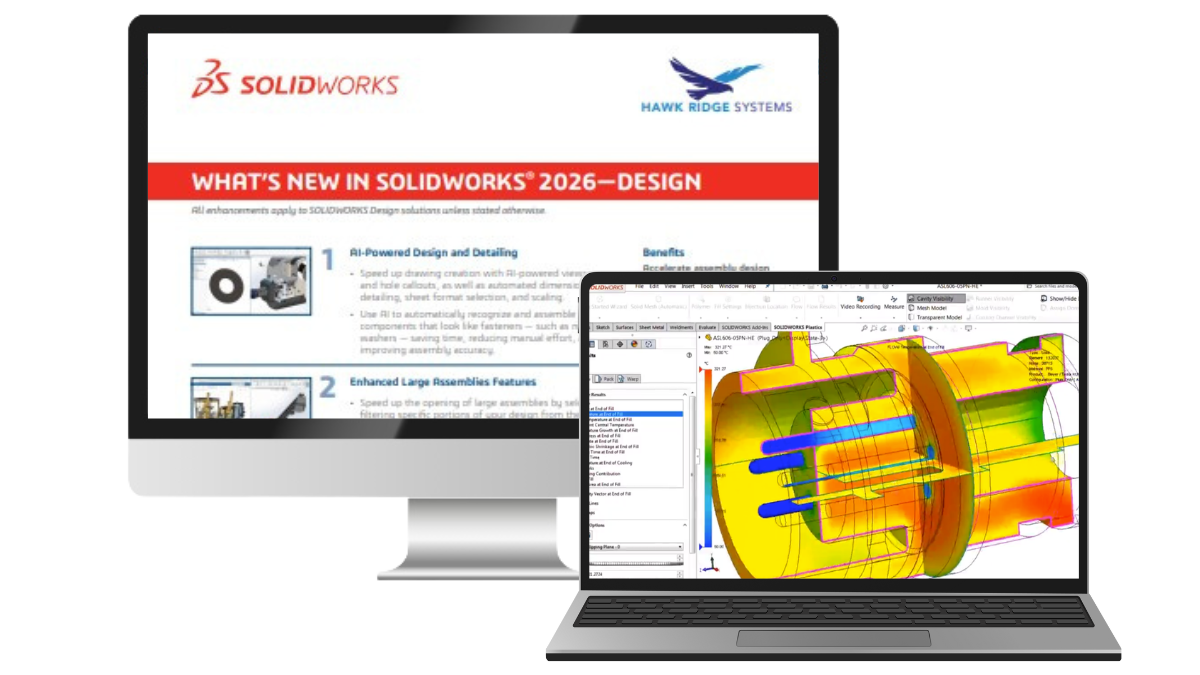
Get your copy of the 2026 enhancements, along with the key
benefits they bring to your design workflow.
Top 10 New Enhancements in Design
These SOLIDWORKS design updates focus on productivity and reducing manual effort. Think AI-driven drawings, smarter assemblies, faster sketches, and much more. A few of them are also designed to help you work efficiently with the 3DEXPERIENCE platform.

AI-Powered Design & Detailing
- Generate drawing views and hole callouts with AI
- Automate dimensioning, detailing, sheet format selection, and scaling
- Recognize and assemble fasteners such as nuts, bolts, and washers using AI
Enhanced Large Assemblies
- Open large assemblies faster with selective filtering from the 3DEXPERIENCE platform
- Skip rebuilds when only cosmetic changes are made
- Disable Auto-Resolve for lightweight components

Improved User Experience
- Stay productive with automatic offline mode when using 3DEXPERIENCE SOLIDWORKS
- Simplify workflows with a UI that highlights commonly used commands
- Find commands faster with an expanded, customizable Command Search
Streamlined Part Design
- Accelerate Physical Product creation by adding key attributes early
- Define a custom start point for sheet metal flanges and break internal corners on folded geometry
- Create square sketch geometry in one click
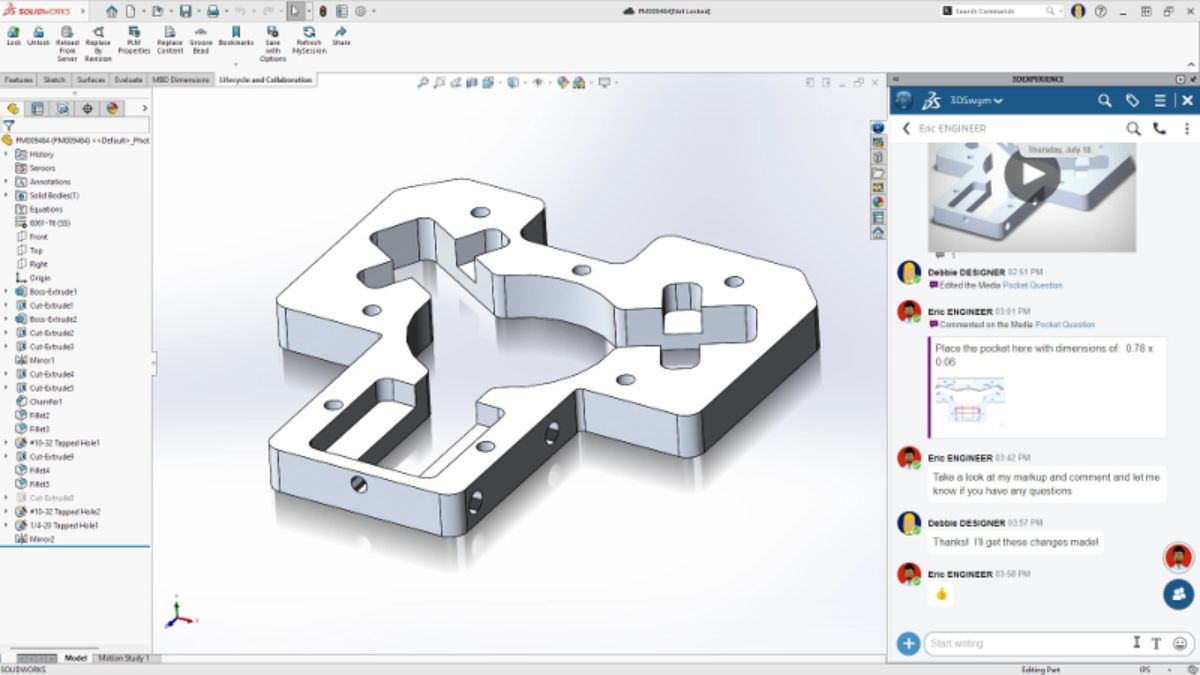
Improved Drawing Detailing & Model-Based Definition (MBD)
- Insert Family Tables into drawings for display configurations and custom properties
- Use magnetic lines to attach and align Notes, Weld Symbols, and annotations (going beyond just using balloons!)
- Propagate DimXpert dimensions to Library Features and control annotation visibility
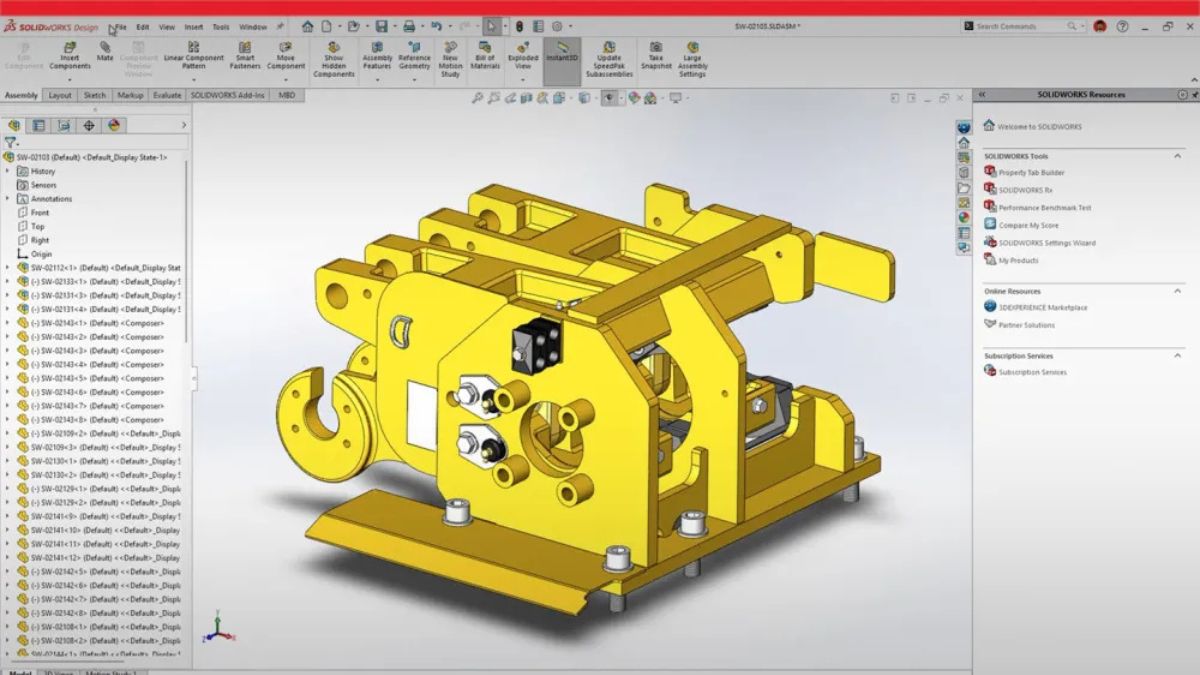
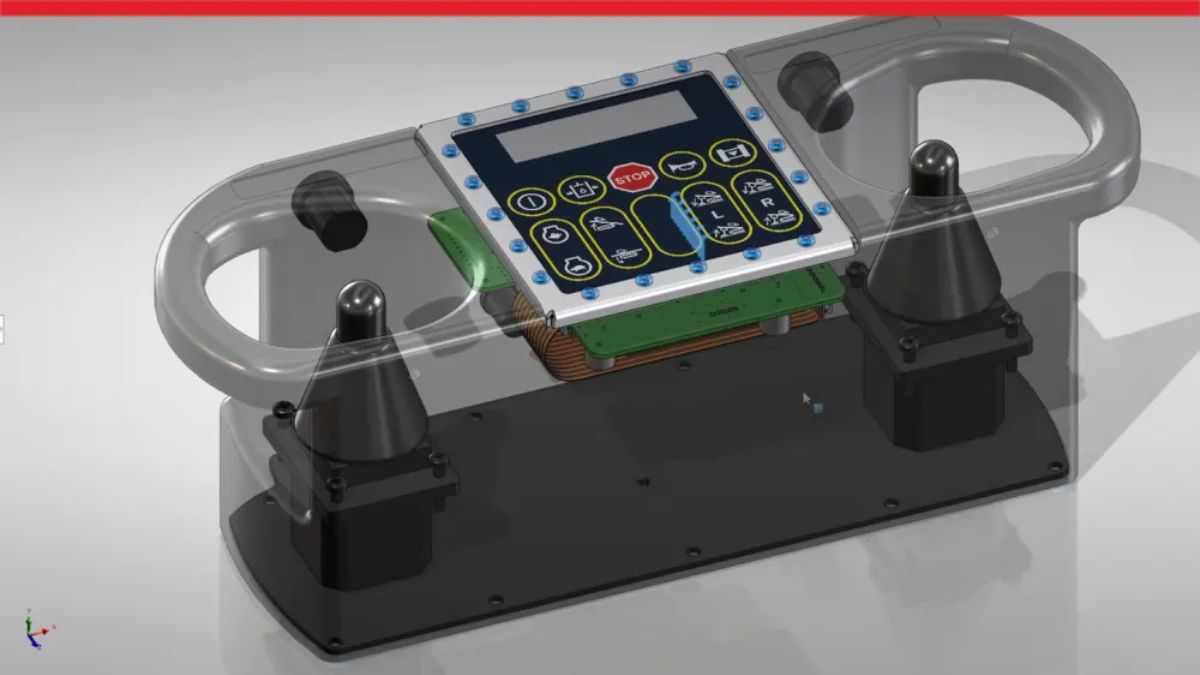
More Flexibility for Electrical, Pipe, and Tube Routing*
- Combine routing BOMs from multiple subassemblies for a clear total across the design
- Route pipes, tubes, and electrical paths with clips, mounts, or hangers placed in parts or assemblies
- Use visual indicators to guide splice placement in harnesses and wire bundles
*Available with Premium or Ultimate packages
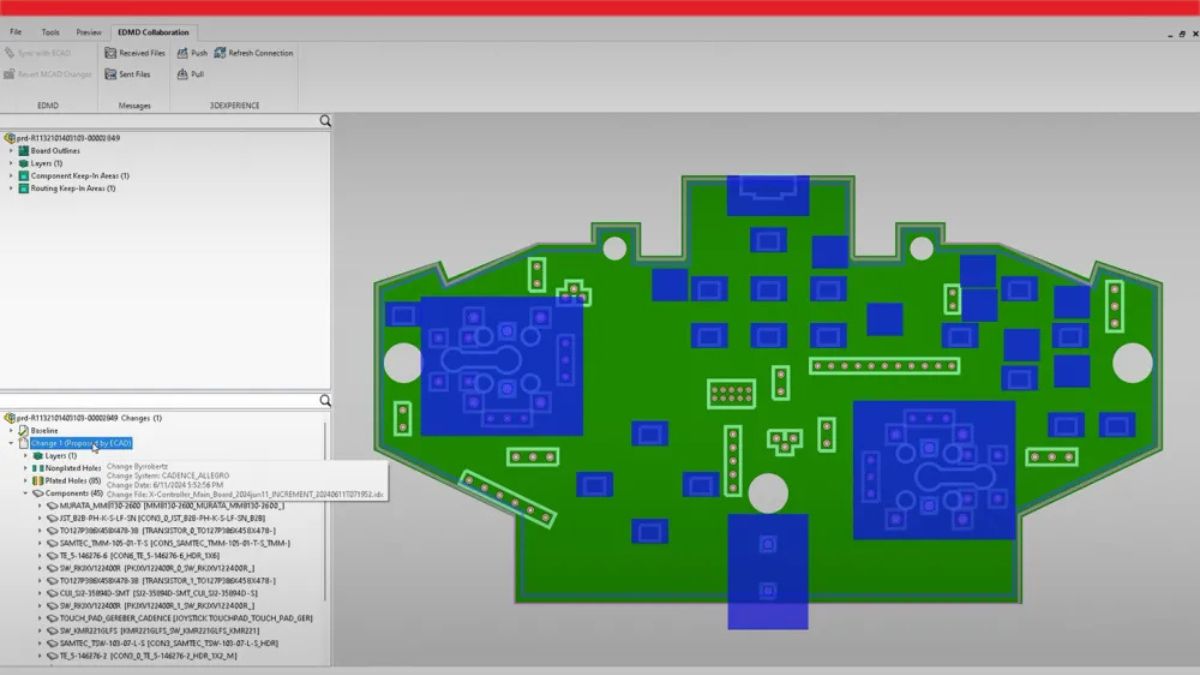
Streamlined ECAD + MCAD Collaboration & Design
- Improve traceability with parent-child data tracking, such as keep-in, keep-out, PTH, and NPTH
- Use CircuitWorks to review and undo MCAD changes before final ECAD updates by overwriting with the previous push in iDX 3.0
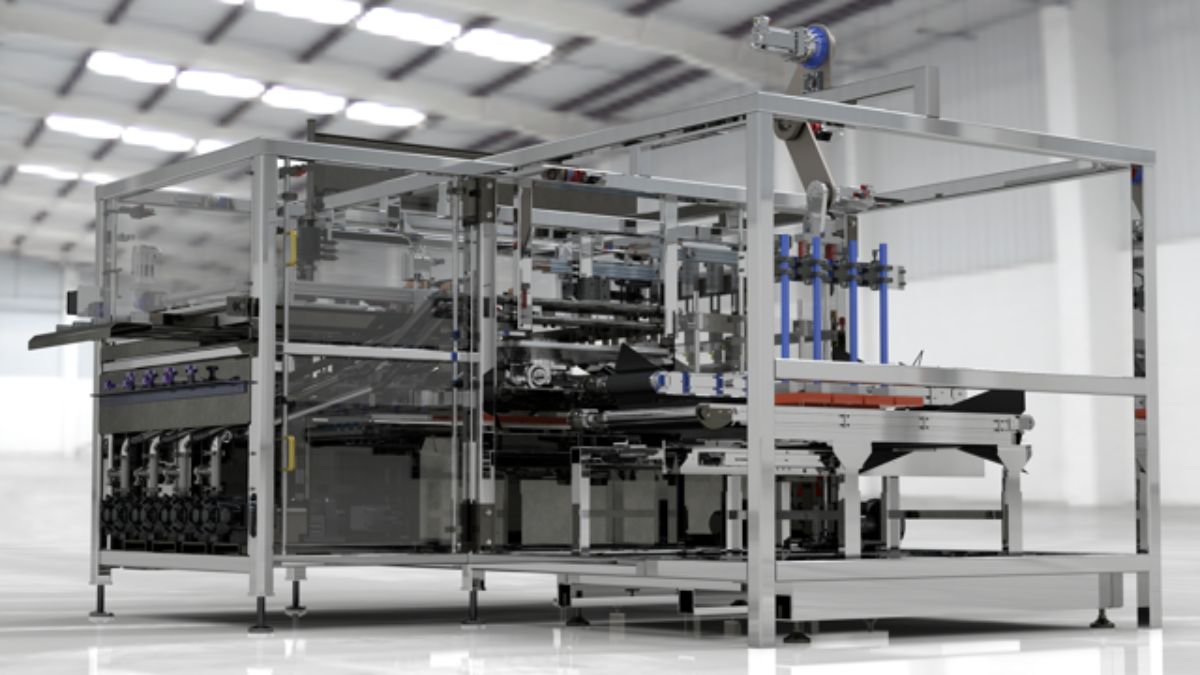
More Efficient Rendering*
- Balance geometry quality and performance with tessellation control and faster imports
- Reduce noise in fewer passes with the Denoiser in CPU mode
- Create renderings from imported models for PBR materials in USSDZ and gITF file formats
*Available with Premium or Ultimate packages
More Productive Import
& Export
- Simplify complex multibody parts faster with advanced selection tools that isolate and manage
- Share assemblies saved on the 3DEXPERIENCE platform using the Export as Package option
- Control exports with the option to include drawings in your package
Top 10 New Updates in Collaboration & Data Management
This year’s updates focus on improving your workflow in SOLIDWORKS and the 3DEXPERIENCE platform. You can work faster with AURA AI assistant, new features that allow you to stay within SOLIDWORKS, and management tools for things like design table Excel files, multiple tenants, and cut lists.
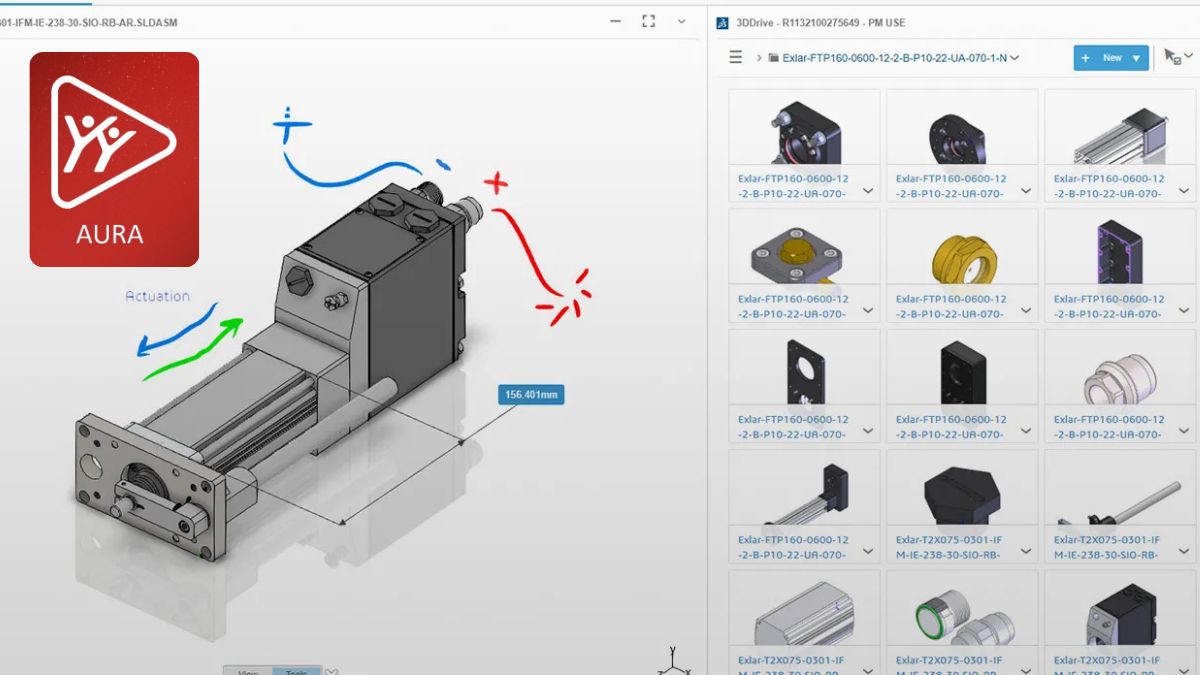
AURA, Your AI Design Assistant
- Controlled sources for accurate results
- AI built specifically for SOLIDWORKS
- The perfect learning companion for adopting new solutions
Collaboration From within SOLIDWORKS
- Access the User Forum directly from SOLIDWORKS
- Collaborate live with an 3D model from anywhere without requiring anything but a browser
- Stay connected with all your help communities without leaving SOLIDWORKS
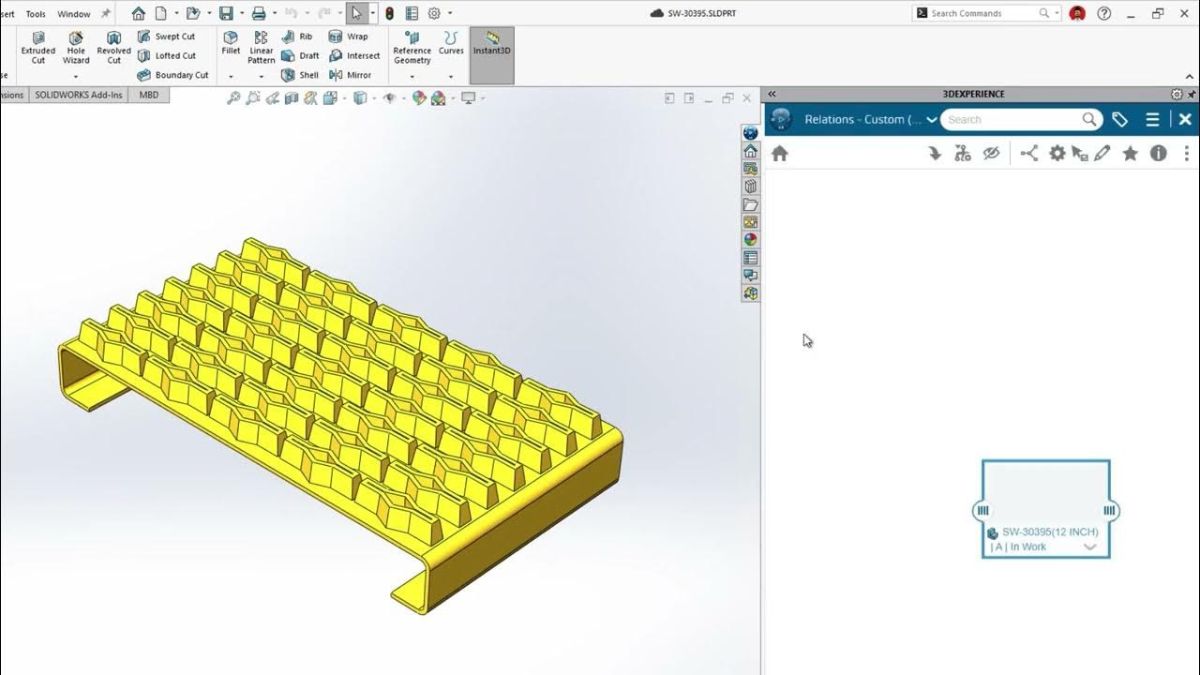
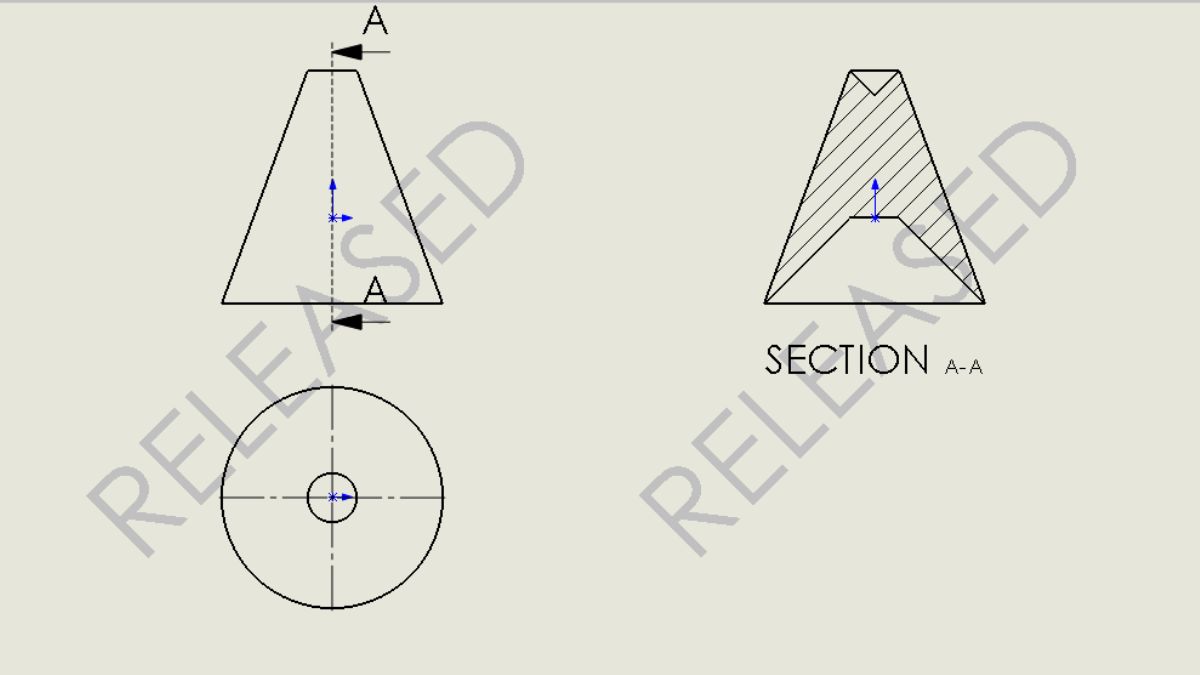
Drawing Stamping with Maturity Status Information
- Reflect real-time PLM property updates directly in drawings
- Stamp drawings with user namnes and email addressess for traceability and faster communication with stakeholders
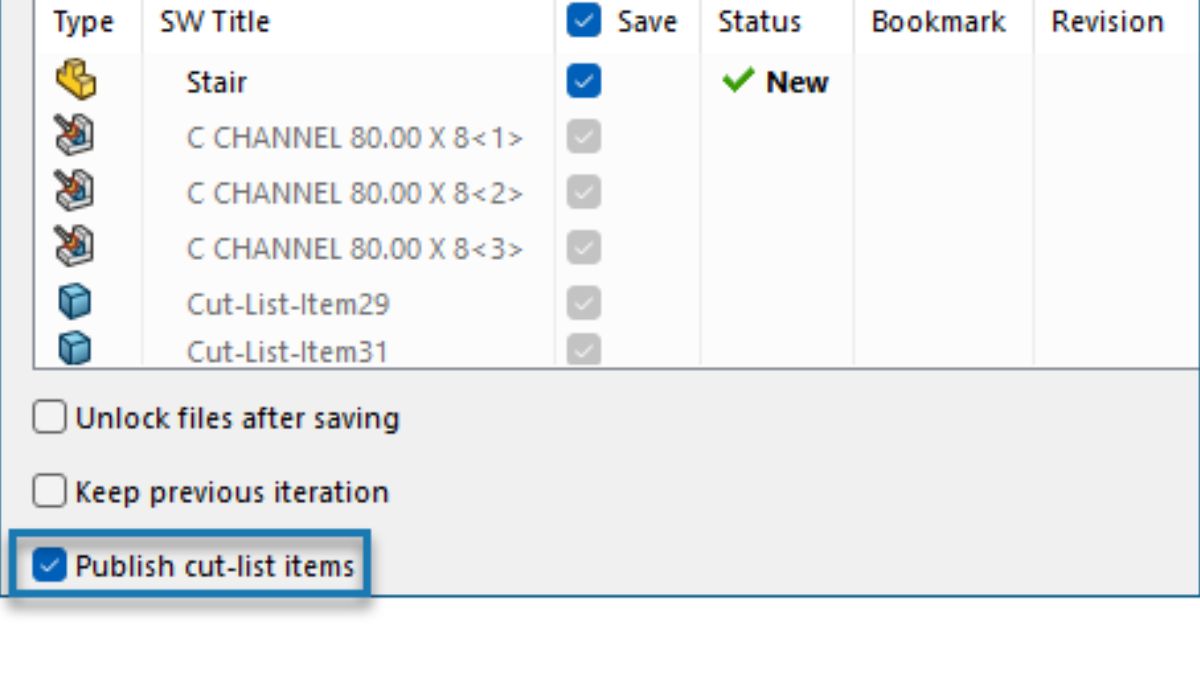
Support for Cut Lists on the 3DEXPERIENCE Plaform
- Manage cut lists, visualize design-to-manufacturing worfklows and integrated EBOM/MBOM
Access to Recent Files from Active Tenant to Multi-Tenant Workflows
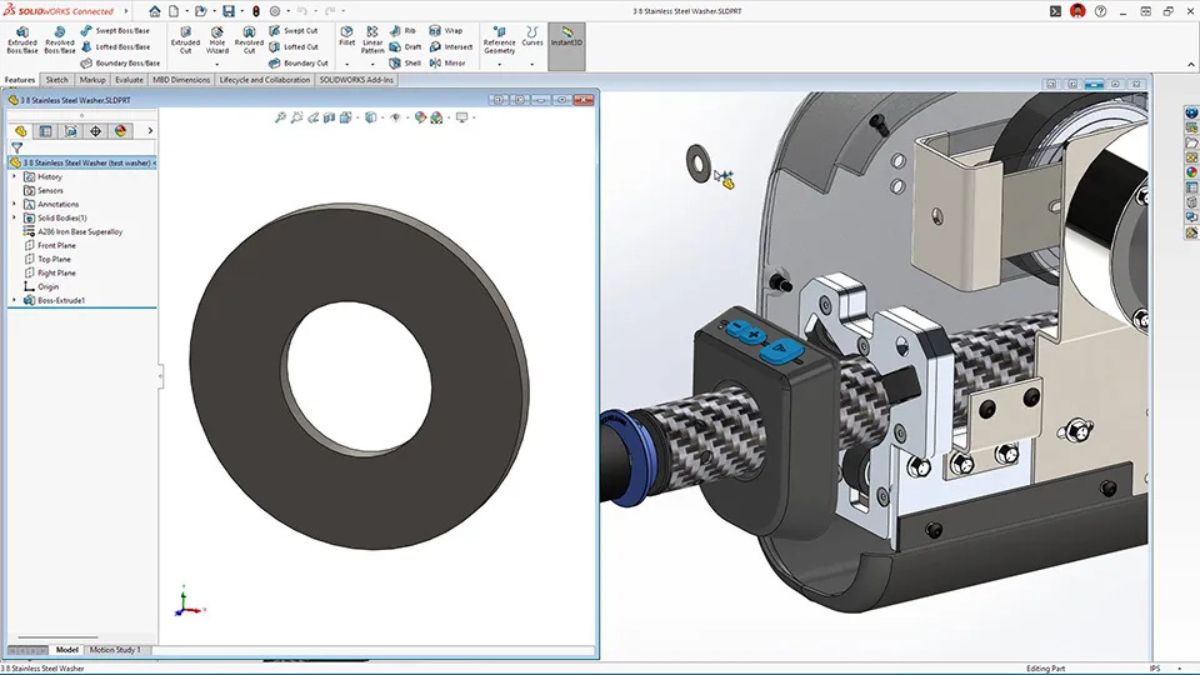
- Simplify multi-tenant workflows
- Display only files relevant to the active tenant to avoid duplication
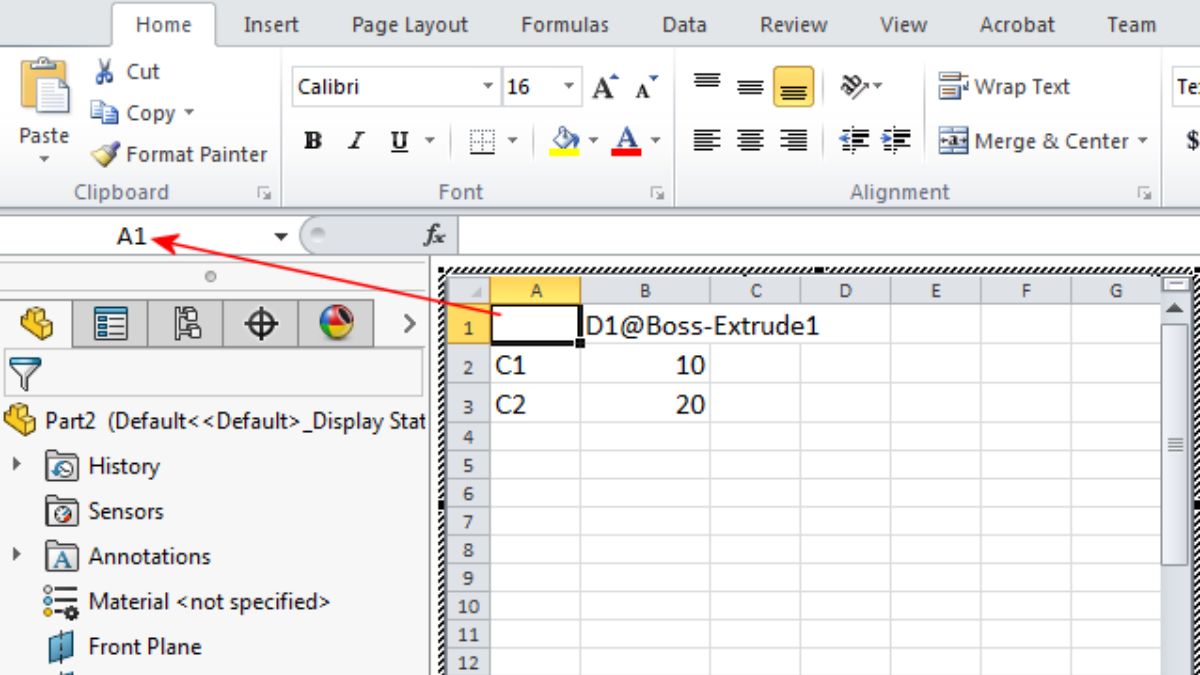
Excel File Management for Design Tables
- Mantain data integrity with design table management
- Manage Excel files in SOLIDWORKS Design Tables directly on the 3D Experience Platform
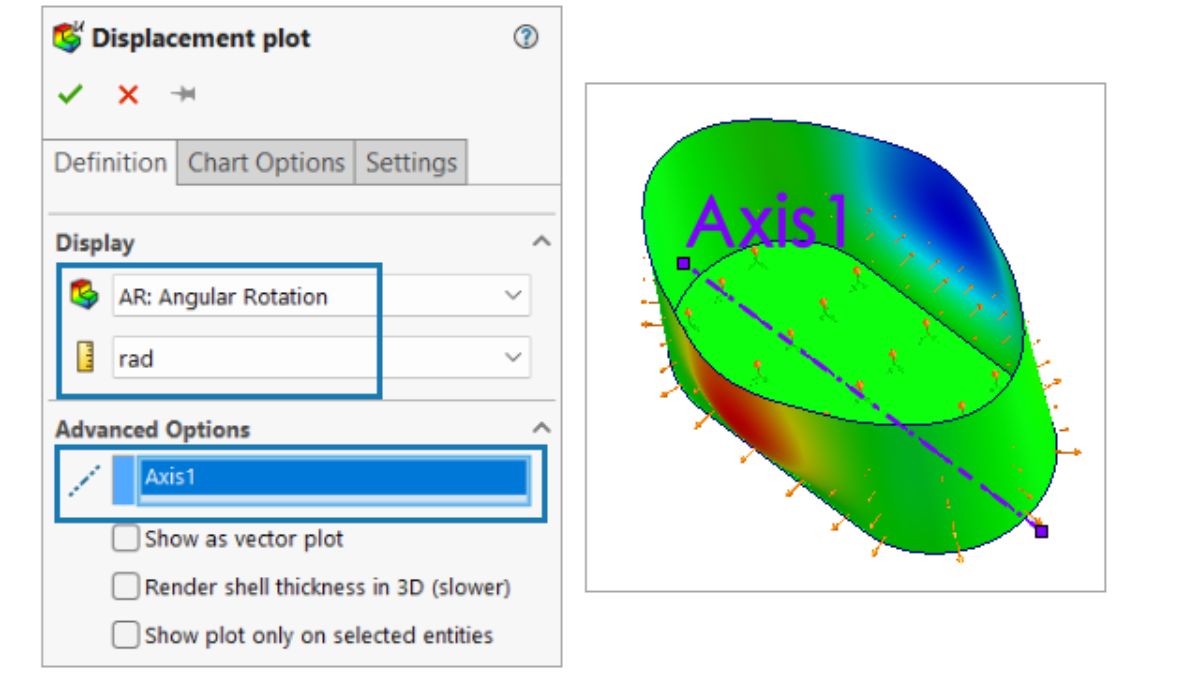
Support for Deformable Components
- Manage rigid and deformed part states more efficiently and accurately for complex assemblies
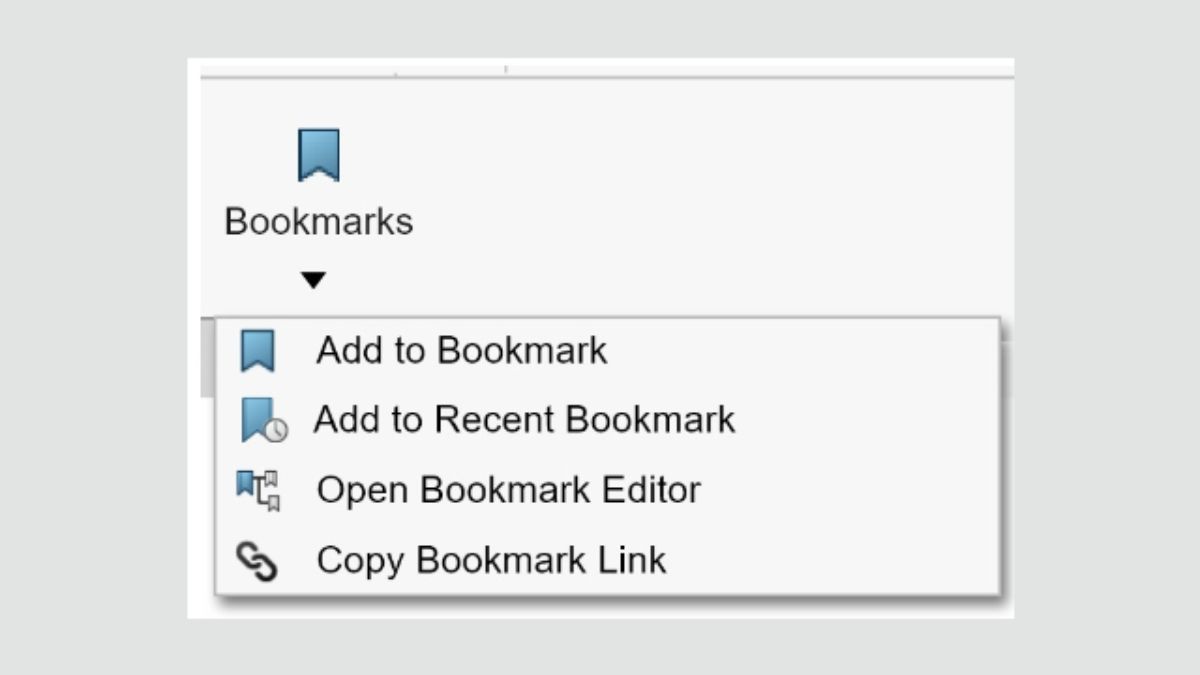
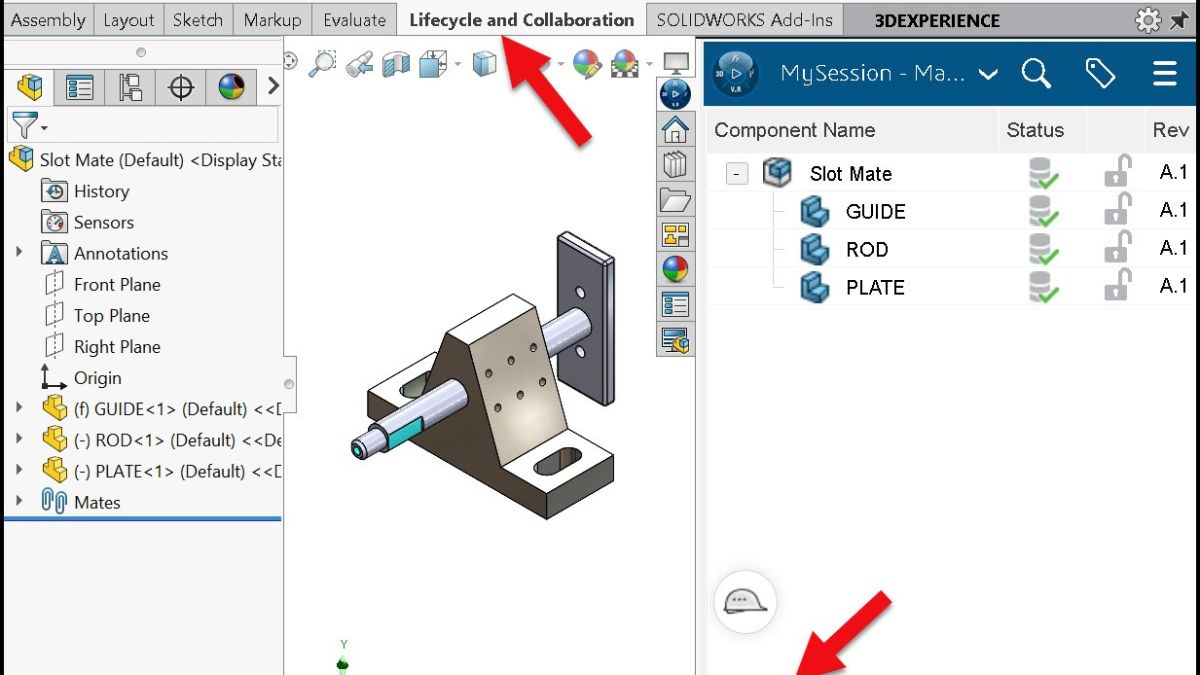
Automatic Bookmark Content Updates
- Get automatic, real-time updates to Bookmark life locations
Enterprise Document Maturity Routing & Approval
- Standardize enterprise-level approval workflow
- Automatically trigger predefined route templates during document maturity changes
- Ensure approvals are consistently initiated, tracked, and auditable
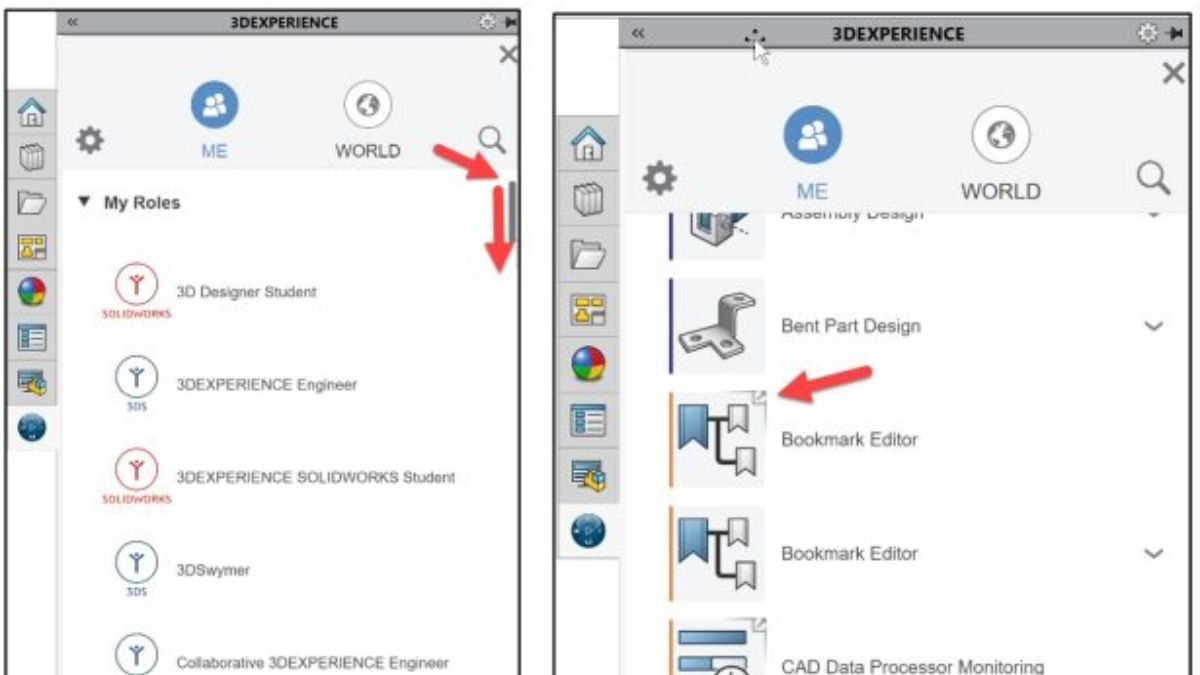
Bookmark Editor Enhancements in 3DEXPERIENCE Data Management
- Navigate from any object to its associated bookmarks across applications using the Open With feature
- Ability to select the relevant bookmark when multiple bookmarks exist
Explore More SOLIDWORKS 2026
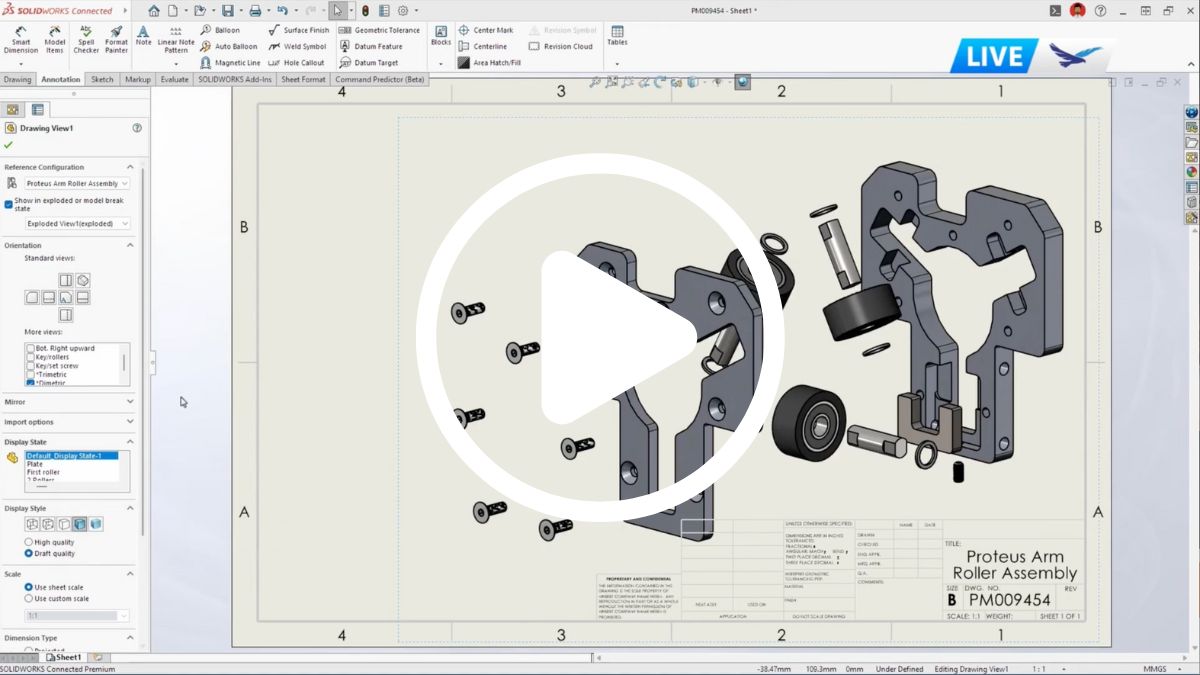

What's New with SOLIDWORKS 2026?
Discover what’s new in SOLIDWORKS 2026, including automation tools that auto-generate drawings, advanced modeling updates like splitting configurations into individual files, and more in this D2M deep-dive session.
What You Will Learn
Acclerate Your Workflows
Learn how enhancements across design, simulation, and data management save time and boost productivity.
See SOLIDWORKS AI in Action
Discover how AI in SOLIDWORKS accelerates design, automates tedious tasks, and helps bring your ideas to life.
Find Out What's New in Manufacturing
See smarter CAM tools in SOLIDWORKS, cloud service nesting, and Swiss machining support.
Your Speakers

Nick Keglovits
Applications Engineer III
Applications Engineer Nick Keglovits is an Applications Engineer based in Oklahoma City, OK. He has 10+ years industry experience in manufacturing tooling and building products, and brings that understanding into his demonstrations and training. He is a Certified SOLIDWORKS Expert and is passionate about creating fun and engaging content for the SOLIDWORKS community!
Frequently Asked Questions
With every new release comes questions about how to adapt to the latest version and how to integrate it into our workflow
today. These are the most common frequently asked questions.
If you have a SOLIDWORKS subscription, you can upgrade in four ways:
- Notification for upgrades when starting SOLIDWORKS
- Check for updates manually through “Check for Updates” under the question icon or in Windows, find Start >
SOLIDWORKS Installation Manager > Check for Updates. You’ll have to have administrator privileges to do
this. - Get new installation media (only on special request)
- Start a new instance of SOLIDWORKS Installation Manager
Need help? Contact our tech support team.
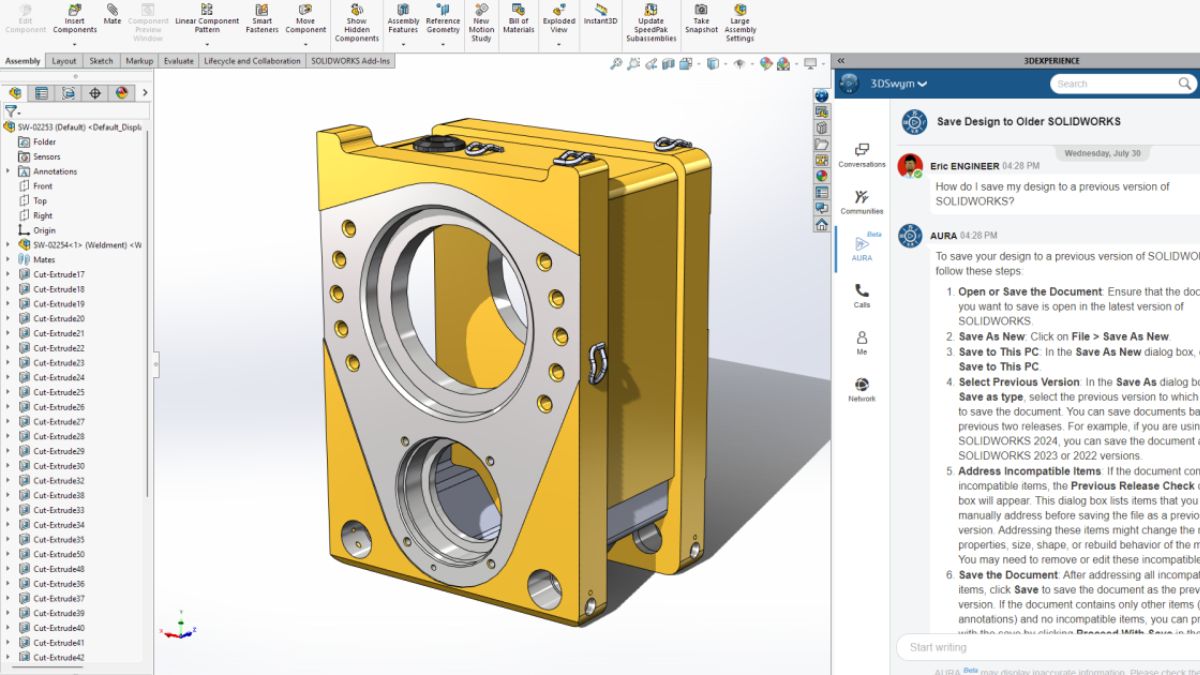
The short answer is, yes. If you have an active SOLIDWORKS subscription and work with vendors and clients who are using older versions, you have the “Save as Previous Version” option (usually lets you save back two years).
In cases where you are working in a newer version and others are using older versions, SOLIDWORKS runs compatibility checks using “Previous Release Check.” It will mark newer features as “incompatible” for you to address manually when you’re trying to back-save. The easiest way to manage them may be to delete areas where
you used new features in the model.
If you need help, reach out to our tech support team
Yes, you can. However, we recommend running SOLIDWORKS on a Windows-based machine rather than a non Windows-based machine, such as a Mac. We dive into extra steps and considerations to help you get set up in our blog on running SOLIDWORKS on a Mac.
A SOLIDWORKS license could range from $3,200 to $7,000, depending on the level of term you purchase. Each level offers a variety of comprehensive capabilities and tools. Take a look at our best guide for buying SOLIDWORKS. If you’re looking to purchase SOLIDWORKS, contact us, to make sure you get the right tools without paying for features you won’t need.