Getting into product design can look like it requires a big budget and a wall of software. It does not. A practical product design software toolkit is short, and most of it builds on one 3D modeling program that you learn once and use for everything else.
Below are five tools worth starting with, roughly in the order you will reach for them, from the first 2D sketch to a design you have checked before you build it. You do not need all five on day one. Start with the core and add the rest as real projects call for them.
Who this is for: New product designers and early-career engineers picking a first CAD starter kit — not shop or CAM leads.
1. 2D CAD for Drawings and DWG Files
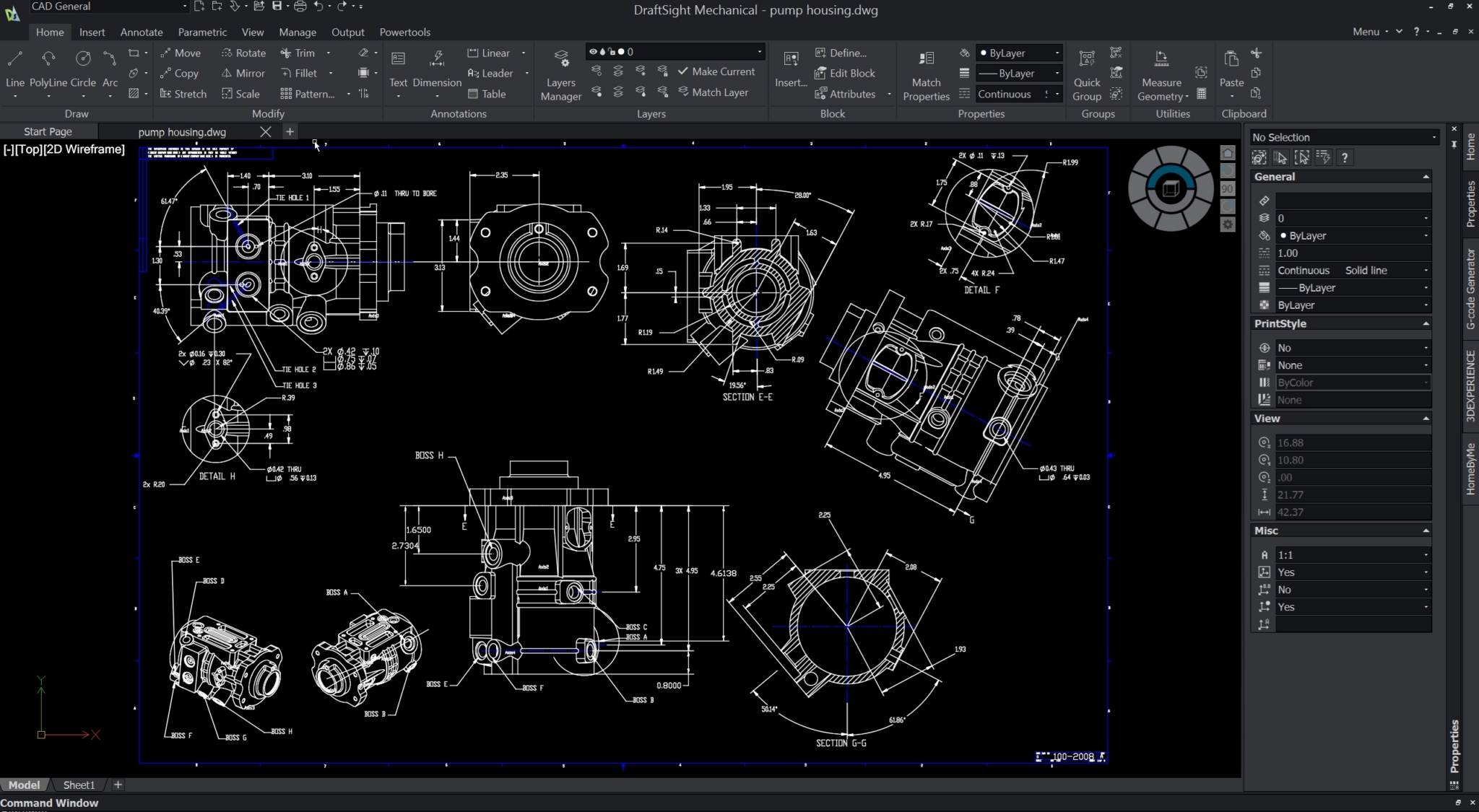
Many products start as a dimensioned sketch, a layout, or a drawing a vendor sent over as a DWG file. A dedicated 2D CAD tool lets you open, edit, and create those drawings accurately.
DraftSight is a professional 2D CAD platform from Dassault Systèmes that reads and writes native DWG files. It runs on Windows and macOS, and it is a practical, lower-cost option for teams that need genuine 2D drafting. Higher editions add capabilities such as 3D modeling, parametric constraints, and network licensing. For a closer look at the options, read Why Choose DraftSight.
2. Parametric 3D CAD as the Core of the Toolkit
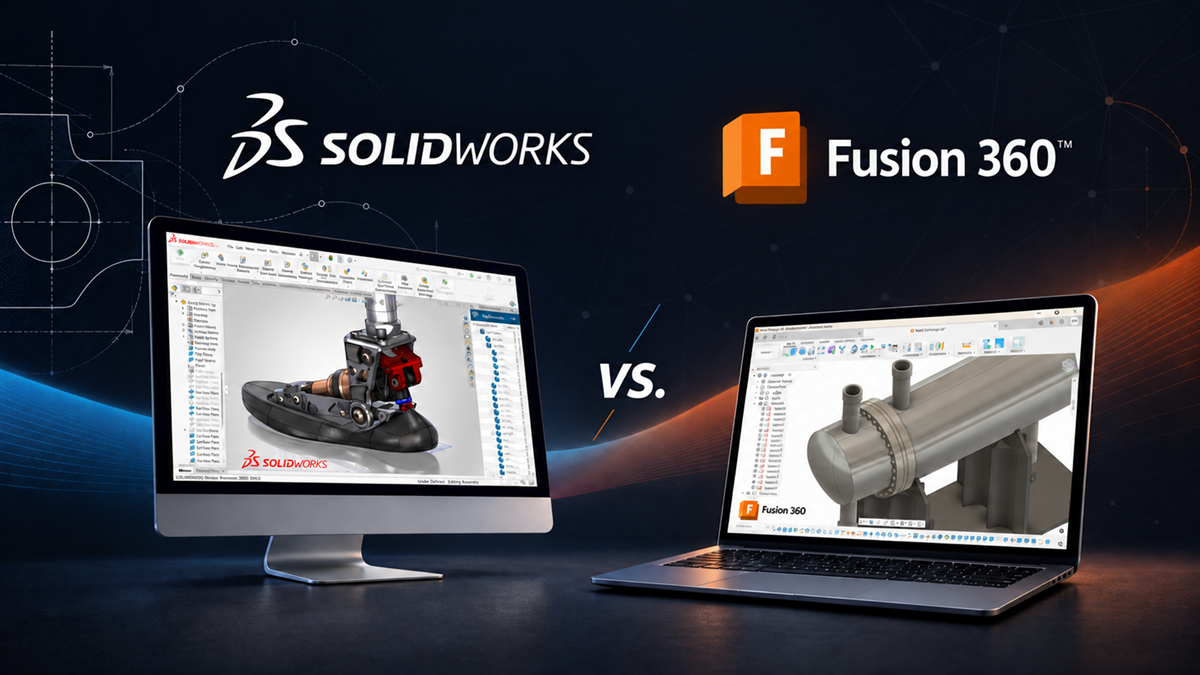
Once an idea has to become a real, manufacturable product, you need parametric 3D CAD. SOLIDWORKS, the desktop mechanical CAD platform from Dassault Systèmes, is the center of most product design toolkits and the host for many of the other tools on this list.
“Parametric” is the key idea. Change one dimension and the model updates, along with the drawings that reference it. That behavior turns a design change from hours of redrawing into a quick edit.
SOLIDWORKS comes in three desktop packages, so you can start where you are:
- SOLIDWORKS Standard: Parts, assemblies, and drawings, plus sheet metal, weldments, and mold tools.
- SOLIDWORKS Professional: Adds tools such as Toolbox, eDrawings Pro, Costing, Design Checker, and TolAnalyst.
- SOLIDWORKS Premium: Adds Routing, ScanTo3D, and a starter set of linear static and motion analysis (the broader SOLIDWORKS Simulation family in section 5 goes further).
3. A Way to Turn 2D Drawings Into 3D Models
Many first projects begin with a legacy 2D drawing that needs to become a 3D model. It is a skill worth learning early so you are not recreating old parts from scratch. Our walkthrough on making a 3D parametric model from a 2D drawing shows the workflow.
Companies make this transition at scale, too. Knapheide, a builder of custom work truck bodies, moved from 2D to 3D with SOLIDWORKS and now gives its shop floor real-time access to 3D models across three shifts.
4. Design Automation for Repetitive Variants
If you find yourself building the same part over and over with different dimensions, design automation can capture those rules once and generate each variant for you.
DriveWorksXpress is free and ships with SOLIDWORKS, which makes it a low-risk place to try automating a single set of rules. When you outgrow it, DriveWorks Solo serves one engineer automating their own work, and DriveWorks Pro supports multi-user, web-deployed automation. Knapheide uses DriveWorks to automate repetitive design work across its variant-rich product lines.
5. Simulation to Check the Design Before You Build
Simulation lets you find a weak feature before you cut metal or build a prototype. SOLIDWORKS Simulation is a finite element analysis family built into SOLIDWORKS. SOLIDWORKS Simulation Standard covers linear static analysis on parts and assemblies, time-based motion, and fatigue. Professional adds frequency, buckling, and drop testing; Premium adds nonlinear and dynamic analysis as your needs grow.
Even simple stress checks early in a design can save the cycle of building a part, watching it fail, and starting over.
How to Build Your Toolkit Over Time
- Start with the core: One SOLIDWORKS seat, plus DraftSight if you work heavily with DWG files.
- Add checks as risk grows: Bring in simulation when parts carry real loads or failures are expensive.
- Automate when you repeat yourself: Try DriveWorksXpress as soon as you notice the same part with new dimensions.
Keep Learning
- From Idea to Product: How Startups Bring Big Ideas to Life with Hawk Ridge Systems’ SOLIDWORKS Startup Program
- SOLIDWORKS 2026: Enhanced Visuals, Smarter Part Design, and Auto-Generate Drawings
- Why Companies Use SOLIDWORKS to Design High Tech
Frequently Asked Questions
What Is the Best Product Design Software for a Beginner?
For 3D design, SOLIDWORKS Standard is a common starting point because it is parametric and covers parts, assemblies, and drawings, with Professional and Premium packages to grow into. If you mainly need 2D drawings first, DraftSight is a lower-cost, DWG-native option — see Why Choose DraftSight for edition guidance.
What Automation Tools Do Product Designers Use?
Many start with DriveWorksXpress, which is free with SOLIDWORKS, to automate a single set of design rules. DriveWorks Solo and DriveWorks Pro extend rules-based automation to more complex products and multi-user, web-deployed configurators. For a proof point on variant-heavy work, see the Knapheide case study.
Do I Need to Buy Every Tool at Once?
No. Most designers start with one 3D CAD seat and add SOLIDWORKS Simulation and automation as projects demand them. DriveWorksXpress ships free with SOLIDWORKS, so you can try design automation before spending more. When drawings and revisions start multiplying, turn on SOLIDWORKS PDM Standard (included with Professional and above) or step up to PDM Professional — What Is PDM covers the basics.
Build Your Starter Toolkit With Hawk Ridge Systems
Ready to choose your first product design tools? Explore SOLIDWORKS, DraftSight and SOLIDWORKS Simulation, or contact Hawk Ridge Systems to talk with a specialist about the package and tools that fit your first product.