Moving to 3D does not mean all your 2D work goes away. You may design your products in SOLIDWORKS and still need to update a plant layout, revise a supplier drawing or maintain years of existing DWG files.
That is where DraftSight fits. It provides a dedicated application for working with 2D drawings, with licensing options for people who use CAD every day and teams that only need it occasionally.
The starting point is understanding what your team needs to do. From there, you can choose the features and licensing that make sense for the work.
What Is DraftSight
DraftSight is Dassault Systèmes’ desktop CAD software for creating, editing and reviewing DWG and DXF drawings. If you have worked in AutoCAD or another 2D CAD application, many of the commands and drawing tools will feel familiar.
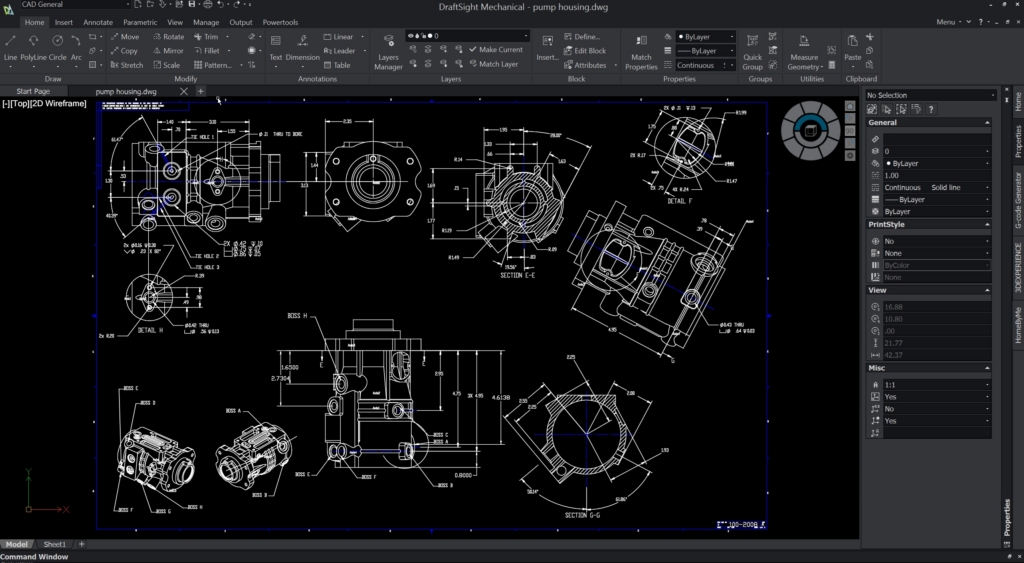
You can create geometry, organize layers, add dimensions and annotations, work with blocks and print your drawings. Tools such as Power Trim, automatic dimensioning, drawing comparison and batch printing help with common drafting tasks. Toolbox provides content such as hardware, holes and drawing symbols.
For teams with customized processes, DraftSight supports LISP routines and APIs to automate repetitive tasks and create custom tools. DraftSight Premium also includes macro recording for automating sequences of commands.
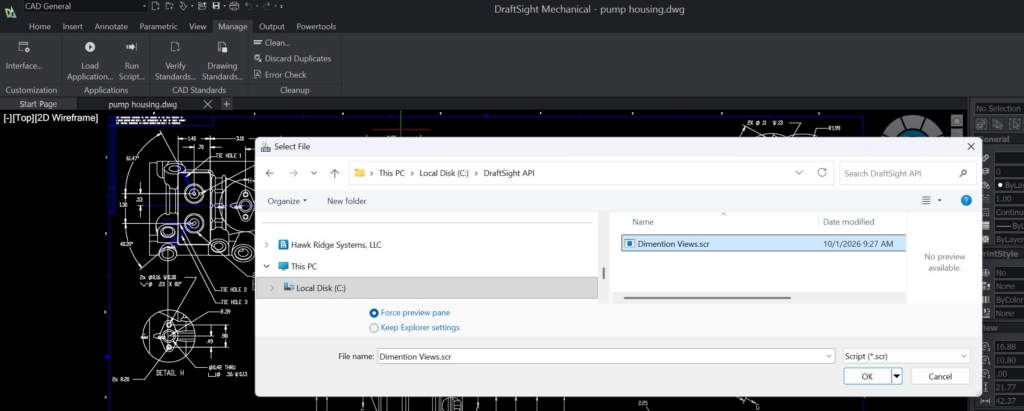
Some capabilities depend on the edition. Premium and Enterprise Plus include Custom Blocks, 2D geometric and dimensional constraints, 3D modeling, Sheet Set Manager and STEP import. These are worth considering even if most of your work stays in 2D.
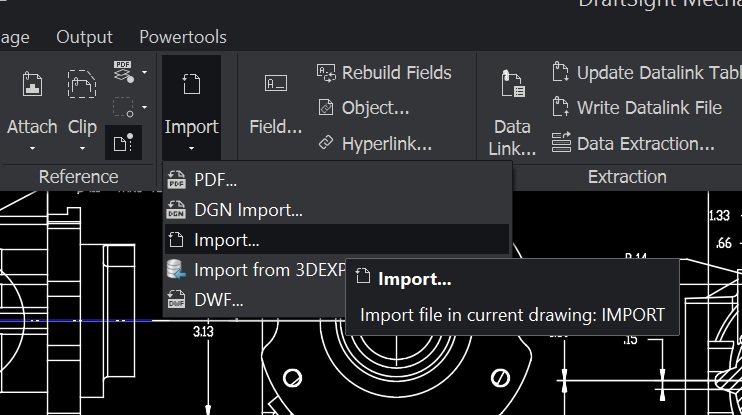
PDF capabilities also deserve a closer look. Using a PDF as a drawing reference is different from converting its content into editable drawing entities. If that is part of your workflow, make sure the edition and operating system you choose support the tools you need.
Working With Your Existing DWG Files
For an established CAD team, the software is only part of the picture. Your drawing templates, block libraries, fonts and print settings are part of how you work.
DraftSight opens and saves DWG and DXF files, including older formats. It also supports drawing resources such as layers, blocks, external references, fonts and plot styles.
Before switching, we recommend working through a few of your own projects. Open a drawing, make the changes you would normally make and check the printed output. If you exchange files with customers or suppliers, include that in the test.
Pay particular attention to blocks with adjustable settings and any scripts or routines your team uses. Some custom command shortcuts may need to be set up again. Testing those items early gives you a clearer picture of what the transition will involve.
Which DraftSight Edition Do You Need
There are two decisions to make: which tools you need and how your team will access them.
Professional covers everyday 2D drafting. Premium adds advanced drafting tools and 3D modeling capabilities. Enterprise and Enterprise Plus offer network licensing, deployment tools and technical support for teams. Mechanical adds tools for managing part references, bills of materials, parts lists and balloon callouts in mechanical drawings.
DraftSight Standard is no longer available for new purchases. Standard and Professional were merged into DraftSight Professional.
DraftSight Professional and Premium are available for Windows and macOS, with some differences in features. Before choosing an edition, confirm that it supports your operating system and includes the tools you need. Linux is not listed as a supported operating system in the current system requirements.
How Many Licenses Do You Actually Need
The number of licenses you need depends on how they are assigned and how your team uses the software.
With Single User Licensing (SUL), each person who needs access requires an assigned license. This option is available for DraftSight Professional, Premium and Mechanical through the 3DEXPERIENCE platform. DraftSight Creator also uses individual user licensing and provides access to the browser based xDraftSight app.
Network licensing works differently. DraftSight Enterprise, Enterprise Plus and Mechanical offer shared license pools. The number of licenses you need depends on how many people use the software at the same time.
For example, ten engineers may need to edit drawings, but only four may need access at once. A pool of four network licenses may cover that usage. If all ten need access simultaneously, you need ten available licenses. Consider overlapping projects and deadlines when determining the size of your pool.
Enterprise and Enterprise Plus are available through resellers as annual subscriptions or perpetual licenses. Network licensing requires a supported license server configuration. Review the maintenance, upgrade and support coverage included with your selected option.
What Does DraftSight Cost
As of October 1, 2026, the published U.S. annual prices below provide a starting point for planning. These are starting prices, are in USD and do not include promotional discounts.
| Offering | Published annual price |
|---|---|
| Professional | $299 |
| Premium | $599 |
| Network offerings | $399 |
Prices are subject to change.
Perpetual licenses are available through resellers. Hawk Ridge Systems can provide a quote for the edition, license count and support coverage your team needs.
When comparing costs, look at the full setup. Include the licenses you need, subscription or maintenance fees, and any deployment or migration work. For occasional users, a shared network pool may reduce the number of licenses required. Use your busiest periods to determine how many seats you need.
Where DraftSight Fits With SOLIDWORKS
Using SOLIDWORKS does not mean every existing drawing needs to become a 3D model. DraftSight gives your team a place to continue working with DWG files while using SOLIDWORKS for the designs that require 3D.
There are also ways to reuse information between the applications. SOLIDWORKS supports copying entities and blocks into a 2D editor such as DraftSight.
For teams using SOLIDWORKS PDM, DraftSight integration allows 2D drawings to become part of an established file management process. Plan upgrades carefully because DraftSight and PDM version compatibility needs to be considered together.
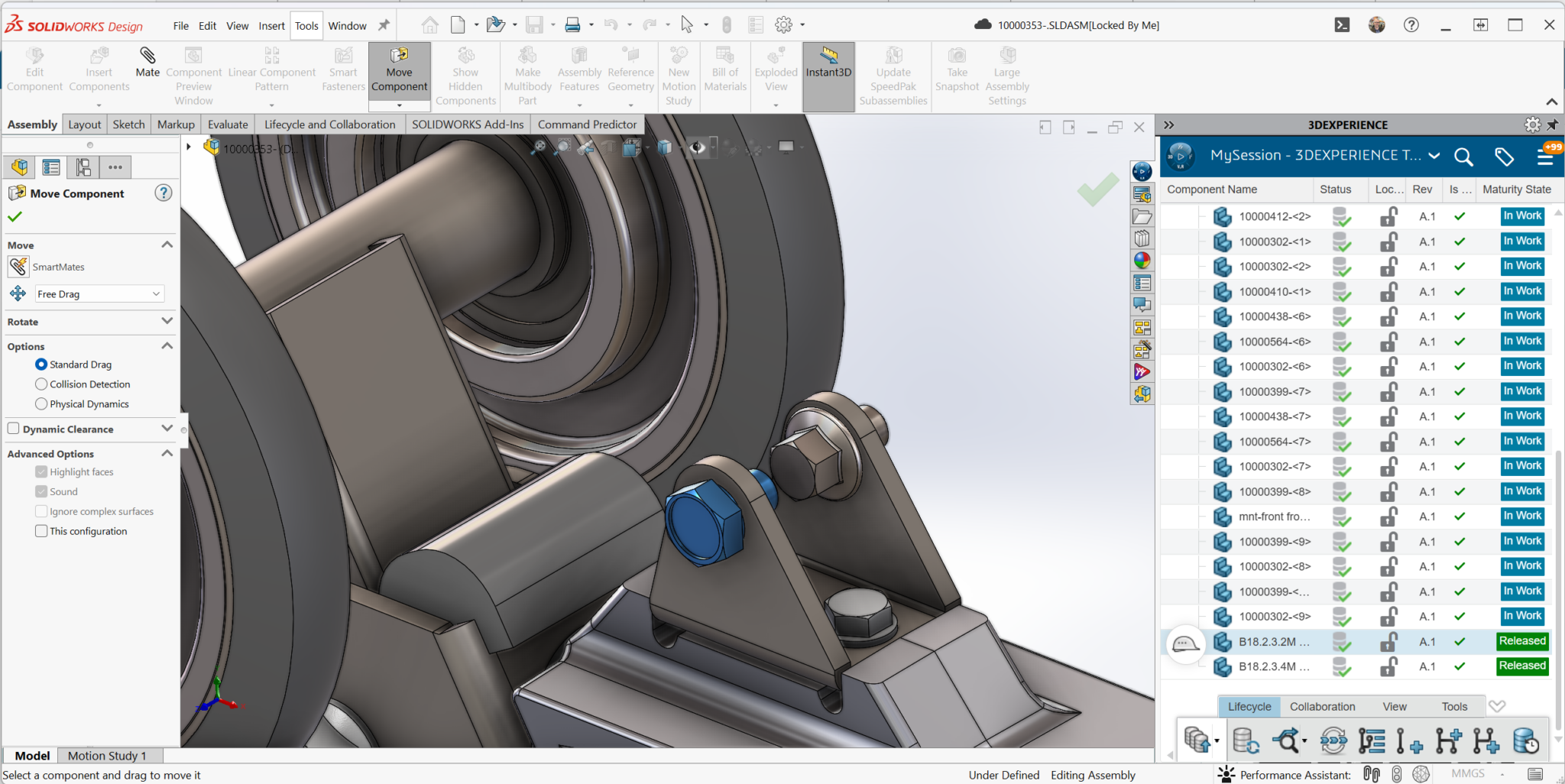
If your team uses the 3DEXPERIENCE platform, DraftSight can connect to cloud data management, revision management and collaboration capabilities through the appropriate roles. DraftSight remains installed on your computer, while the platform manages and shares the data.
The right approach depends on how your team already manages its drawings and what you want to improve.
When DraftSight Makes Sense
DraftSight is worth considering when you need to create and maintain 2D drawings, exchange DWG files or keep legacy designs accessible.
That could mean updating facility layouts, preparing manufacturing details or revising drawings received from a supplier. It could also mean giving occasional users access to drafting tools through a shared network license pool.
The question is whether DraftSight supports the work those users need to complete. A few representative projects can help answer that before you make a decision.
Choosing DraftSight for Your Team
Choosing the right DraftSight edition starts with your drawings, your processes and the people doing the work. Evaluating a few of your own projects will help you see how its tools support your daily tasks. Include any specialized workflows or custom automation so you can identify what transfers directly and where adjustments may be needed.
DraftSight supports everyday 2D drafting, with editions that add advanced drawing tools, 3D modeling and mechanical documentation capabilities. For teams that also need parametric part and assembly design, SOLIDWORKS can complement DraftSight while you continue maintaining your 2D drawings.
At Hawk Ridge Systems, we can help you evaluate your workflows, compare editions and choose the right licensing approach. Whether your team needs individual access or a shared network license pool, we can help you put DraftSight to work.
Frequently Asked Questions
Is DraftSight a good AutoCAD alternative for DWG files?
Yes for many teams. DraftSight is built around DWG and DXF, so familiar drafting commands, layers, blocks and print workflows usually transfer well. The best check is to open a few of your own drawings, run your usual edits and confirm the printed output before you commit.
Which DraftSight edition should I buy?
Start with the work, not the label. Professional covers everyday 2D drafting. Premium adds advanced drafting tools and 3D modeling. Enterprise and Enterprise Plus add network licensing, deployment tools and support. Mechanical adds part references, balloons, bills of materials and related mechanical documentation tools.
Do I need a license for every person on the team?
Not always. Single User Licensing assigns a seat to each person. Network licensing shares a pool, so you size seats to concurrent use rather than headcount. If ten people edit drawings but only four work in DraftSight at once, a four-seat network pool may be enough.
Does DraftSight work with SOLIDWORKS?
Yes. Many teams keep SOLIDWORKS for 3D design and use DraftSight for plant layouts, supplier drawings and legacy DWG files. You can also manage DraftSight files in SOLIDWORKS PDM and connect DraftSight to the 3DEXPERIENCE platform with the right roles.
Can DraftSight turn a PDF into editable geometry?
That depends on the edition and operating system. Referencing a PDF under a drawing is different from converting PDF content into editable entities. If PDF import is part of your workflow, confirm the edition supports it — see DraftSight: Importing PDF to DWG/DXF.