AI is growing too fast for anyone to fully know what it will be able to do, so the harder question for most engineering teams is where to start. On November 19, I hosted our webinar Inside an AI Assessment: A Start-to-Finish Walkthrough, live from Lancaster, Pennsylvania, to introduce our new AI Readiness Assessment. I walked through it from the first survey question to the final roadmap, using two fictional manufacturers so no customer intellectual property (IP) was shown. My answer to where to start is simple: Start with your data, your processes, and your governance, then let AI build on top. If you missed it live, you can watch the on-demand webinar anytime.
I opened with an honest disclaimer. Nobody has AI figured out fully. I’ve been on this journey for the past two years, reading books and keeping up with the news, and the textbooks I’ve read get out of date pretty quickly. We’re in the mess right along with you, and we want you to join us so we can figure it out together.
Key Takeaways
- Build on a sure foundation: Data, automation, and integration with your business systems come first. AI is the superpower on top.
- Settle IP and data governance early: Know where your data goes, especially if you handle CUI (Controlled Unclassified Information), data covered by ITAR (International Traffic in Arms Regulations), or CMMC (Cybersecurity Maturity Model Certification) requirements.
- Keep well-trained humans in the loop: People still need to revise, approve, and understand what AI produces.
- Use AI to set up automation: AI works with a level of uncertainty, while automation does the same task the same way every time.
- Rank your critical business issues: Start with the problem that costs you the most time and money.
- Make engineering the source of truth: Find the Excel workarounds and redundant tools between your major systems.
AI Is Not the Whole Solution
I’m an engineer who loves to get technical. My title is technical account manager, but I usually describe myself as an engineering and AI business consultant: Someone who comes in, tries to understand your business as quickly as possible, and gives you relevant recommendations based on what I find.
My core thesis is that the foundational practices we’ve been developing with our customers over decades are still what AI rests on. Your data comes first. On top of that, you build sure automation and integration with your business systems. That process uncovers gaps, and those gaps become the opportunities for AI: Taking on repetitive tasks, surfacing hard-to-find information or errors, and looking deeper into your data than we’ve ever been able to before. So if somebody promises you that AI is going to come in and be the only solution you need, you should probably be suspicious of that recommendation.
I also shared a short list of honest caveats:
- It’s not an easy button: The tools are powerful, but they have limits, especially in their current state.
- Humans stay in the loop: We need well-trained people working in the system to revise and approve the output.
- AI won’t bypass dirty data or bad practices: Use AI to help get your data to a cleaner state, then build on it.
- Long-term costs are unknown: We don’t know what AI will cost five years from now, so avoid over-relying on any single tool.
Start With a 10-Minute Self-Assessment
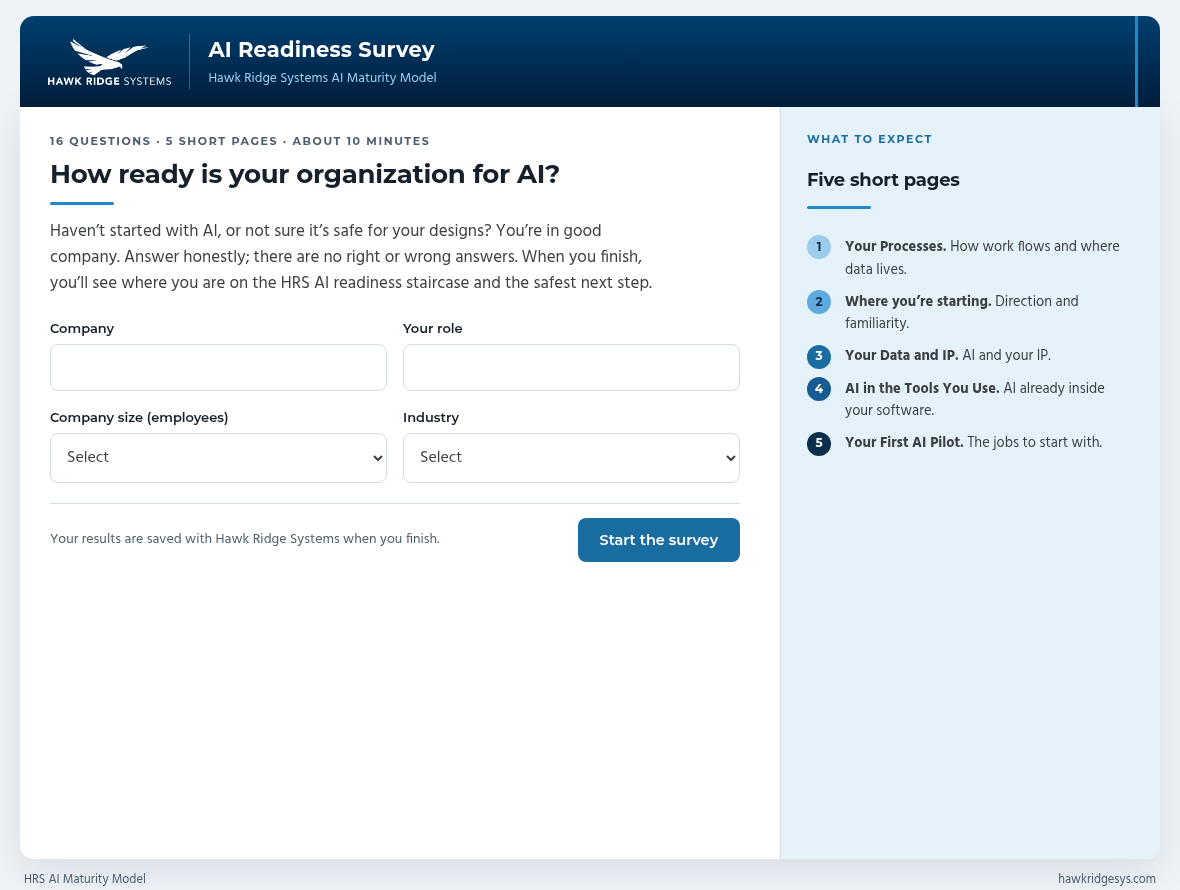
The first step is a self-assessment survey that takes about 10 minutes. During the webinar, I filled it out live as the director of engineering at Park Supply, a fictional industrial machinery company. The survey asks how clearly AI is part of your company’s direction, how familiar your people are with everyday tools like ChatGPT or Microsoft Copilot, what you want AI to help with, where your files are stored, and how you usually try out new tools.
Intellectual property is one of the greatest concerns I hear. Many companies avoid AI tools because of IP risk, and many don’t know what happens to the data people type or upload. One benefit of Hawk Ridge Systems having a dedicated AI team is that I can ask them those questions, and they have the agreements and settings in place so I know my AI data is in a secure tenant. We can help you form data governance policies so your team knows which tools to use and how. If you know you have CUI, ITAR-related data, or CMMC requirements, those questions come before anything else.
At the end, you see where you stand and get a PDF of your results to keep. You can stop there or schedule a 60-minute discovery call with one of our experts.
Rank Your Critical Business Issues
The discovery call turns your goals into a ranked list of critical business issues. How much cost and time is each one taking? Are you keeping up with orders, or losing them? Which one would you fix first? Then we play back what we heard so we’re on the same page before going further.
For the fictional company, the list will sound familiar to many engineering teams:
- Engineering time lost to quotes, which slows time to quote and costs bids
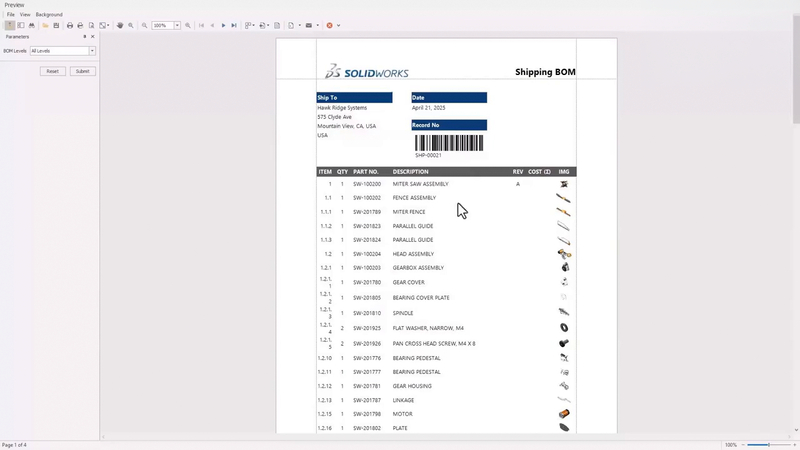
- BOMs (bills of materials) retyped into the ERP (enterprise resource planning) system by hand
- Files that are hard to find and control
- AI use without rules
Some of those are policy fixes. A lot of it comes down to whether the right systems are connected.
Inside the On-Site Assessment
The full AI Readiness Assessment is a paid on-site engagement. Colleagues like me travel across the US and Canada to survey and interview your stakeholders, then build workflow and IT architecture diagrams that your team reviews and redlines. After a full day of on-site interviews, I usually come out pretty exhausted, so our job is to turn all of it into something we can sit down and discuss. In the Calder Valley Conveyor example, the workflow diagram showed engineers finding a similar past job and rebuilding the quote drawing, then sending quotes from an Excel workbook by email.
The IT architecture map shows where data is designed, where it lives, and which in-between tools connect your major systems. Excel is especially notorious for being an engineer’s favorite tool, from exported BOMs to project tracking and custom VBA (Visual Basic for Applications). You’ll always hear the term one source of truth, and as an engineer, I’ll always believe that source of truth needs to be engineering.
AI also helps us look inside systems that are hard for people to read. With AI-assisted SQL (Structured Query Language) queries and API (application programming interface) scripts, we can dig into large-assembly performance issues and into SOLIDWORKS PDM Professional databases to check variables, file cleanliness, and whether there is usable metadata to work with.
Use AI to Build Automation
The assessment ends with a phased roadmap and a PDF report your leadership team can review and share. For Calder Valley Conveyor, the first recommendation was SOLIDWORKS PDM, since the company didn’t have it. For teams already on SOLIDWORKS PDM Professional, the recommendation may instead be to rework an environment that isn’t working for them anymore. The review can also surface redundant software, which raises the question of whether you can save money by consolidating on one ecosystem.
Not every next step is AI. Moving BOM information from the engineering system to the business system is a good example. AI tools are always working with some uncertainty, but an automation tool is going to do the right thing the right way every time. So we would likely use an AI tool to set up an automation tool. We’re not just automation experts anymore. We’re AI experts. In the past, this could have been a 12-month roadmap, and depending on how ready your team is to move faster, we can now meet your needs that much quicker.
The AI Readiness Assessment, in Short
The question I closed with is the one the whole assessment is built around: Are you ready for what’s next? Wherever your company is on its AI journey, the path starts with the same foundation of clean data, connected systems, clear governance, and well-trained people. From there, we target what is causing your company the most pain and solve it more like a surgeon.
Watch the Webinar
Chapters
- 0:00 – Welcome
- 2:10 – Nobody has AI figured out
- 4:05 – Hawk Ridge Systems as an engineering business
- 7:08 – Who I am
- 10:05 – AI rests on a sure foundation
- 12:00 – Honest caveats
- 14:41 – How the AI Readiness Assessment works
- 15:55 – Live self-assessment: Park Supply
- 19:45 – IP and data governance
- 24:38 – Self-assessment results
- 26:28 – Discovery call and critical business issues
- 29:15 – The on-site assessment
- 30:20 – Full assessment walkthrough: Calder Valley Conveyor
- 33:55 – IT architecture and one source of truth
- 36:17 – AI-assisted data diagnostics
- 38:06 – The roadmap
- 40:37 – Using AI to build automation
- 41:49 – The PDF report
- 44:41 – Are you ready for what’s next?
- 45:56 – Q&A: Practical AI in SOLIDWORKS
- 48:40 – Wrap-up
Watch the full recording anytime on the Inside an AI Assessment on-demand webinar page.
Coming Up: AI Tools in SOLIDWORKS
In the Q&A, I pointed to an early-December webinar from my colleague Scott Woods on the AI tools in SOLIDWORKS, including LEO, AURA, and eventually MARIE. If an assessment finds a business case for one of them, such as LEO helping create dimensioned drawings, our roadmap shows where it fits in your workflow. Watch our Events page for the date and registration link.
Frequently Asked Questions
What is an AI readiness assessment?
It is a structured look at whether your data, processes, governance, and tools are ready for AI. At Hawk Ridge Systems, it runs in four steps: A self-assessment survey, a discovery call, a paid on-site assessment, and a phased roadmap with a PDF report.
How long does the AI readiness self-assessment take?
About 10 minutes. You get a PDF of your results to keep, whether or not you talk to us afterward.
Is my data safe if my team uses AI tools?
It depends on the tool and your policies. Many teams don’t know what happens to the data people type or upload, so the assessment covers IP and data governance early, including CUI, ITAR-related data, and CMMC requirements.
Does an AI readiness assessment always recommend AI?
No. Many recommendations point to foundational fixes like SOLIDWORKS PDM or automation, and AI is often used to set up that automation rather than replace it.
Keep Learning
- How AI Fits into the SOLIDWORKS Workflow: An Engineer’s Practical Guide
- What Is PDM? Product Data Management Explained for Engineering Teams
- AI Solutions for Engineers and Manufacturers
Contact Us
Ready to find out where your team stands? Take the 10-minute AI Readiness Assessment self-assessment, or talk with one of our experts about a 60-minute discovery call. Contact Us