Design changes will happen. A customer finds an issue, a supplier discontinues a part, the shop finds a feature it cannot machine or the team spots a better way to build something. The question is not whether you change a design, but whether the change moves through your company in a controlled way or by email, hallway conversation and hope.
Engineering change management is the process that answers that question. This guide explains how the process works, how an engineering change order (ECO) workflow moves from request to release and the practices that keep it fast without losing control.
What Is Engineering Change Management?
Engineering change management is the set of steps a company uses to request, evaluate, approve, carry out and record changes to a product’s design and its related documents. It covers the CAD files, but it also covers drawings, bills of materials (BOMs), suppliers and the people downstream who need to know a change happened.
Done well, it means three things. Everyone works on the correct revision. Every change has a reason, an owner and an approval. And anyone can look back later and see what changed, when and why.
The Core Terms: ECR, ECO and ECN
Companies use slightly different names for their change documents, but most processes include three:
- Engineering change request (ECR): The proposal. Someone reports a problem or suggests an improvement, and the request captures what, why and which items are affected.
- Engineering change order (ECO): The authorization. Once a request is approved, the ECO assigns the work, defines what will change and tracks it to completion.
- Engineering change notice (ECN): The announcement. It tells manufacturing, purchasing, quality and other teams that the change is released and what they need to do.
The term ECN varies the most. In some product lifecycle management (PLM) systems, it refers to the approved implementation plan rather than the announcement.
Some companies also run quality records such as corrective actions and non-conformances alongside these, and those often trigger change requests.
How an ECO Workflow Runs, Step by Step
A typical engineering change process moves through six stages:
- Capture the request: Anyone affected can raise an ECR, with the affected parts, drawings or assemblies attached.
- Review and evaluate: Engineering and the relevant stakeholders assess impact on cost, schedule, inventory and other products that use the same parts.
- Approve or reject: The right approvers sign off based on rules your company sets, so small changes do not wait on the same people as major ones.
- Issue the ECO and make the change: An engineer is assigned, the CAD and drawings are updated and the BOM is revised.
- Release: The new revision is released, outputs such as PDFs and STEP files are created and the old revision is superseded.
- Notify and close: Downstream teams are notified, and the record is closed with full traceability back to the original request.
Why Manual Change Processes Break Down
When change runs on email and spreadsheets, the costs are hard to see but easy to feel. The wrong revision gets sent to production. A CAD file is moved and nobody can find it. Revision letters are typed by hand into files that were copied to preserve the old version. Release packages are built manually at the end of every change.
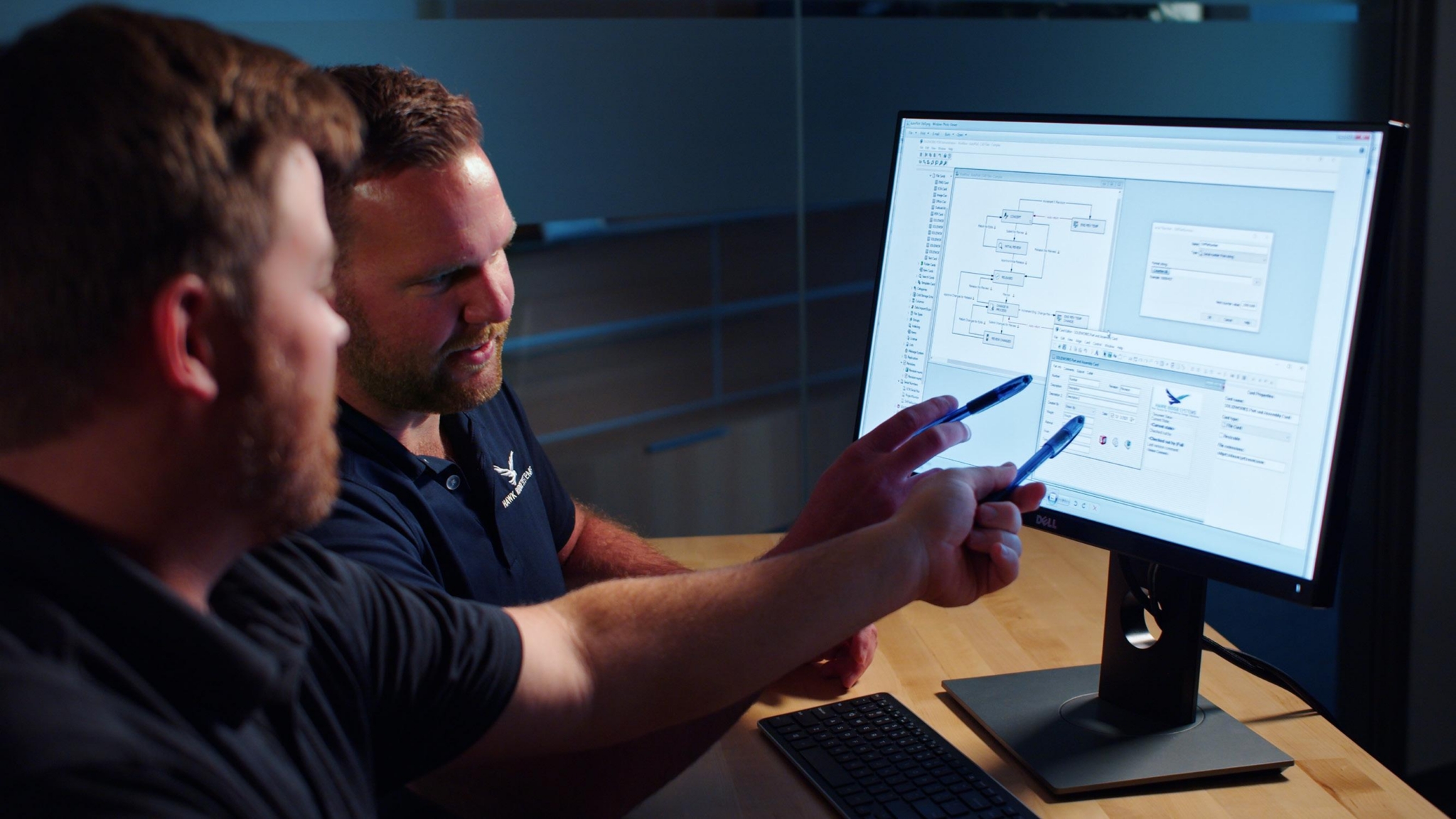
Hawk Ridge Systems’ Enterprise Solutions team sees this across SOLIDWORKS Manage projects: Most customers’ main reasons for looking at the software include better automation of their BOMs and engineering change processes. In a 2022 post, the Hawk Ridge Systems Enterprise Solutions team described using a conservative $3,000 per manual change request as a starting point in its Manage PLM return on investment (ROI) calculations. Multiplied by the number of change requests a company handles over three years, that figure can make the case on its own.
Tools That Support Engineering Change Management
You can run a sound change process at three levels, depending on how far the change needs to reach:
- SOLIDWORKS PDM: SOLIDWORKS PDM workflows tie approval and release directly to the CAD files. Changing a file’s state notifies the next person, and revision schemes apply automatically to native files. Task automation can create PDFs at release, and SOLIDWORKS PDM Professional can also output neutral formats such as STEP and DXF. File references are tracked, so renaming or moving a file does not break an assembly.
- SOLIDWORKS Manage: SOLIDWORKS Manage builds on PDM Professional with configurable processes for change requests, change orders and quality actions, linked to BOMs, projects and files. It suits teams whose changes involve purchasing, quality and operations as well as engineering.
- Cloud change apps: On the 3DEXPERIENCE platform, apps such as Issue Management, Change Execution and Route Management in the Collaborative Industry Innovator role let teams track requests from outside engineering and the plan to resolve them, in the cloud. Our post on change management with 3DEXPERIENCE explains the options.
Best Practices for Engineering Change Management
- Make requests easy to raise: If filing an ECR is harder than sending an email, people will send emails. Keep the form short and attach the affected items automatically where you can.
- Scale approvals to the change: Route minor documentation fixes differently from changes that affect cost, safety or customers.
- Keep one source of truth: Work from native files in a managed vault rather than copies, so the released revision is never in doubt.
- Automate the release package: Let the system create neutral files at release instead of building them by hand.
- Close the loop: Notify downstream teams and record the outcome, so the history is there when an auditor or a new engineer asks why something changed.
- Measure it: Track how many change requests you handle and how long they take. Those numbers drive the ROI conversation.
Keep Learning
- Change Management in SOLIDWORKS PDM: Don’t Waste Your Best Work
- How to Manage Bills of Materials and Engineering Change Processes With SOLIDWORKS
- What Is PDM? A Practical Guide to Product Data Management
Frequently Asked Questions
What Is the Difference Between an ECR and an ECO?
An ECR proposes a change and explains why. An ECO authorizes an approved change, assigns the work and tracks it through release.
What Is the Difference Between an ECN and an ECO?
The ECO governs making the change. The ECN communicates the released change to the teams who need to act on it.
Do Small Teams Need a Formal Engineering Change Process?
Yes, scaled to their size. Even a simple PDM workflow with one approval step helps keep the wrong revision from reaching production.
What Software Manages Engineering Changes for SOLIDWORKS Users?
SOLIDWORKS PDM handles file-level workflows and revisions, SOLIDWORKS Manage adds cross-department change and quality processes and the 3DEXPERIENCE platform offers cloud-based issue and change apps.
Contact Us
Want to see what your change process costs today? Contact Hawk Ridge Systems and our data management team can walk through the numbers with you.