Tokens, Workflows, Use Cases
AI For Manufacturing & Engineers
SOLIDWORKS AI in practice ā AURA, LEO, MARIE, and whatās built into CAD ā so design and manufacturing teams move beyond guesswork.
SOLIDWORKS AI: AURA, LEO, MARIE
SOLIDWORKS AI is the practical stack Hawk Ridge Systems helps teams adopt first ā knowledge guidance with AURA, agentic Labs capabilities with LEO, materials science with MARIE (expected shortly), and native SOLIDWORKS intelligence you can turn on without a cloud companion. From there, the same habits extend into manufacturing automation and design-to-manufacturing (D2M) workflows.
Cited Guidance In Your CAD Stack
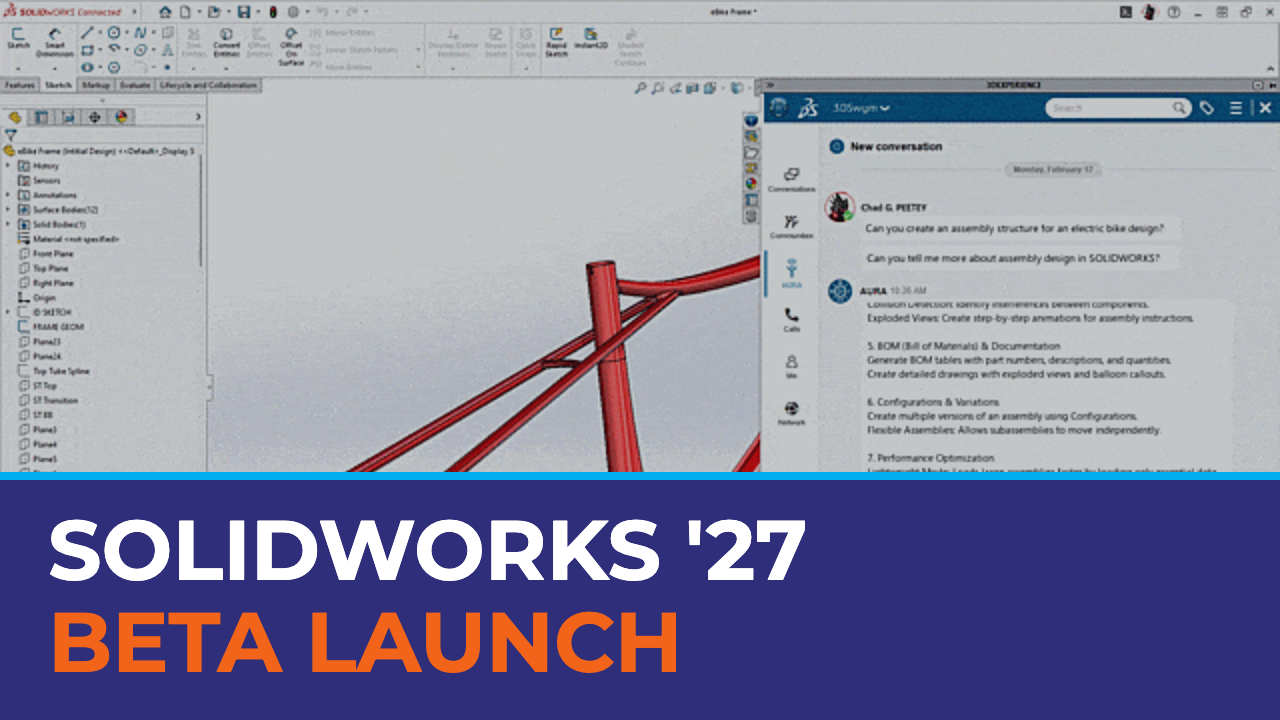
AURA is Dassault Systèmesā conversational AI assistant for SOLIDWORKS, 3DEXPERIENCE, and related apps. It returns step-by-step help drawn from trusted Dassault Systèmes sources ā with citations ā and is included free with Collaborative Designer for SOLIDWORKS. It does not āseeā your model; it helps you get work done faster with clear, source-backed answers.
Agentic AI In SOLIDWORKS Labs
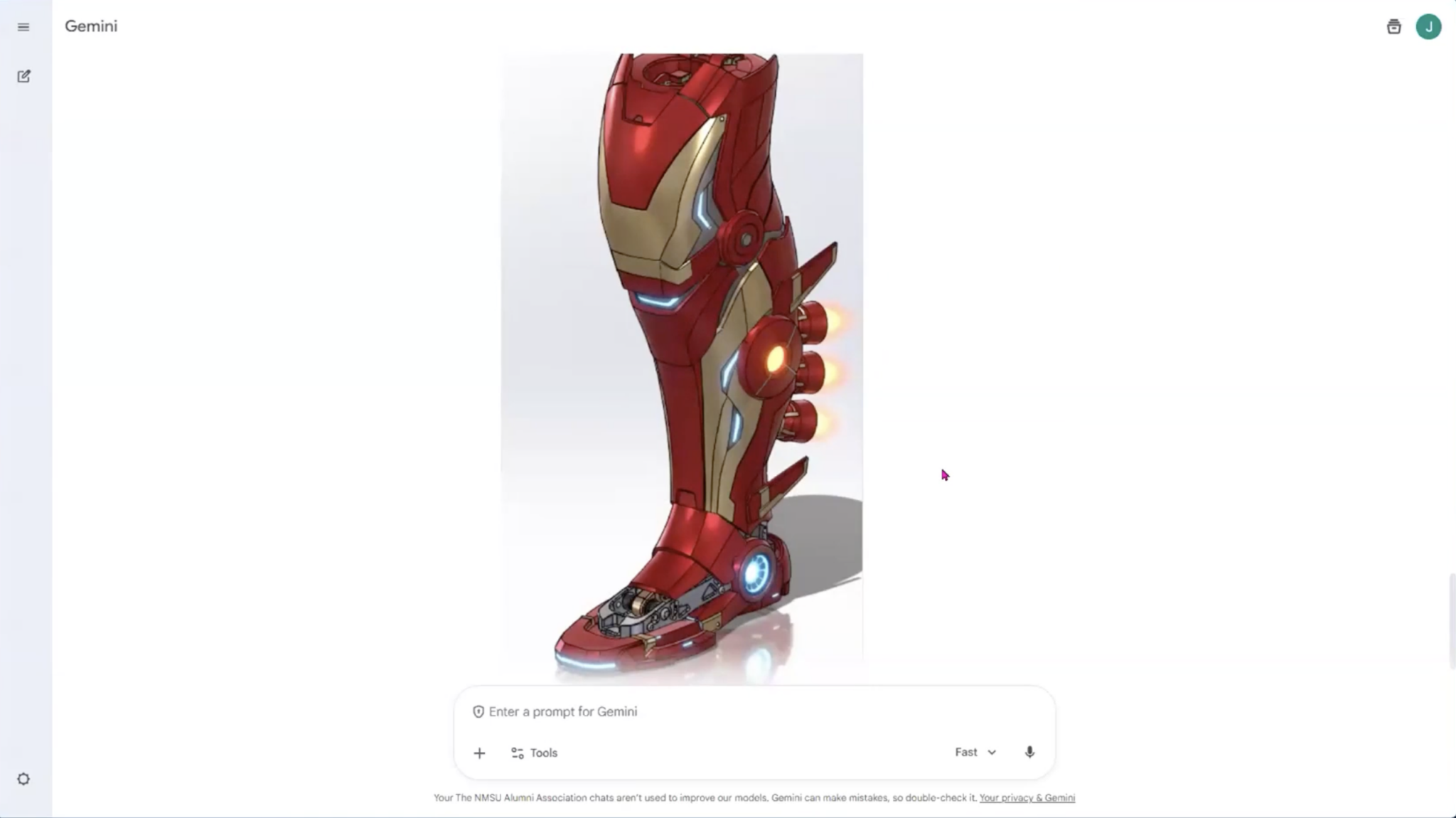
LEO is Dassault Systèmesā agentic assistant unveiled at 3DEXPERIENCE World 2026. Where AURA explains how, LEO can perform tasks ā drawings, reverse engineering, prompt-driven modeling and simulation setup ā via early access in SOLIDWORKS Labs. Do not treat LEO as generally available; scope pilots honestly.
Scientific & Materials Companion
MARIE is the materials-scientist companion in the SOLIDWORKS AI lineup ā computational science, materials expertise, chemical formulations, and compliance. It helps evaluate candidate materials under thermal or mechanical stress, check regulatory compliance, and select specialized formulations. It has less of a direct ādrive SOLIDWORKSā connection than LEO, but it can cut rework cycles. Availability: expected shortly.
Native / Local ML ā Not A Cloud Companion
Beyond AURA, LEO, and MARIE, SOLIDWORKS already ships built-in intelligence ā Automatic Drawings, Mate Assistance, and other local ML helpers that run in your CAD session. These are not cloud companions; they are features you can enable today while you build fluency with the Virtual Companions.
āAI is the multiplier. You are the value.ā ā Manish Kumar, CEO, SOLIDWORKS (3DEXPERIENCE World 2026)
How Teams Are Innovating
From keynote demos to shops on the floor, hereās how customers and partners put AI and automation to work ā without waiting for a perfect roadmap.
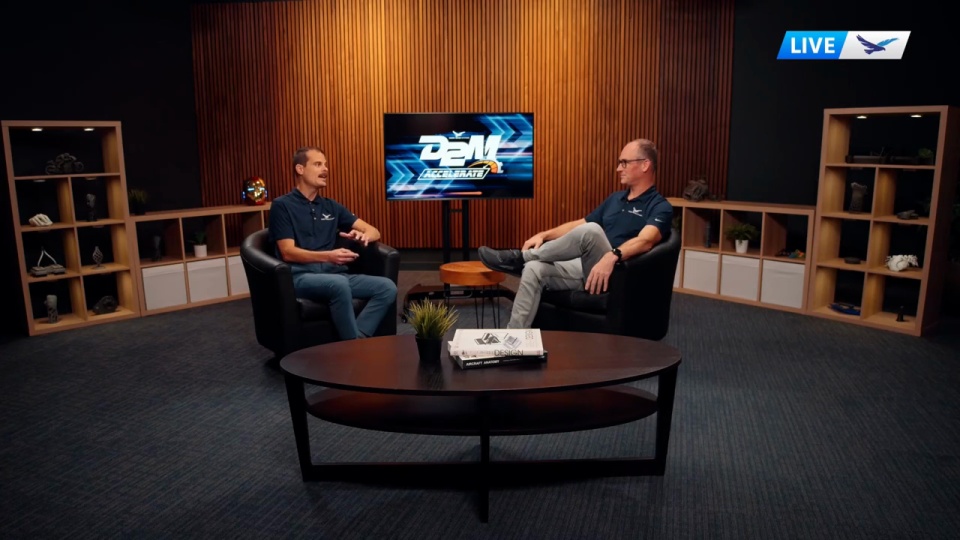
D2M Accelerate: Whatās New In SOLIDWORKS 2026, AURA AI & Design-To-Manufacturing
What’s new in SOLIDWORKS 2026, real-world AI in CAD, and the tools that move design to manufacturing faster.
Watch the keynote ā
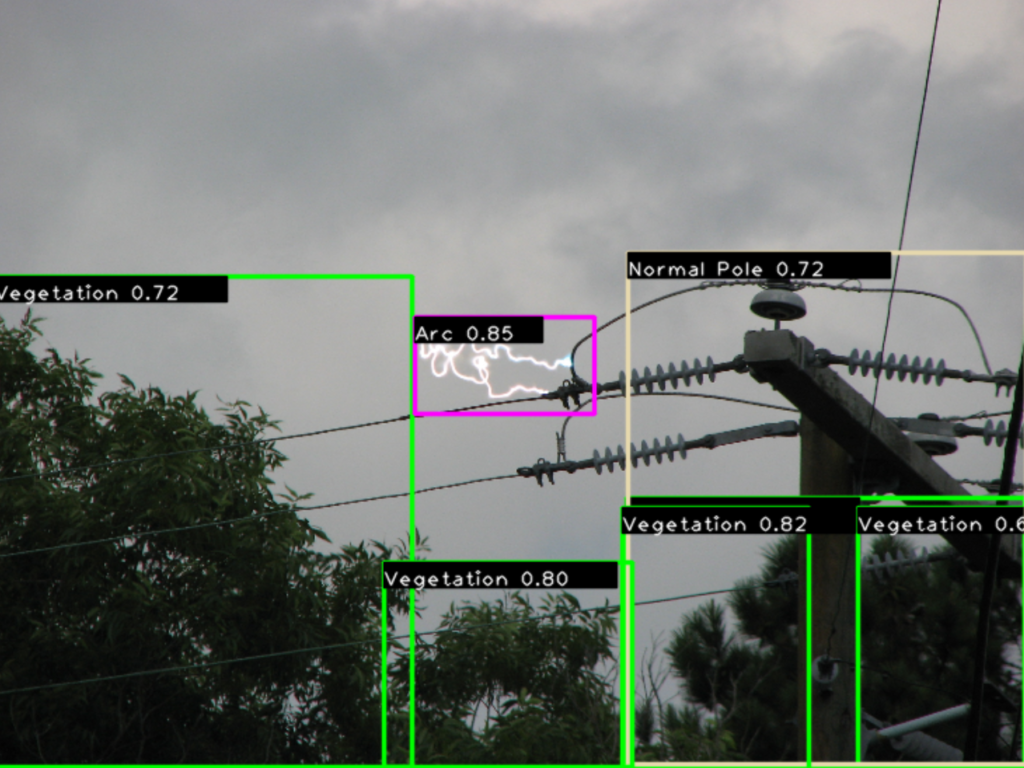
Green Grid Inc.
How a SOLIDWORKS-powered startup designs AI-enabled sensors for 24/7 utility grid resilience and wildfire prevention.
Read the story ā
SOLIDWORKS Goes All-In On AI
Groundbreaking AI advancements from 3DEXPERIENCE World 2026 ā including LEO as a physics-aware virtual assistant and Labs SP1 early capabilities.
Read the article ā
Beyond The Hype Ā· Whatās New With AI In Design
Separate the practical from the promotional ā AURA enablement, trusted sources, and what design teams can use right now.
Read the article āWhat You Can Do Today
Small, honest steps beat big promises. Start here ā then deepen with webinars and articles below.
- Confirm whether your team already has AURA via 3DEXPERIENCE ā and turn it on.
- Read the Blue Tokens guide before heavy Labs prompting.
- Pilot one low-risk workflow: drawings, macros, or documentation ā not autonomous production.
- If youāre evaluating LEO, treat it as Labs early access and scope a supervised pilot.
- Talk with Hawk Ridge Systems about training and services so habits stick.
Webinars & Sessions
On-demand keynotes and D2M sessions ā watch when youāre ready to go deeper.
Meet SOLIDWORKSā New AI, AURA And LEO
A short intro to AURA and LEO ā what each companion does and how teams start using them in SOLIDWORKS.
Watch ā
D2M Accelerate 2025 Keynote
SOLIDWORKS 2026, AURA AI, and design-to-manufacturing in one session.
Watch ā
An Engineerās View: AI In The SOLIDWORKS Workflow
How AI fits daily modeling and drawing work ā practical workflows from Hawk Ridge Systems engineers.
Watch / Read ā
Beyond The Hype: Whatās New With AI In Design
Practical AI in design from the D2M session ā without the fluff.
Access Recording ā
The Future Of CAM Is AI-Assisted Programming
Where assisted CAM is heading ā and the foundations that make shop-floor AI practical.
Access Recording āArticles
Practical how-tos, Labs guidance, tokens, and manufacturing playbooks. Pick a track ā each article appears in one place only.
New
Start Automating CAD With SOLIDWORKS AI Labs
Install SOLIDWORKS Design 2026 with Cloud Services, open AI Labs, and use LEO to generate drawings and macros ā step by step.
Read article ā
New
Engineerās Guide To SOLIDWORKS AI Tokens
What prompts cost, how Blue Tokens are pooled and spent, and how to route work across AURA, LEO, and MARIE.
Read article ā
New
7 Best Ways To Automate SOLIDWORKS Designs
From AI assistants to API tools ā top ways to reclaim hours in day-to-day design work.
Read article ā
New
Automate Drawing Creation In SOLIDWORKS
Templates, predefined views, Auto-Generate Drawing, Task Scheduler, macros, and AI-powered drawings with LEO.
Read article ā
New
How Engineers Are Actually Using AI In 2026
Five high-value use cases with expert prompts for documentation, troubleshooting, code, validation, and training.
Read article ā
New
SOLIDWORKS 2027 Sneak Peek
Continuous updates, LEO AI, drawing automation, and how to get upgrade-ready with Hawk Ridge Systems.
Read article ā
How AI Fits The SOLIDWORKS Workflow
Practical tips for how intelligent assistants and AURA save time in modeling, assembly, and drawing work.
Read article ā
Whatās New With AI In Design
Separate the practical from the promotional ā whatās actually useful for design teams right now.
Read article ā
Whatās Here Today In CAD & 3DEXPERIENCE
A clear look at AI already in popular CAD tools like SOLIDWORKS and the 3DEXPERIENCE platform.
Read article ā
SOLIDWORKS Goes All-In On AI
Groundbreaking AI advancements from 3DEXPERIENCE World 2026, including LEO as a physics-aware virtual assistant.
Read article ā
5 Things Manufacturers Can Do Now
Hype vs. reality ā practical steps to adopt AI and automation in SOLIDWORKS, DriveWorks, CAMWorks, and 3DEXPERIENCE.
Read article ā
Manufacturing Automation Trends
From AI-driven CAD to digital factories ā and how to build a connected automation strategy.
Read article ā
Automation & The Labor Shortage
How automated processes help solve labor gaps, improve workflows, and boost efficiency with AI.
Read article ā
4 Shifts For Automotive Suppliers
Electrification, automation, AI, and more ā how suppliers design and manufacture in 2026 and beyond.
Read article ā
Green Grid: AI For Grid Resilience
SOLIDWORKS-powered sensors and 24/7 AI monitoring for utility resilience.
Read article āFind Where You Stand
Downloads and guides to baseline your automation readiness and roll out AURA the right way.
Beyond The Hype Ā· AURA Guide Path
Cut through promotional noise and see whatās new with AI in design ā paired with Hawk Ridge Systems AURA best-practice enablement.
Get the guide
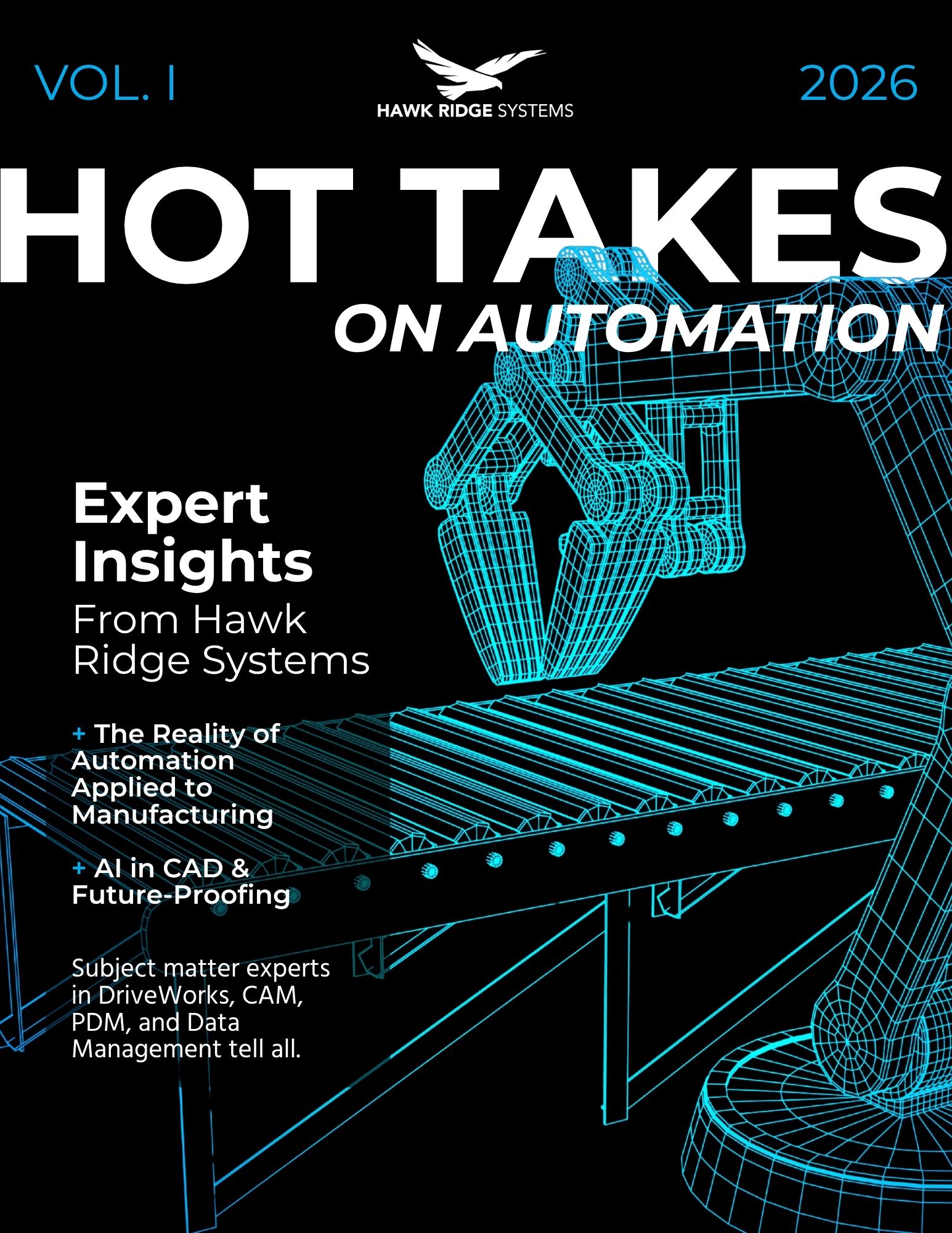
Hot Takes On Automation
Expert insights on the future of automation in manufacturing ā useful for leadership alignment before you buy tools.
Download Hot Takes
Maximize Adoption Ā· 5 Things Now
Five concrete moves manufacturers can make this quarter to adopt automation and AI without boiling the ocean.
Read the playbook
Automation Opportunity Workbook
Spot bottlenecks, cut manual work, and map practical automation opportunities across your manufacturing workflow.
Get the workbookHow Hawk Ridge Systems Helps
Weāre a SOLIDWORKS and manufacturing technology partner ā enablement first, hype last. Hereās how we support AI adoption across design and the shop floor.
Software & Platform
SOLIDWORKS, 3DEXPERIENCE, simulation, and CAM solutions sized to your team ā with clear guidance on AURA entitlement and Labs readiness.
Software Solutions āTraining
Role-based training so engineers build AI fluency, validate outputs, and adopt assistants without disrupting delivery.
Training āServices
Implementation, process automation, and pilot scoping ā especially when connecting CAD, PDM, and manufacturing systems.
Services āIndustry Expertise
Aerospace, automotive, industrial equipment, medical, and more ā AI framed for how your industry actually ships product.
Industries āFrequently Asked Questions
Straight answers buyers and engineers ask before they commit time or tokens.
What Do I Need To Open SOLIDWORKS AI Labs?
You need SOLIDWORKS Design 2026+ with Cloud Services, or a single-user license connected to the 3DEXPERIENCE platform. Standalone or network licenses use the Collaborative Designer for SOLIDWORKS add-in to connect. Once youāre in, the red play button in the Task Pane opens AI Labs so you can try AURA for guidance and LEO for actions such as drawings and macros. Follow Xavier Meyerās step-by-step walkthrough in our AI Labs how-to.
Whatās The Difference Between AURA And LEO In AI Labs?
AURA answers from SOLIDWORKS help and 3DSwym knowledge ā cited guidance when you need to know how. LEO takes action: it can generate drawings and macros from your prompts. Drawings still need a human pass for standards and intent, and you can iterate macros in the same chat until they behave. Thatās the companion model spelled out in the AI Labs how-to.
What Are SOLIDWORKS AI Blue Tokens ā and What Do Prompts Cost?
Blue Tokens are pooled organization credits for AURA, LEO, and upcoming MARIE prompts. AURA-style guidance often costs about one token per prompt, while LEO actions that change your design can cost more ā up to around twenty tokens per prompt in the articleās framing. Route lookup to AURA and reserve LEO for work worth the spend; MARIE is positioned for materials and compliance as it arrives. Read the full picture in the Engineerās guide to SOLIDWORKS AI tokens.
Where Should Manufacturers Start With Automation And AI?
Start small on one well-understood problem ā donāt boil the ocean. Automate good-enough workflows, not disasters waiting to happen, and build trust with transparent, auditable outputs. Treat AI as a companion to engineering judgment, not a replacement, and use enterprise LLMs when proprietary IP is in play. AURA cites sources and does not crawl the open web, which makes it a safer first step than a public chatbot. Use the 5 things manufacturers can do now playbook as your checklist.
Is AURA Grounded In Trusted Docs ā or The Open Web?
AURA draws from trusted Dassault Systèmes documentation and community sources ā not Reddit, Wikipedia, or a random open-web crawl. That grounding is why engineers can audit answers, and why Hawk Ridge Systems pairs AURA with features already shipping today such as Automatic Drawings and Mate Assistance. The human still validates before anything hits production. Beyond the Hype separates practical AI in design from promotional noise.
How Does LEO Drawing Automation Work In 2026?
LEOās drawing tool runs through Cloud Services and My Session as a beta path for AI-assisted drawing creation. It can jump-start views and annotations, but the engineer stays in control of the final drawing ā standards, GD&T, and release intent are still your call. Pair it with templates and other SOLIDWORKS drawing automation when you want speed without surrendering quality. The 2026 drawing automation guide walks through the options.
How Are Engineers Actually Using AI In 2026?
Five high-value patterns show up again and again: documentation, troubleshooting, code and technical writing, validation, and learning. Keep a human in the loop on every critical output, and ground assistants in your internal knowledge base whenever you can. That mix beats chasing every new model for its own sake. Adapt the prompts in How engineers are actually using AI in 2026.
What Did 3DEXPERIENCE World 2026 Signal About SOLIDWORKS AI?
SOLIDWORKS CEO Manish Kumar framed it clearly: āAI is the multiplier. You are the value.ā The keynote water-tank demo showed LEO turning a natural-language prompt into assembly, simulation setup, and reporting in minutes ā early Labs SP1 capabilities, not a claim that every shop is production-ready overnight. Use that framing for honest early-adopter pilots, then mature toward broader rollout. Damon Tordiniās 3DX World AI recap is the best single read.
Is LEO Generally Available Today?
No. LEO is early access through SOLIDWORKS Labs (SOLIDWORKS Design 2026 / SP1 path), not general availability. Treat it as a supervised pilot conversation now ā drawings, macros, reverse engineering ā while production readiness matures across the 2026ā2027 cycle. Pair Labs experiments with AURA enablement so teams build AI habits on tools they already have. Keep expectations honest with the AI Labs how-to.
Does Hawk Ridge Systems Help With Training And AI Rollout?
Yes. Hawk Ridge Systems supports SOLIDWORKS and 3DEXPERIENCE adoption with training, services, and expert guidance so teams can enable AURA, evaluate Labs features honestly, and connect design automation to manufacturing workflows. We help you scope low-risk pilots, protect proprietary data practices, and build fluency without boiling the ocean. Contact us when youāre ready to move from interest to a plan.