LIMITED-TIME OFFER! Save Up to 28% on SOLIDWORKS Perpetual Licenses
Save Now
Greater Flexibility, Enhanced Precision
What’s New in SOLIDWORKS Simulation 2026
SOLIDWORKS Simulation, Plastics, and Flow Simulation have exciting new upgrades that enhance control, provide greater flexibility, and simplify tasks with new automation features. Just like SOLIDWORKS CAD updates, you’ll find major updates that boost productivity — such as new distributed mass and force options for beam elements, a new “Unfilled Volume” plot in fill simulation results, and an auto-fill thin gap feature in thermal analyses.
Here are the 2025 SOLIDWORKS Simulation updates if you’re curious about them.
Let’s take a closer look at the new 2026 simulation updates.
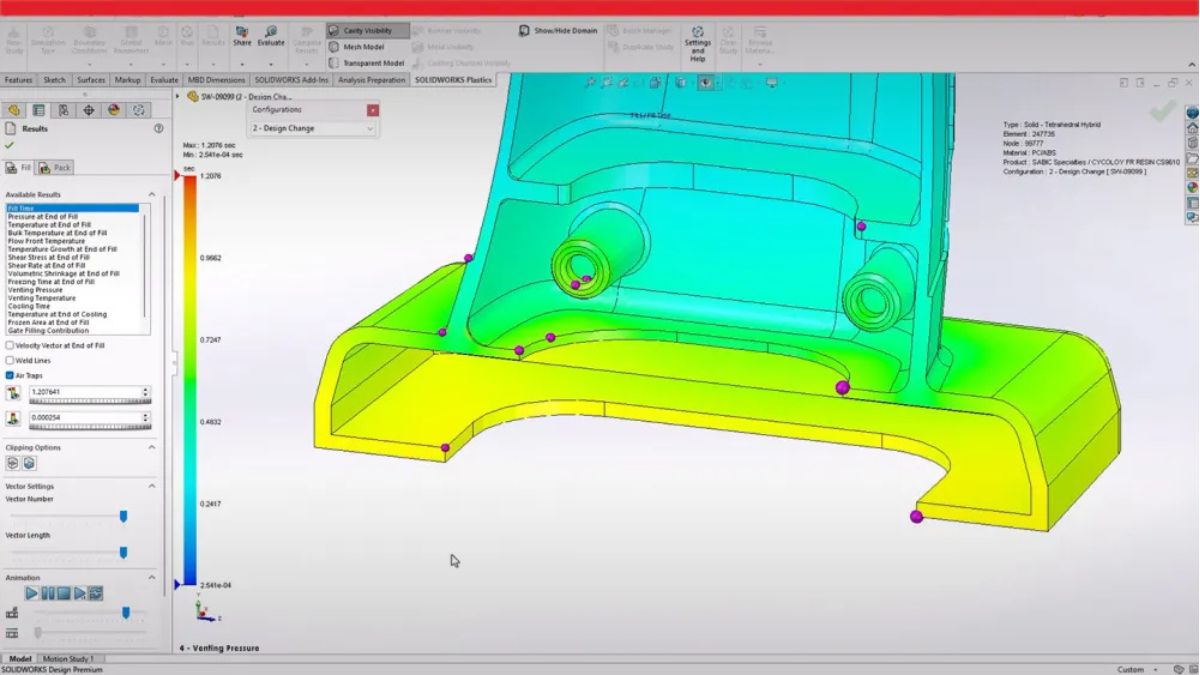
6 New Enhancements in SOLIDWORKS Simulation
This year’s release of SOLIDWORKS Simulation includes enhancements that improve structural simulations with greater flexibility and precision, as well as updates for optimizing modeling, streamlining pinned joints in vibration environments, and refining setups.
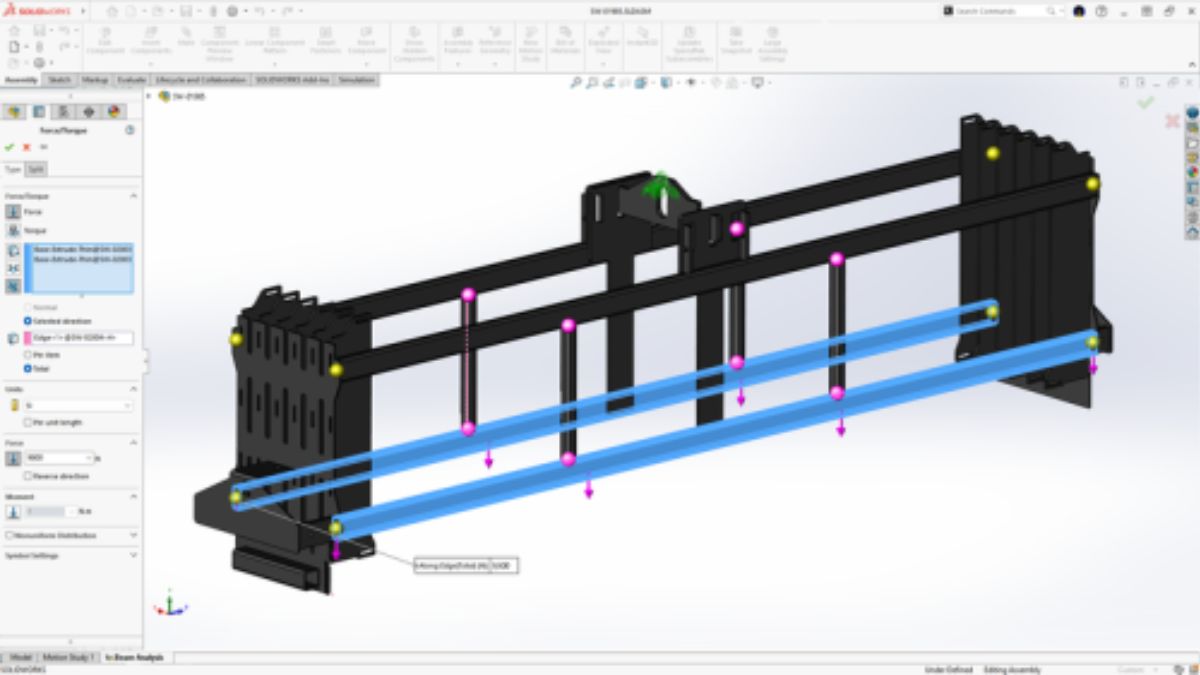
Focus Options for Beams
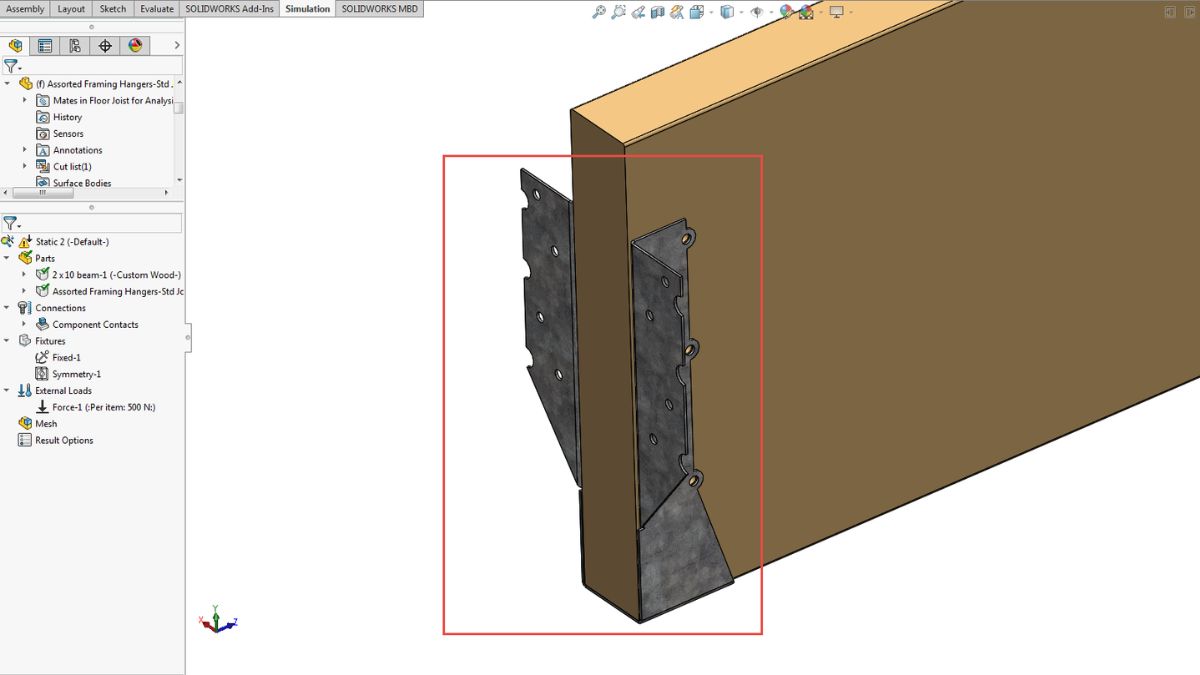
- Choose between Per Item and Total definitions when applying force to beam elements
- Enjoy more precise control in structural simulations
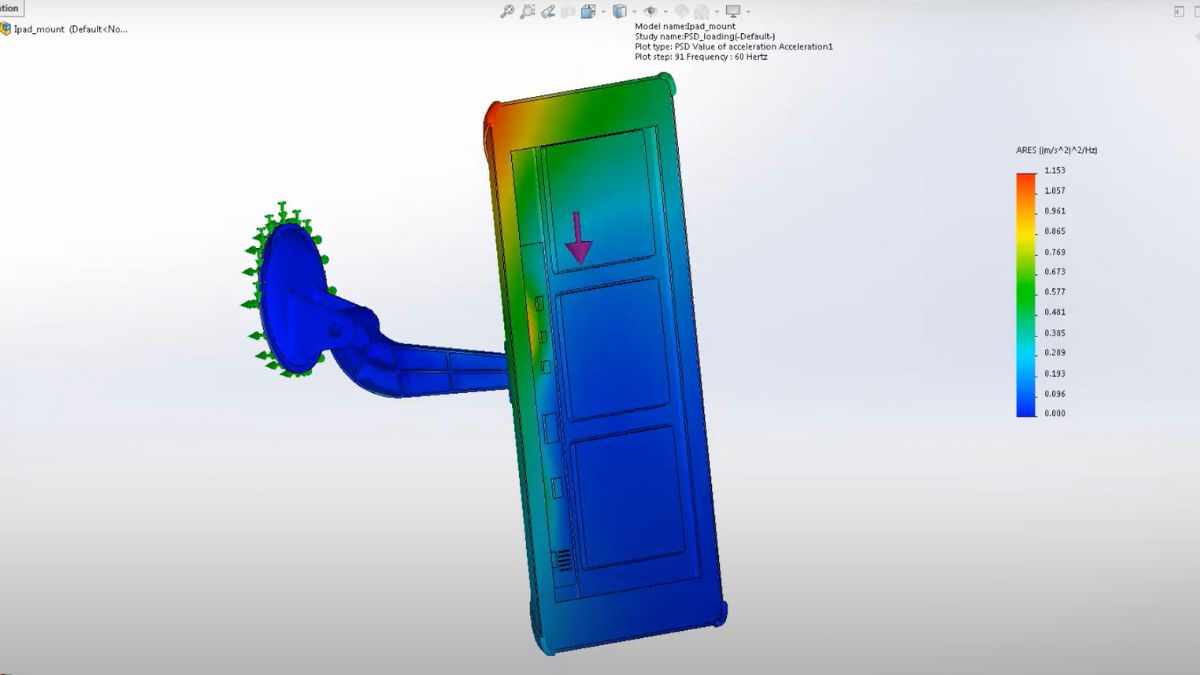
Pin Connector Force Results in Random Vibration
- Extract detailed Pin Connector forces in random vibration simulations
- Get a full-force breakdown, including shear force, axial force, bending moment, and torque
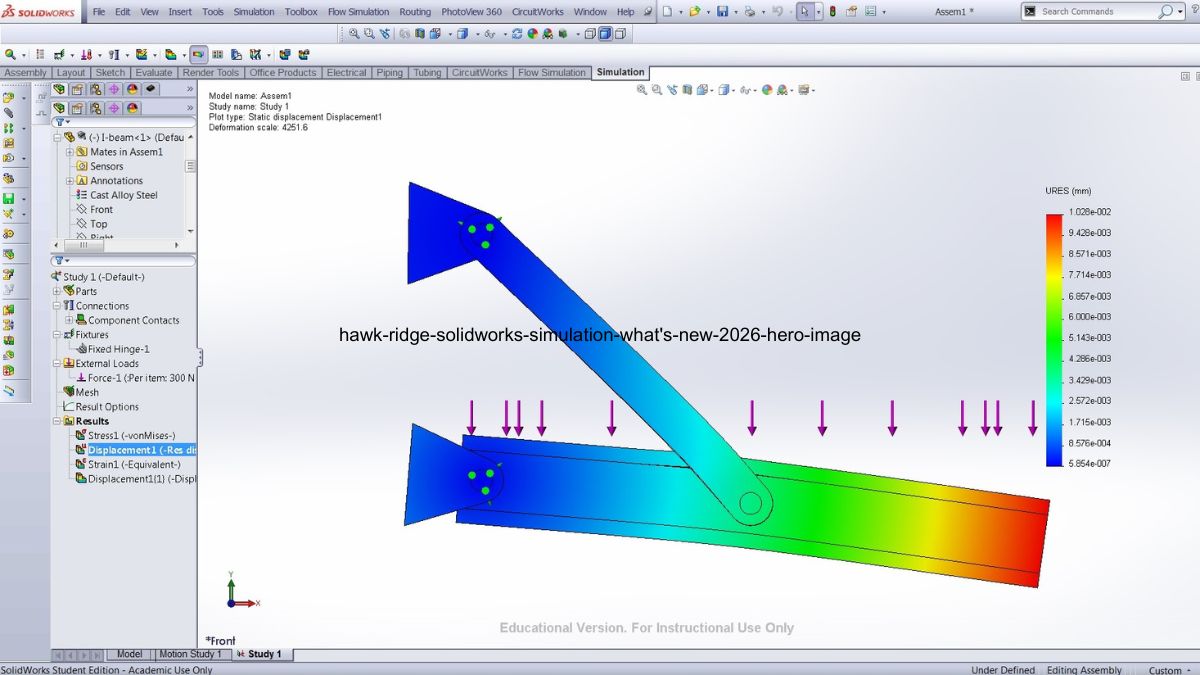
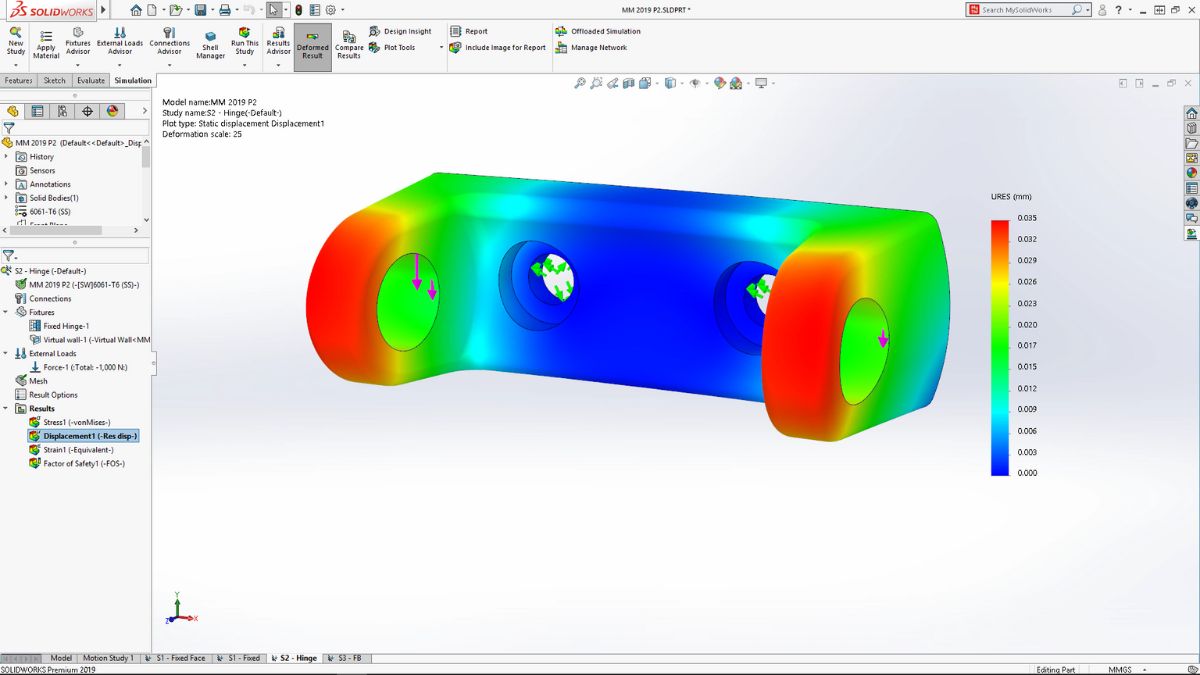
Angular Displacement Plot Options
- Plot angular rotation in degrees or radians for flexibility in how displacement data is displayed and interpreted
Validity Check Improvements
- Improve simulation reliability with clearer alerts for missing materials, invalid mesh controls, and incomplete fixture definitions
- Speed troubleshooting with one-click report deselection, faster stress diagnostics, and streamlined validation messaging
Shell Improvements
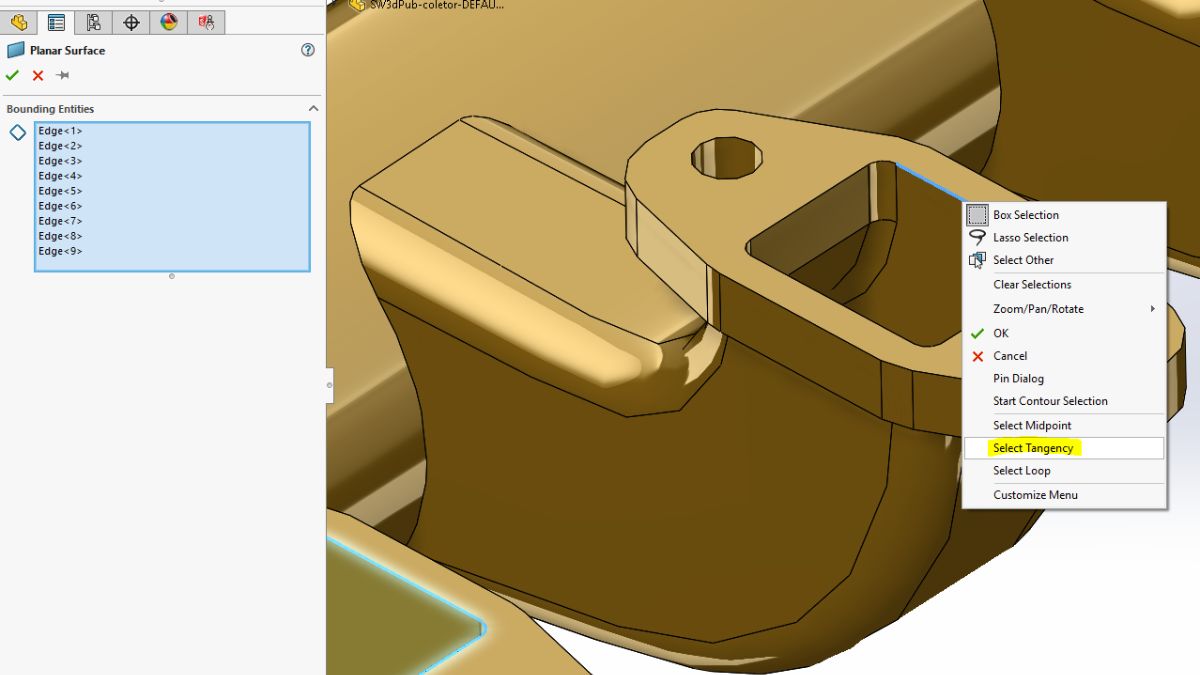
- Save setup time with global defaults for thick or thin shell definition
- Set distributed remote loads or mass on shell edges
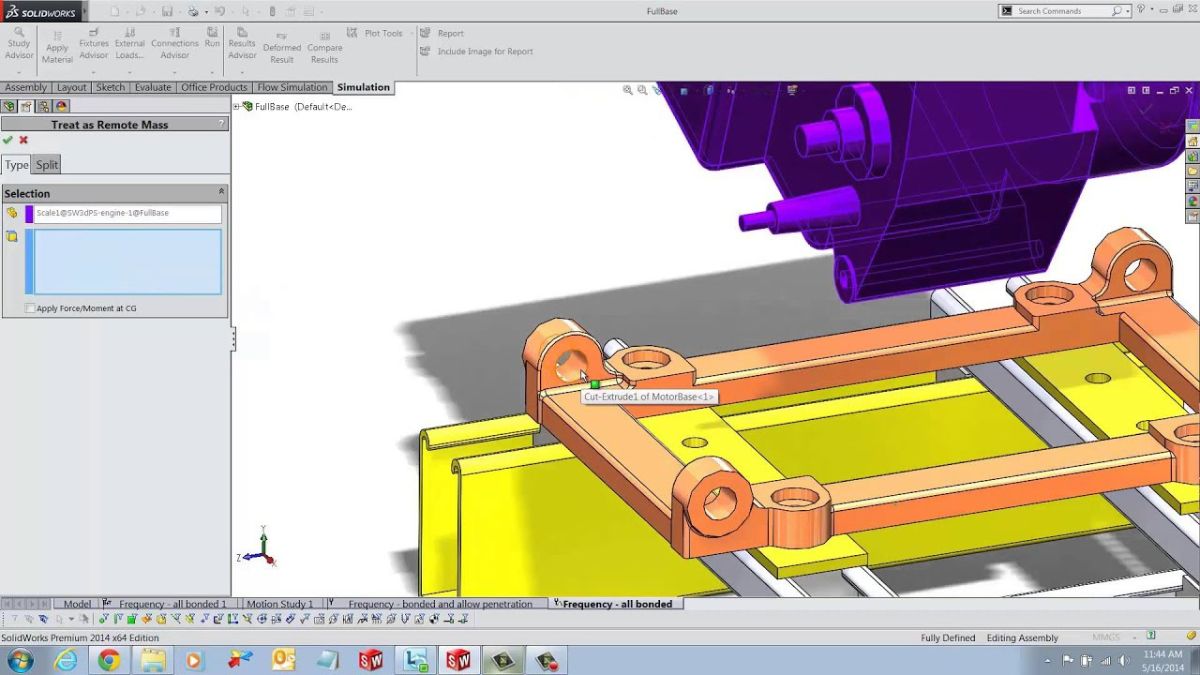
Remote Mass in Response Spectrum
- Apply remote masses as part of the response spectrum analysis
- Apply external mass to capture the effect of components not included in the mesh
2 New Enhancements in SOLIDWORKS Plastics
With the new releases, you can experience a 30% performance gain using SOLIDWORKS Plastics injection molding simulations. They help identify incomplete injection zones and predict short shots. You’ll also find new upgrades to define air vents, allowing you to achieve more realistic simulations.
Post-Processing Enhancements
- Check out the latest Unfilled Volume plots in fill simulation results alongside short-shot predictions
- Identify areas that remain unfilled due to incomplete material injection
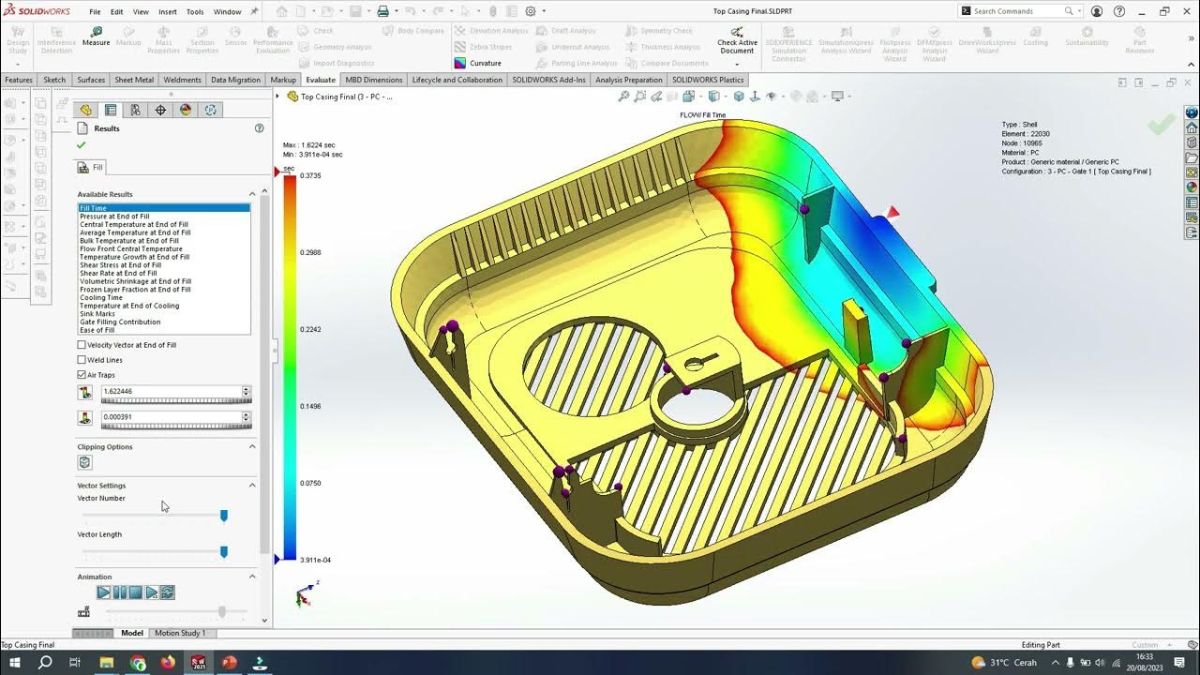
Edge-Based Air Vent Definition
- Define Air Vent boundary conditions directly on model edges for realistic venting analysis
- Apply vents to both Cavity and Cold Runner System domains to better reflect mold behavior
2 New Enhancements in SOLIDWORKS Flow Simulation
Thin gaps just got easier – now you can auto-fill them. And that’s not all. In SOLIDWORKS Flow Simulation, new updates let you track heat transfer paths more accurately in tightly packed or bonded components and quickly identify overheating parts or imbalanced heat sources.
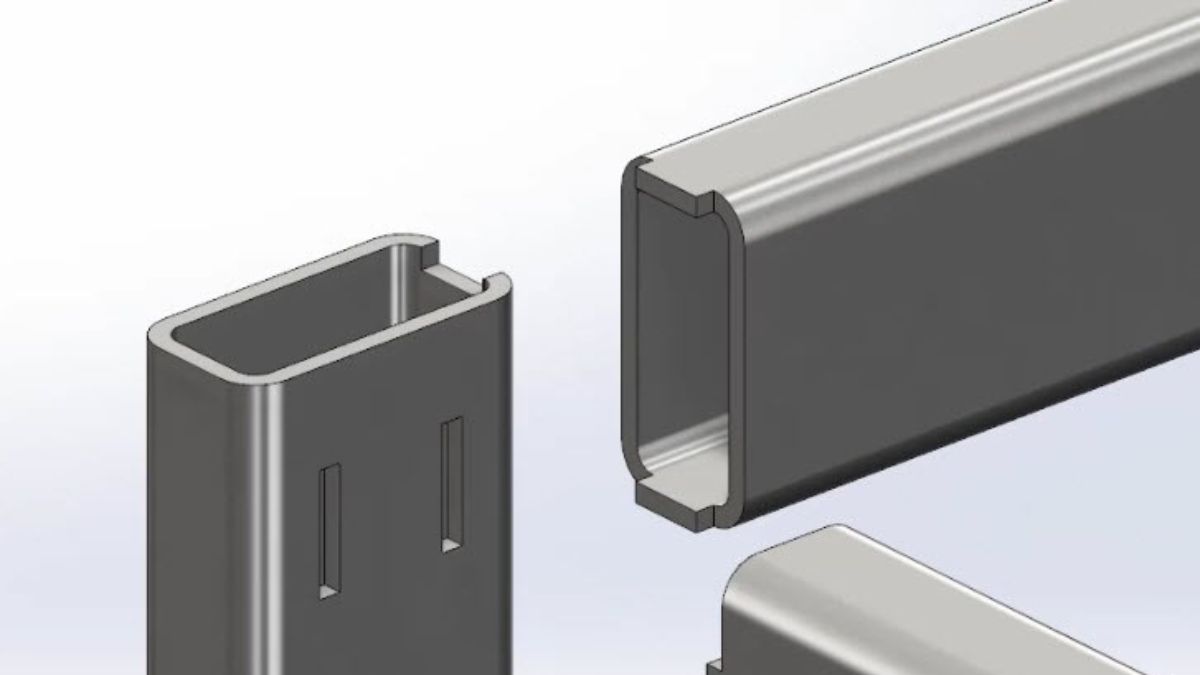
Fill Thin Slot Feature
- Fill thin gaps automatically with specified materials for more accurate thermal modeling
- Apply user-defined thickness thresholds to simulate real-world assemblies more precisely
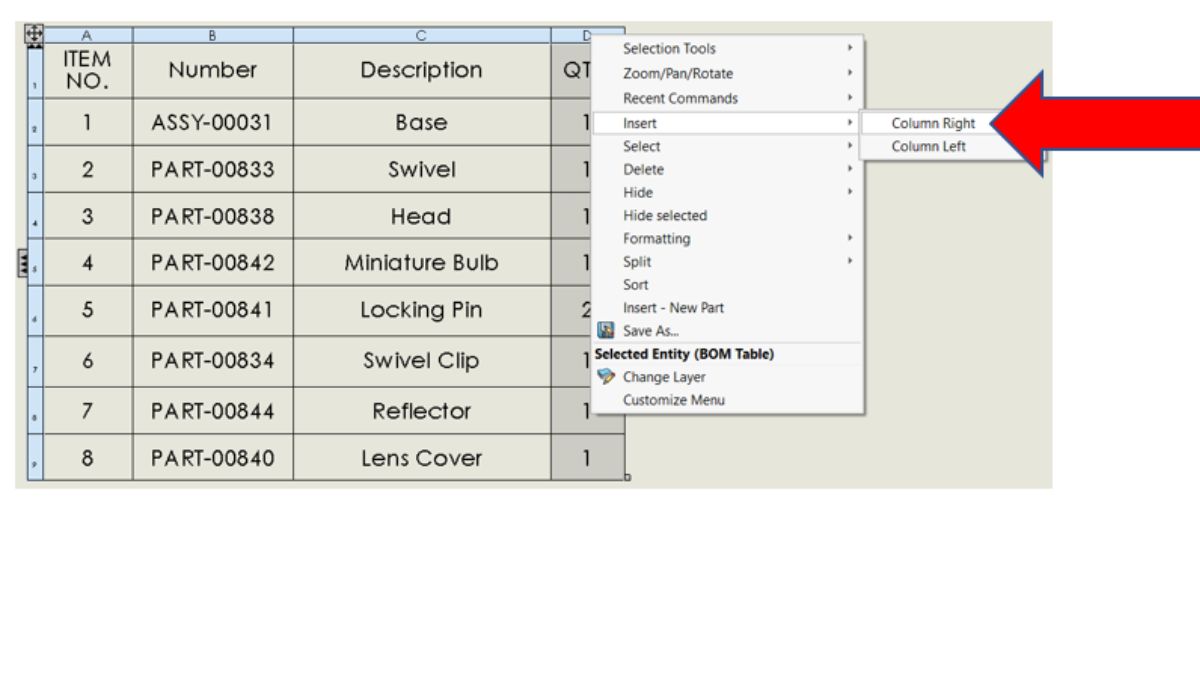
Component Explorer: New Columns
- View a summary of all component temperatures and surface sources in Component Explorer
- Gain faster insights into thermal performance
Explore More SOLIDWORKS 2026
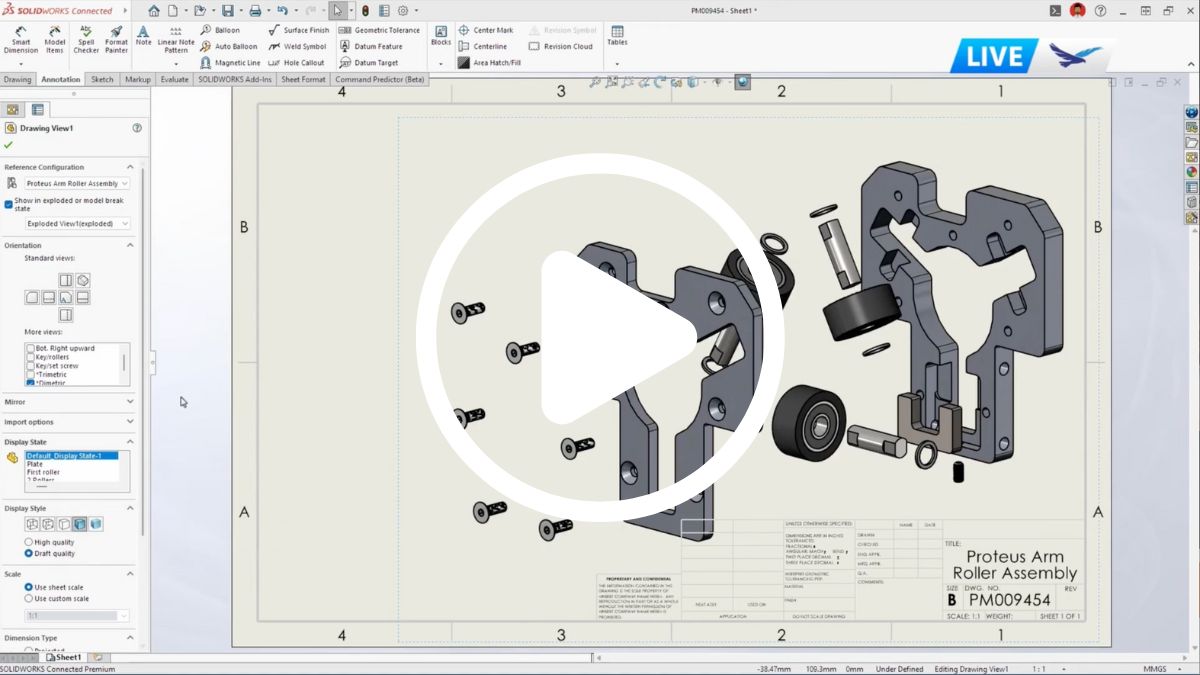
Pushing the Boundaries of Virtual Testing
In this webinar, we take a look at the latest updates in SOLIDWORKS Simulation, SOLIDWORKS Flow Simulation, SIMULIA Abaqus, and the 3DEXPERIENCE SIMULIA suite of tools. As these tools continue to evolve, with more advanced capabilities and improved workflows, it’s easier than ever to create realistic simulations.
Why Attend?
Stay Ahead of the Curve
Explore the newest updates in SOLIDWORKS Simulation, Flow Simulation, and SIMULIA that expand your analysis capabilities.
Work Smarter, Not Harder
See how improved interfaces and workflows make it easier to run complex studies with greater speed and accuracy.
Simulate with Confidence
Refine the way you work with global defaults, validity checks, new definitions, and automated enhancements.
Your Speakers

Terence Woo
Product Manager
Terence Woo, Product Manager, Finite Element Analysis at Hawk Ridge Systems, has extensive experience with the wide range of SOLIDWORKS and SIMULIA analysis tools and has helped our customers solve problems across many industries. He is located at our office in Vancouver, British Columbia. When he isn’t working on simulation models, he spends his free time skiing, golfing, rock-climbing, and playing hockey.