

The business card holder below was created as an example to illustrate the benefits of the Tab & Slot feature. An additional goal of the design was to create a finished product cheap enough to be used as giveaway items for marketing events.
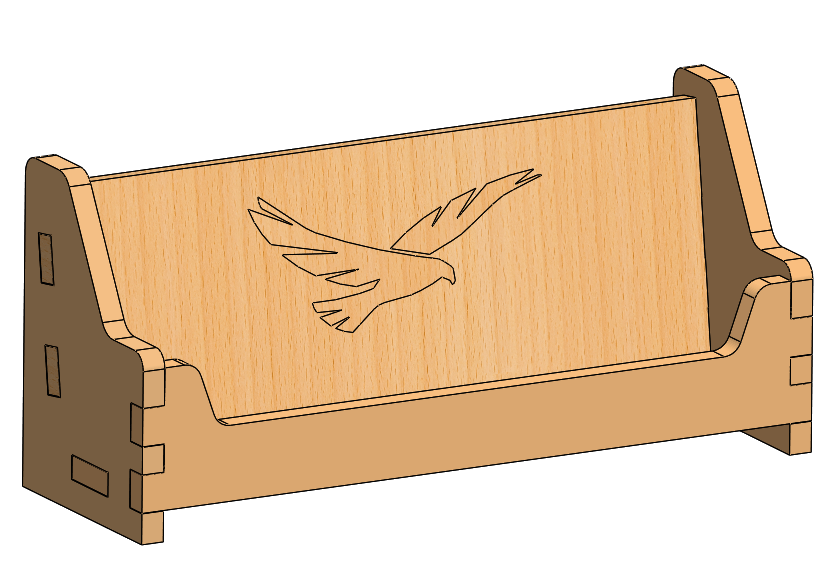
The Tab & Slot feature creates interlocking tabs for self-fixturing assembly design, which is particularly useful for sheet metal parts and assemblies. It can also be used for other solid bodies, as is the case in this simple woodworking example. For more details on how the feature works, check out our existing blog: What’s New SOLIDWORKS 2018: Tab and Slot Feature
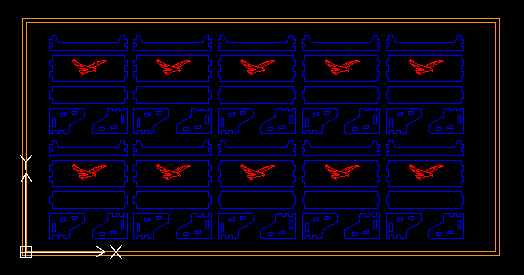
Once I was confident in the 3D design, it was time to get it into a 2D format for the laser cutter. I exported the individual bodies as DXF format and brought them into DraftSight (the free 2D CAD tool) for final preparations. I matched the parts against the vendor’s cutting template, and assigned entities to proper layers for cutting vs etching.
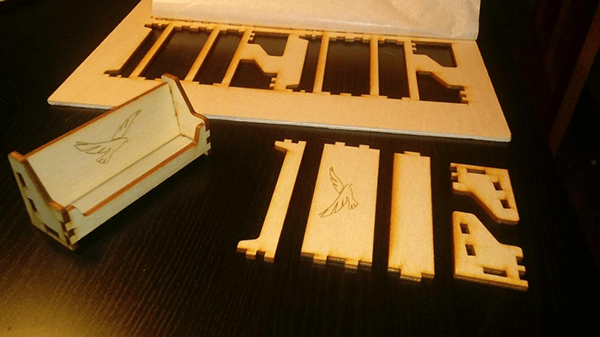
Below you can see the finished parts cut from 1/8” Birch plywood. I used a popular online vendor for hobbyist laser cutting, and the cost worked out to $2 per business card holder- right down there with some of the cheapest promo items! Thanks to the digital nature of the manufacturing process, each business card holder could potentially be engraved with individualized names for virtually no added cost.
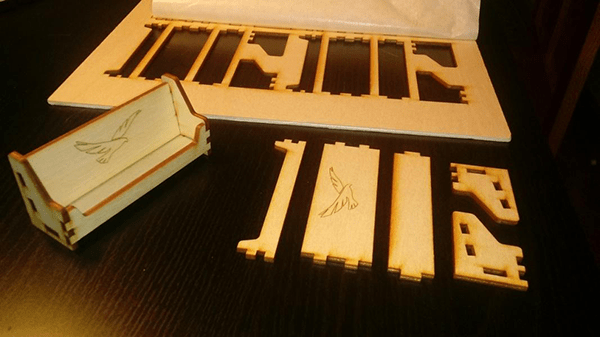
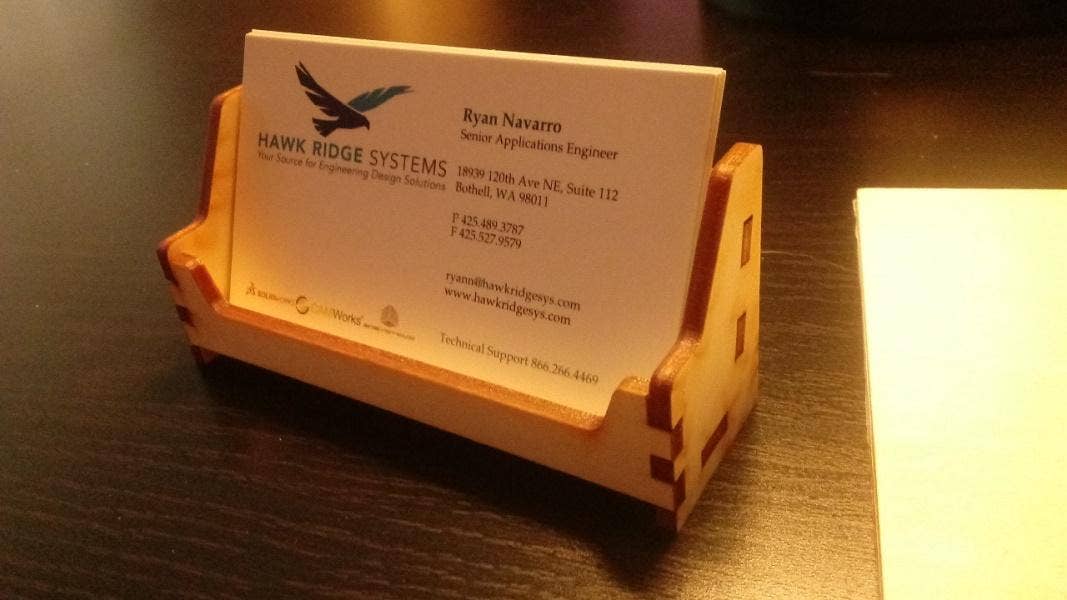
It’s worth noting that I was only intending to use the tabs for alignment, as the clearance value of approximately .002” resulted in a somewhat loose fit. To secure the parts I applied small dots of cyanoacrylate (engineer speak for superglue) on each tab prior to final assembly. I was quite happy with the end result!
For more information, request a SOLIDWORKS 3D CAD quote or contact us at Hawk Ridge Systems today. Thanks for reading!
Put your next design into motion
Explore solutions and expert guidance for your application.
Ask an Engineer
Written by Ryan Navarro
Ryan Navarro is a mechanical engineer and an avid SOLIDWORKS user since 2007. As product manager for CFD analysis, he specializes in complex simulations related to fluid flow, as well as structural interactions and mold filling.