SOLIDWORKS Certified Gold Product

CAMWorks

Simplify product-to-market workflows through smart automation and full CNC programming capabilities directly inside SOLIDWORKS.

Get Pricing

Get Pricing Sent to You Today

Thank you for your interest in Hawk Ridge Systems! We will be in touch with you shortly.

While you are waiting, check out our Resource Center or read our Blog!
success
 

Powerful CNC Programming to Aid Your CAD

CAMWorks is a robust CAM and CNC programming software that delivers a fully integrated solution for turning 3D CAD models into CNC parts with precision and efficiency.

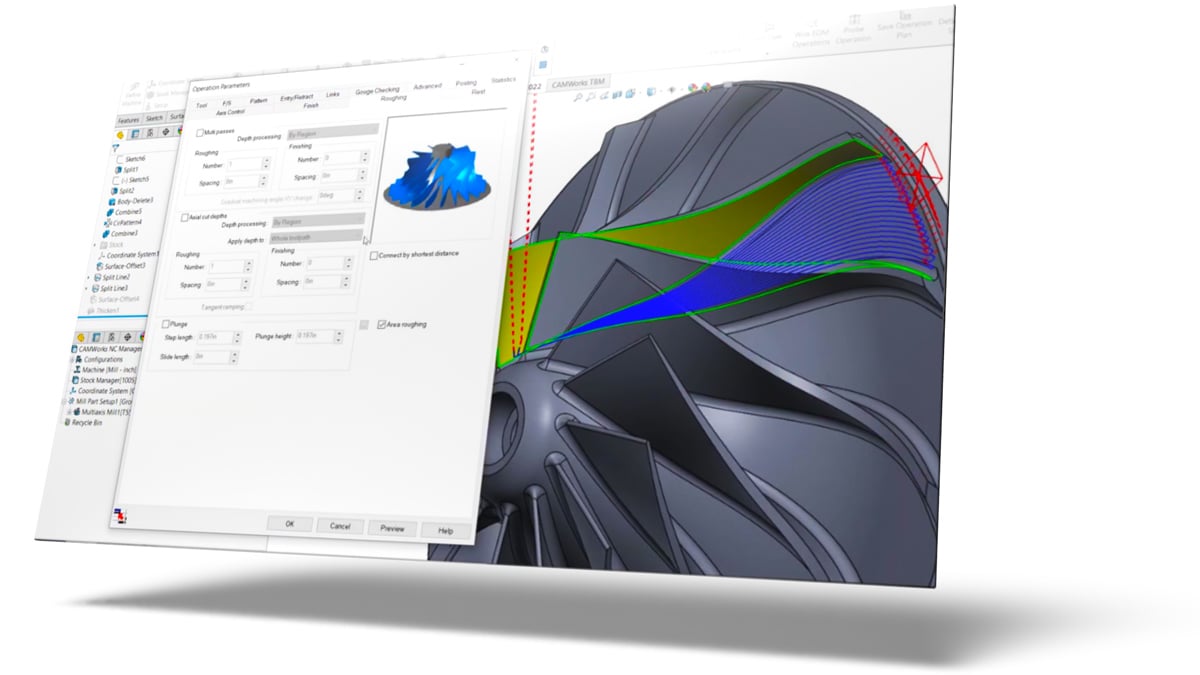
By leveraging SOLIDWORKS integration and design associativity, your design changes are automatically recognized, triggering instant toolpath and operation updates to minimize rework. Advanced feature recognition (AFR) and knowledge-based machining (KBM) in CAMWorks trim CNC programming time, standardize workflows, and reduce cycle times for both milling and turning operations.

camworks turbine

Key Benefits

To compare all CAMWorks packages, download our comprehensive CAMWorks product matrix.

Integrated CAD & CAM

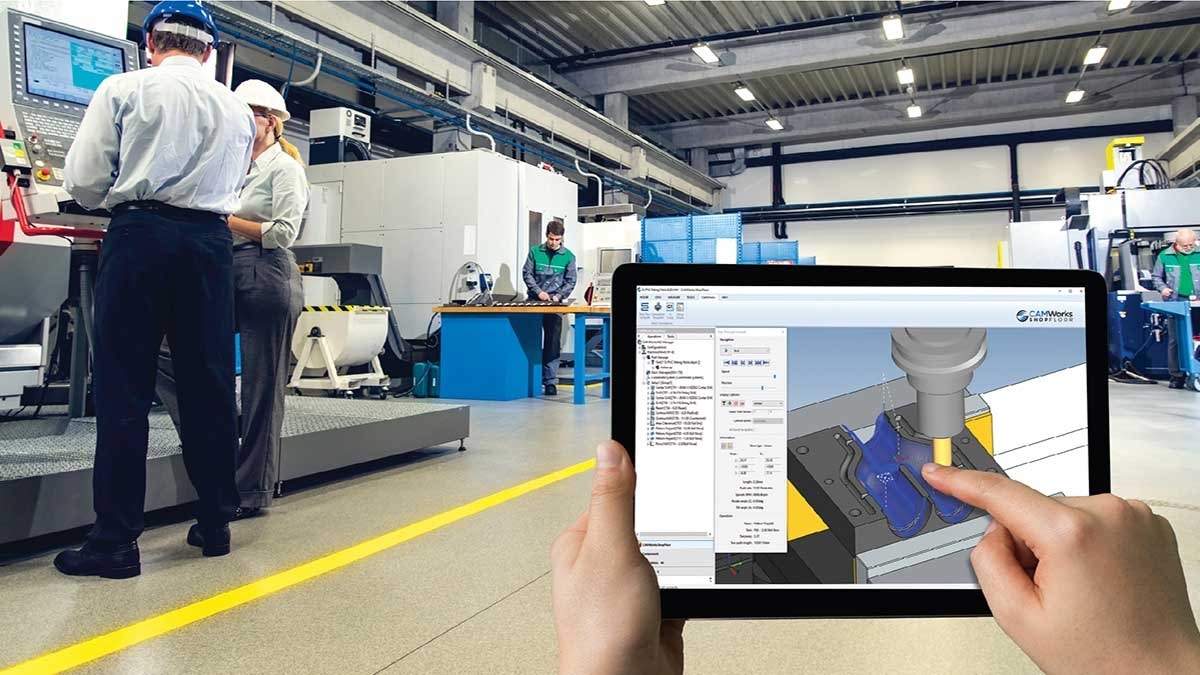
Full associativity between CAD and CAM software means that when the CAD model changes, updates are automatically made to the CAM toolpath, eliminating manual re-work (and the associated errors). 

Tolerance-Based Machining (TBM)

Minimize errors and inconsistencies by automatically generating machine programs from 3D CAD models, using tolerances and annotations to select the right tools and speeds for the best toolpath.

Automatic Feature Recognition (AFR)

Automatically recognize machinable features on the CAD model, such as holes and pockets, to eliminate manual work to map out features and reduce programming time.

Knowledge-Based Machining (KBM)

Define repeatable machining processes to help accelerate programming. 

Custom CAMWorks APIs

Automate and streamline programming processes, based on your specific requirements, through a custom set of defined rules. 

Reduce Cycle Times

Leverage the VoluMill technology for high-speed material removal for smoother and faster machining performance. 


Pushing the Limits On and Off the Track: RPG Customer Story

RPG Offroad is an automotive company pushing the envelope in vehicle manufacturing by leveraging cutting-edge technology like SOLIDWORKS and CAMWorks. Corey Kausch and the team transitioned from outsourcing expensive machining work to bringing production in-house.

Today, the team has drastically reduced time and costs, streamlined processes with rapid design modifications and maximized tool life for years to come using CAMWorks VoluMill.
Keep On Learning

Manufacturing Resources

Frequently Asked Questions

What’s the difference between SOLIDWORKS CAM and CAMWorks?

CAMWorks builds upon the CAM capabilities in SOLIDWORKS CAM, which offers essential tools like SOLIDWORKS design associativity, standard 2.5 axis milling operations and basic turning for part and assembly files (depending on package level), and the automatic feature recognition (AFR) to automatically recognize machinable features on CAD models (such as holes and pockets).

CAMWorks will give you access to more advanced turning and milling (up to 5 axis, depending on package level), tools for lathing operations, sub-spindle programming, and much more.

You can’t go wrong with either of these CAM software. It depends on what you want to accomplish with your CAM and CNC machining. We can help you decide which one is best for you. Contact us.

What are the key benefits of your CAM solutions portfolio?

One great benefit of our CAM solutions portfolio is the flexibility it offers programmers in selecting the right level for their machining needs.

Whether you’re just starting out with entry-level machining using SOLIDWORKS CAM or require more advanced capabilities like 3D to 5-axis machining with CAMWorks, we have the perfect solutions to match your requirements.

Are there any special hardware requirements for CAMWorks?

No, the hardware requirements are the same as those for SOLIDWORKS.

Will CAMWorks work for my CNC machine?

It depends. A post processor is needed because it translates the CAM data into NC code that your machine controller can read. CAMWorks comes with standard post processors,

We at Hawk Ridge Systems has free post processors available for download, and additional post processors can be purchased and supported through Hawk Ridge Systems.

What file types can I program?

If the file type can be brought into SOLIDWORKS as solid bodies or surfaces, it can be programmed with CAMWorks.

How can I purchase CAMWorks licenses?

There are three ways to purchase CAMWorks licenses:

  1. A hardware dongle, which is a USB device that plugs directly into a computer.

  2. A standalone locked node, which is a single software type license that is linked to the MAC address of the client computer.

  3. A floating network license, which is one or more seats of the software that is licensed to the MAC address of a server. The client computer checks out the license to use it and returns it when it is completed, enabling multiple computers to utilize the license (floating it back and forth).

Is CAMWorks easy to learn?

Yes, CAMWorks is designed to be easy to learn and comes with self-paced tutorials. Hawk Ridge System offers additional training classes, webinars, and blogs for learning resources. We also offer SolidProfessor on-demand training content, so you can view training materials whenever and wherever it is convenient for you.

Engineering Success Together

Services & Customer Benefits

CAMWorks Licenses Discounts

Offer Ends 12/27!