How to Tell If Your Manufacturing Process Is Really Connected
If one small design change causes downstream chaos — wrong-revision builds, mismatched BOMs, late shipments — your systems aren’t truly connected. Connected manufacturing means everything flows, so a change updates everywhere automatically. Below are the five signs we see in the field that give away disconnected manufacturing workflows, what each costs, and the first move to fix it. The common thread: your data breaks at the hand-offs between design, engineering, and the floor.
Run through the five. If two or more sound familiar, you have more manufacturing data silos than you think — and they’re costing you more than you think.
Sign 1: Engineering Changes Don’t Flow Downstream Automatically
You approve a change. Days later, someone machines parts against the old revision because the update lived in an email or another computer. In manufacturing, that’s not a nuisance — it’s scrap, nonconforming parts, and a digital trail no one can reconstruct without a lot of manual work.
How to Fix: Connect design to manufacturing so the shop runs from the current model, not a stale file that lived in someone’s inbox.
When CAM is tied to the CAD definition — with a tool like CAMWorks — toolpaths and setups follow the live design. A change upstream updates what gets cut downstream, instead of someone machining last week’s revision.
Sign 2: You’re Still Emailing Spreadsheets Between Teams
If BOMs, work instructions, or status updates travel as attachments, you don’t have a single source of truth. You have as many versions as there are inboxes. This is the most common form manufacturing data silos take, because nobody ever decided to build a silo — it just accumulates.
How to Fix: Move recurring documents out of email and into the system that owns the data. That system is PDM: one vault, controlled revisions, one current version.
Knapheide did exactly this. SOLIDWORKS PDM gave them a structured workflow with multiple transitions, and the team can go back to previous versions when a customer changes direction. CAD Administrator Marty Ohnemus: “We’re a fast-moving environment and a lot of the business is both custom and standard. We can make changes for the customer and go back to previous versions. It all speeds up the process.”
Sign 3: You Don’t Have Real-Time Production Visibility
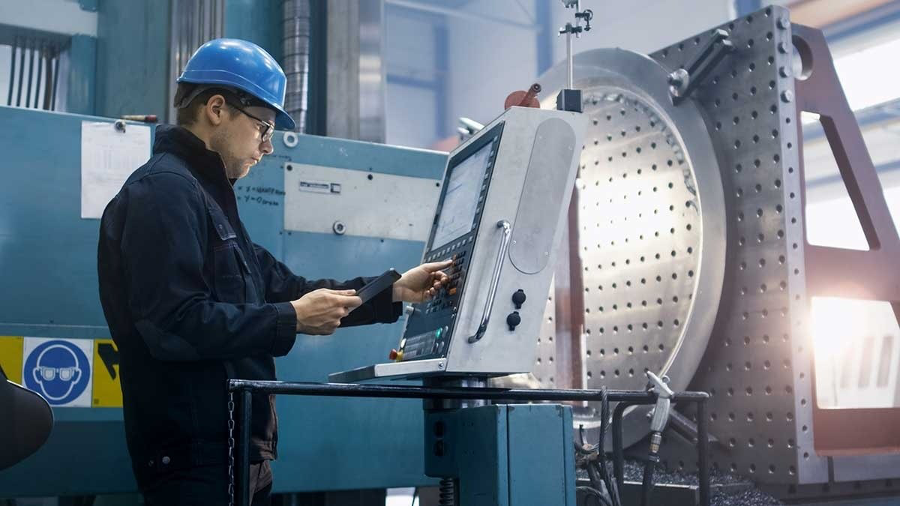
If the floor reacts to problems only after they happen — a missing part, a stalled line — you’re running on yesterday’s information. That forces “just in case” inventory and firefighting.
How to Fix: Make one high-pain metric real-time before fixing everything. A manufacturing execution system like DELMIAWorks (ERP/MES) or the broader DELMIA portfolio is built for exactly this.
Dassault Systèmes markets a 15% throughput improvement from real-time synchronization with production and MES data, plus an 80% reduction in inventory variances and a 30% increase in inventory turns. Those are vendor-reported figures — set your own baseline first so you can show the ROI.
Sign 4: Every Department Has Its Own Single Source of Truth

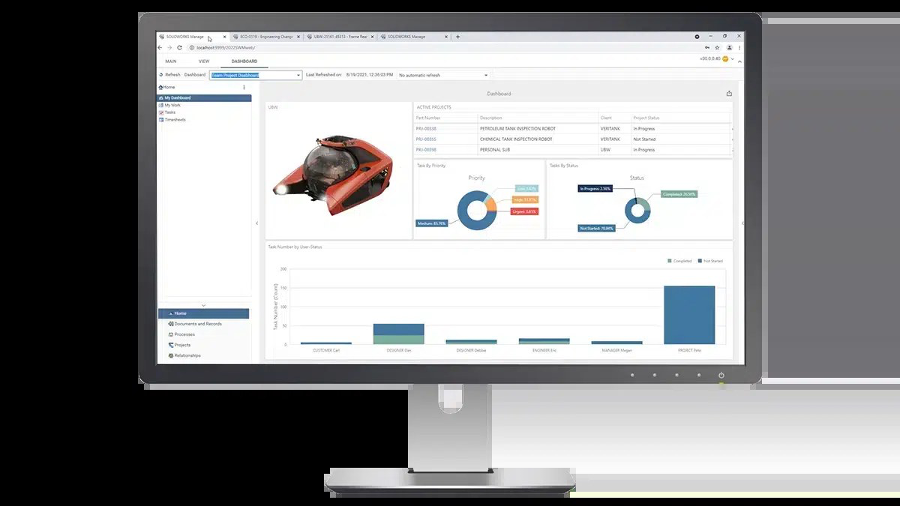
Engineering keeps its BOM, purchasing keeps a different one, operations keeps a third. When the same part number means three things, someone is always wrong — and finding out costs a meeting. This is what siloed systems look like from the inside: everyone is right, locally.
How to Fix: Consolidate onto a record-based system that unifies BOMs, items, and processes above the file level.
A PLM layer like SOLIDWORKS Manage on Desktop or the Cloud PLM offering on the 3DEXPERIENCE platform generates a flat purchasing BOM with a click and ties one change to every affected item.
Free download — The Data Management Solutions Workbook: Which One Is Right for You?, a practical self-assessment for teams deciding whether it’s time to move beyond file management.
Sign 5: Your KPIs Lag Reality by Days or Weeks
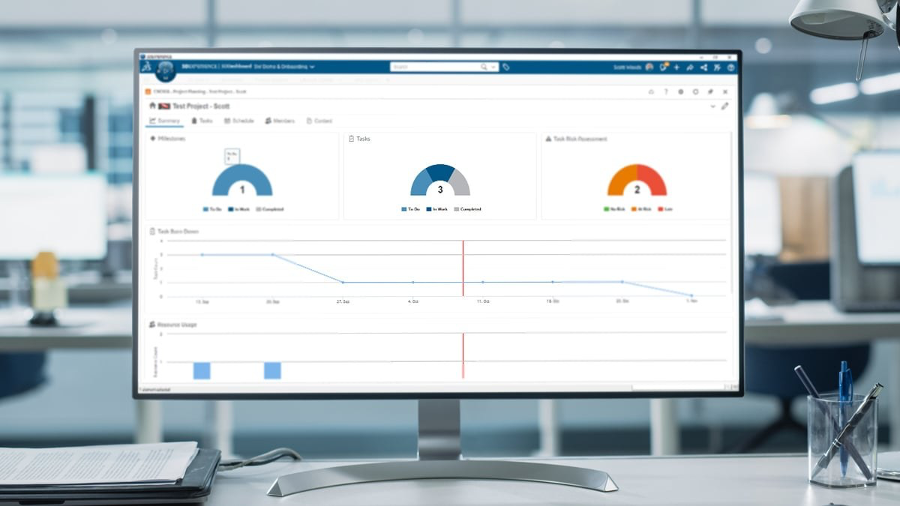
If you learn about a bottleneck when the monthly report lands, you’re steering by the rear-view mirror. Late KPIs let problems compound before anyone can act.
How to Fix: Build dashboards off the systems where the work happens (PDM/PLM, CAM, MES), not off hand-assembled spreadsheets.
Start with the one report your team rebuilds by hand every week. That single report is usually where real-time production visibility pays for itself first.
What Connected Manufacturing Actually Looks Like
One property: information is captured once and stays true everywhere. A change propagates to the BOM, the floor, and the dashboard without a human relaying it. Nobody hunts for the current revision, because there’s only one.
The through-line: connected data creates connected workflows, and connected workflows create manufacturing agility. That’s the whole point.
When data flows and tools like AURA — the AI virtual companion in SOLIDWORKS — help engineers find answers instead of digging, they spend less time searching and more time designing. Less friction. More throughput.
Run This 15-Minute Self-Check
- Trace your last released change from approval to the floor. How many manual steps and re-keyings did it take?
- Ask three departments for the BOM on one active product. Do they match exactly?
- Name the one report your team rebuilds by hand most often. That’s your first automation target.
- Count how many places someone checks to answer “What’s the status of this order?” More than one is a silo.
See Where Your Workflow Breaks
If two or more signs landed, the disconnect is already costing you. Talk to our team for a Business Assessment, or explore data management and connected manufacturing solutions. Contact Us to learn more about Business Assessments.
Quick Answers
What Is Connected Manufacturing?
A manufacturing operation where product and production data is captured once and flows automatically between design, engineering, purchasing, and the floor — so a change updates everywhere without anyone re-entering it.
Is a PDM System Enough to Be Connected?
PDM is the foundation — it controls CAD files and revisions. But connecting purchasing, project tasks, and non-engineering stakeholders usually needs a PLM layer on top so everyone works from one record, not just one file vault.
How Do I Know if My Data Is Connected or Just Digitized?
Digitized means the data exists in a digital system. Connected means a change in one place updates everywhere without manual re-entry. If you email files or re-key between systems, you’re digitized but not connected.
What Are Manufacturing Data Silos?
Systems or departments that hold their own copy of the same information with no automatic link between them — engineering’s BOM, purchasing’s BOM, operations’ spreadsheet. Siloed systems aren’t usually built on purpose; they accumulate.
What Does Poor Version Control Actually Cost?
The visible cost is scrap and rework from building the wrong revision. The hidden costs are quality-review time, delayed shipments, and lost customer trust — which is why controlled revision management usually pays for itself fast.
Is This Only a Big-Manufacturer Problem?
No — smaller shops feel it faster, because one wrong-revision build is a bigger share of capacity. The fixes scale down too.
Where Do Most Disconnects Happen?
At the hand-offs: design to engineering, engineering to the floor, engineering to purchasing. Those seams are where data has to be copied or re-explained to move forward.