
Eureka
Get Pricing Sent to You Today
While you are waiting, check out our Resource Center or read our Blog!

Increase CNC Machine Productivity and Avoid Collisions
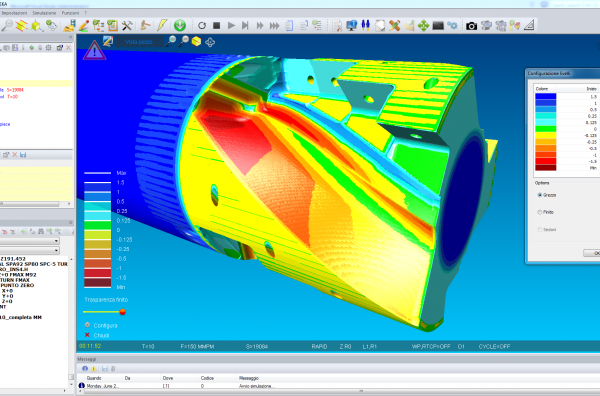
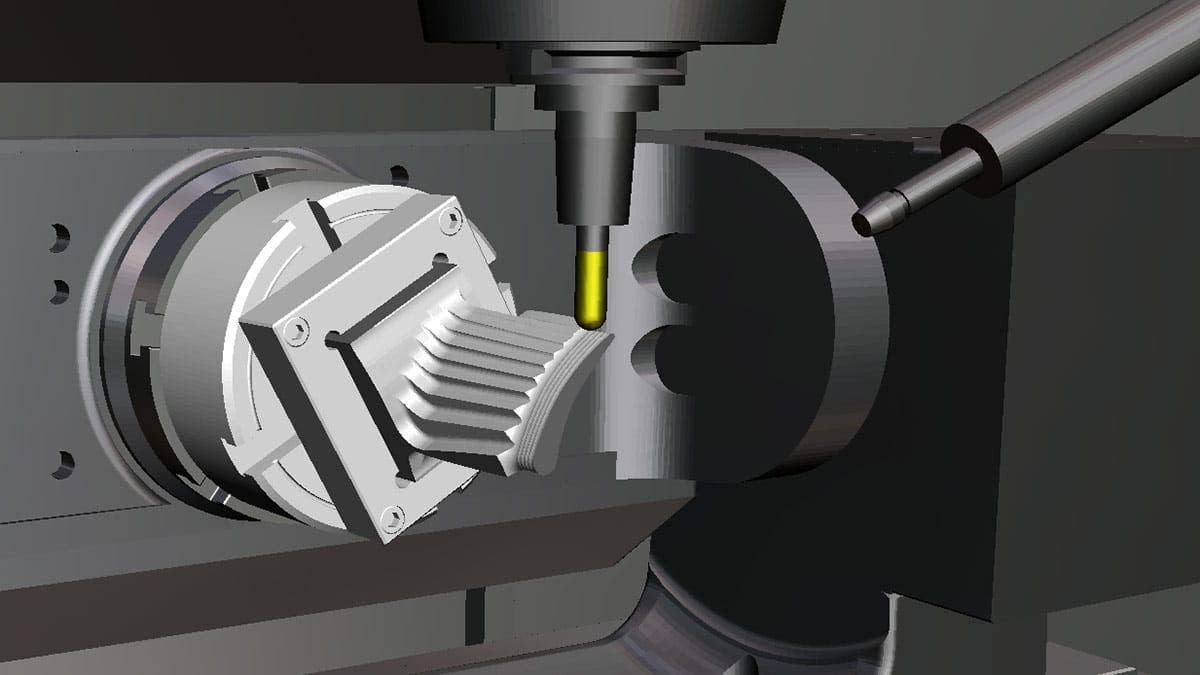
Eureka software puts a digital replica of your workshop machines on your computer, so you can test programs quickly without disrupting production or risking damage to workpieces and tooling from programming errors.
Eureka G-Code
Eureka G-Code is a leading NC simulation solution for precise digital twin of the machine tool and CNC controller for thorough program preparation and verification. What you see in simulation is what the controller will actually run.
Eureka Robot
Eureka Robot combines a 6-axis robot’s flexibility with CNC machine-center technology, converting CAM-generated APT code into a program for robot cells. It calculates optimal movements and simulates the full machining process for comprehensive, collision-free planning.
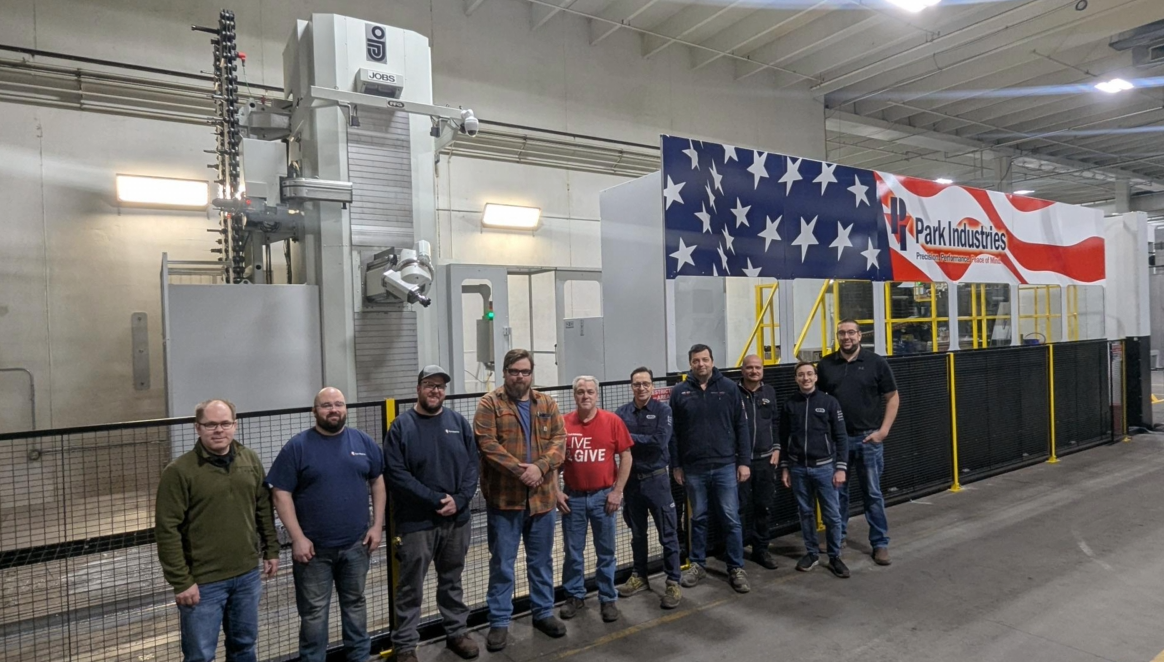
Zero Collision Surprises: How Park Industries Masters Large-Part Machining with Eureka
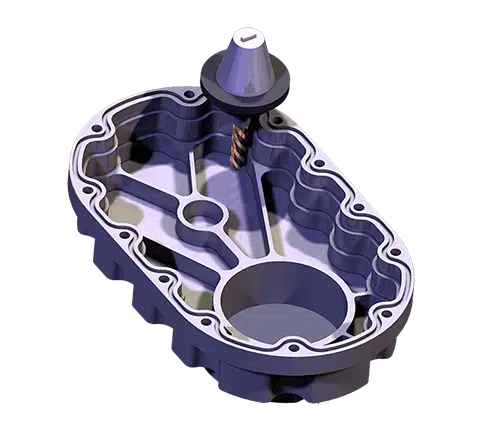
Park Industries has served the stoneworking industry for more than 70 years, building advanced CNC saws, splitters, routers, and waterjet systems. It also machines its own large structural components — bases, bridges, and weldments up to 22 feet long — on multimillion-dollar portal milling systems that span as much as 70 feet of travel.
By rebuilding accurate digital twins of its large, highly customized machine tools inside Eureka Simulation, Park transformed its validation process — and built its A.C.E. (Adaptive Cutting Environment) programming architecture around the confidence Eureka provides.
- Zero approach or collision surprises on new programs
- 1–2 days of physical machine validation eliminated per complex job
- Advanced probing, arithmetic, and automation logic validated offline
- Improved rigidity through optimized quill length, verified in simulation
Manufacturing Resources
Are Your CAM Tools Working Together? They Should Be.
Watch Webinar
Introduction to SOLIDWORKS CAM
Watch Video
Meet the CNC Programmer Powering the Machines at Park Industries
Read Interview
3 Strategies to Master for Future Manufacturing Success
Download GuideFrequently Asked Questions
CNC machines are complex and expensive. Four- and five-axis mills and live-tool lathes have many components moving rapidly in a small space. Simulation catches programming errors before they damage your tooling and machine. It doesn’t just prevent crashes — because the simulation runs on your computer, the machine can keep cutting parts while you verify the next program.
Yes. Eureka reads the code, interprets the commands, and simulates the movements exactly as the controller will execute them.
You don’t. Once your part is programmed in CAMWorks, just choose Machine Simulation from the right-click menu and the simulation is set up for you. The stock, parts, fixtures, tooling, program, and offsets are passed directly to Eureka — you only need to click Play.
Unlike many other machine simulators, Eureka reads directly off the G-code, so you can hand-write code or use your CAM system’s post processor. Other simulators often require an APT post processor that translates your program to APT, simulates the APT, and then post-processes again to produce G-code — introducing translation gaps. Eureka also offers a cost-effective option that simulates from APT code, and the CAMWorks APT post processor is supplied with that simulator.
Yes. Eureka Robot converts APT code generated by a CAM system into a program for a 6-or-more-axis robot cell using a dedicated postprocessing module. During conversion, Eureka calculates the optimal movements of the robot and external axes and simulates all aspects of the machining. It detects problems like singularities, collisions, and out-of-limits conditions, with easy-to-use tools to resolve them. Collisions account for all parts, including the machined stock. Eureka Robot supports any number of external axes (rotary tables, linear rails, etc.), automatic tool changes, multiple spindles, shared motors, fixed tools, and robot-mounted parts.
A wide range of controllers are supported, including Fanuc, Haas, Siemens, Heidenhain, Okuma, Mazak, Mitsubishi, Osai, Allen Bradley, and Fagor, among others.
CAM toolpath simulation shows the ideal toolpath your CAM system planned — before it is posted to a specific machine and controller. True G-code simulation, like Eureka, runs the actual posted NC program on a digital twin of your exact machine and controller. That difference matters: post-processor quirks, machine travel and soft limits, rotary configurations, operator edits, and custom macros can all change what really happens at the machine. Eureka verifies the code that actually drives the spindle — not just the toolpath that preceded it.
Program the part as you normally would in CAMWorks or your CAM system, then verify the posted G-code in Eureka against a digital twin of your specific machine — including its kinematics, axis limits, rotary configuration, fixtures, tooling, and stock. Eureka checks collisions for the machine, tool, holder, fixtures, stock, and finished part, and flags over-travel and soft-limit problems before cycle start. It supports 3-axis through full 5-axis mills, multi-turret mill-turns with simultaneous B-axis, Swiss-type lathes, multi-channel machines, and large portal mills.
Yes — two options. Eureka Viewer is free: save a simulation to a file and play it back on any computer or mobile device without an Eureka license, which is ideal for the shop floor and setup. There is also a free 3-axis (3X) version of Eureka that lets students, educators, and smaller shops experience true G-code simulation at no cost. Hawk Ridge Systems can help you choose the right level as your needs grow.
Eureka completes the digital manufacturing chain for SOLIDWORKS and CAMWorks shops: design in SOLIDWORKS, program and post in CAMWorks, then verify the posted G-code in Eureka before it reaches the machine. In fact, CAMWorks uses Eureka to power its built-in Machine Simulation, so the handoff is essentially one click. The result is fewer prove-out hours, less risk to expensive equipment, standardized NC output, and the confidence to take on more complex multi-axis work. Hawk Ridge Systems supports the whole workflow — including CAMWorks post-processor development tuned to your machines.
Services & Customer Benefits
Technical Support
Our global support team efficiently addresses your needs. We’re here to minimize downtime and costs when your machines encounter issues. If we supply a post processor, expect ongoing support and updates throughout your contract.
Unmatched Training
Our Certified CAM trainers draw from extensive software and real-world machining experience for your productivity. Choose from various training options, including self-paced, instructor-led, and private, tailored to your needs and learning style.
Professional Services
We offer comprehensive CAM and CNC machining software services, including swift implementation, free or customized post processors for seamless software-machine integration, and personalized consulting for ongoing productivity.