LIMITED-TIME OFFER! Save Up to 28% on SOLIDWORKS Perpetual Licenses
Save Now
On-Demand Webinar
Working With CATIA Files in SOLIDWORKS 3D CAD
Collaboration Made Easy
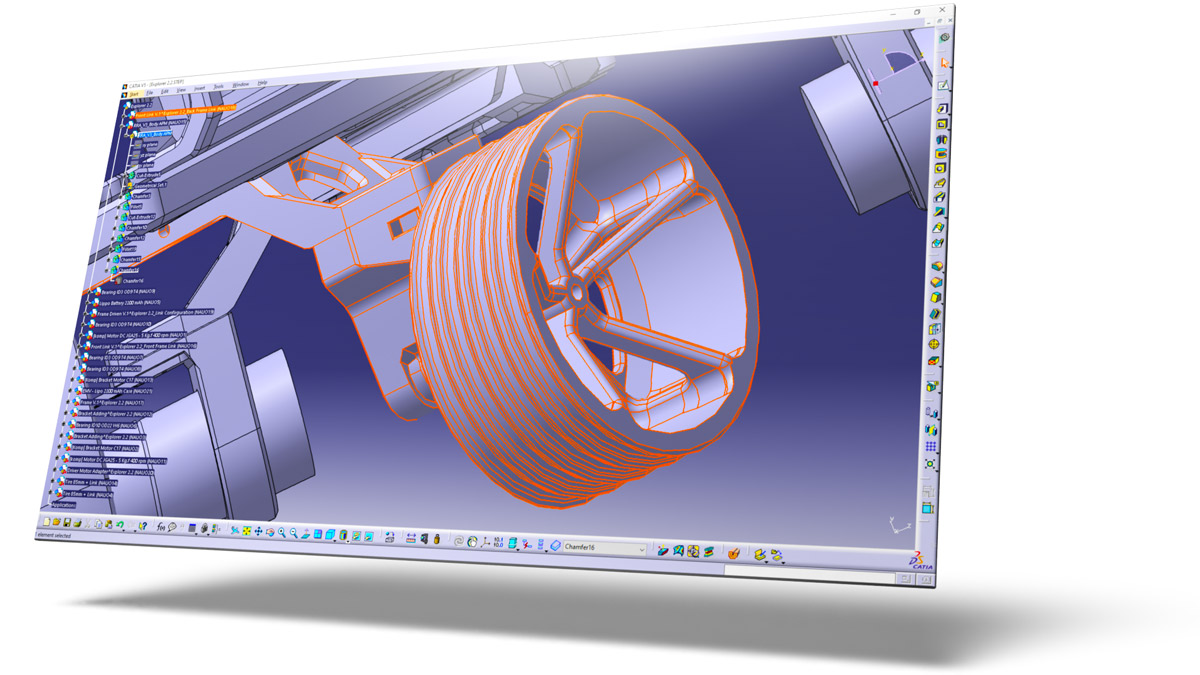
Do you commonly work with suppliers or customers whose primarily use CATIA for mechanical design? SOLIDWORKS has long been able to import a wide variety of other CAD formats, including .catpart and .catproduct files from CATIA V5- join us for a look at the best practices for this workflow as well as some recent enhancements that have made collaboration between these popular tools easier than ever.
What You Will Learn
SOLIDWORKS users who have been sent CATIA files
Mechanical designers in the Aerospace or Automotive industry
CATIA users who are looking to learn SOLIDWORKS
Your Speakers

Damon Tordini
Product Portfolio Manager
Damon Tordini is our Product Portfolio Manager based out of Hawk Ridge Systems’ Costa Mesa, California office. Damon received the SOLIDWORKS Elite Applications Engineer award in 2012 and is a two-time presenter at SOLIDWORKS World. When he's not waiting for his last simulation to finish, you can probably find him making some kind of noise which he claims is music.

Joe Detlefsen
Applications Engineer
Joe Detlefsen works as an Applications Engineer in Hawk Ridge Systems' Columbus, Ohio office. Joe graduated from Western Washington University with a degree in Manufacturing Engineering and has been a CATIA user in industry for four years. He has a background in design, R&D, and fabrication and has worked in the automobile business for many years.